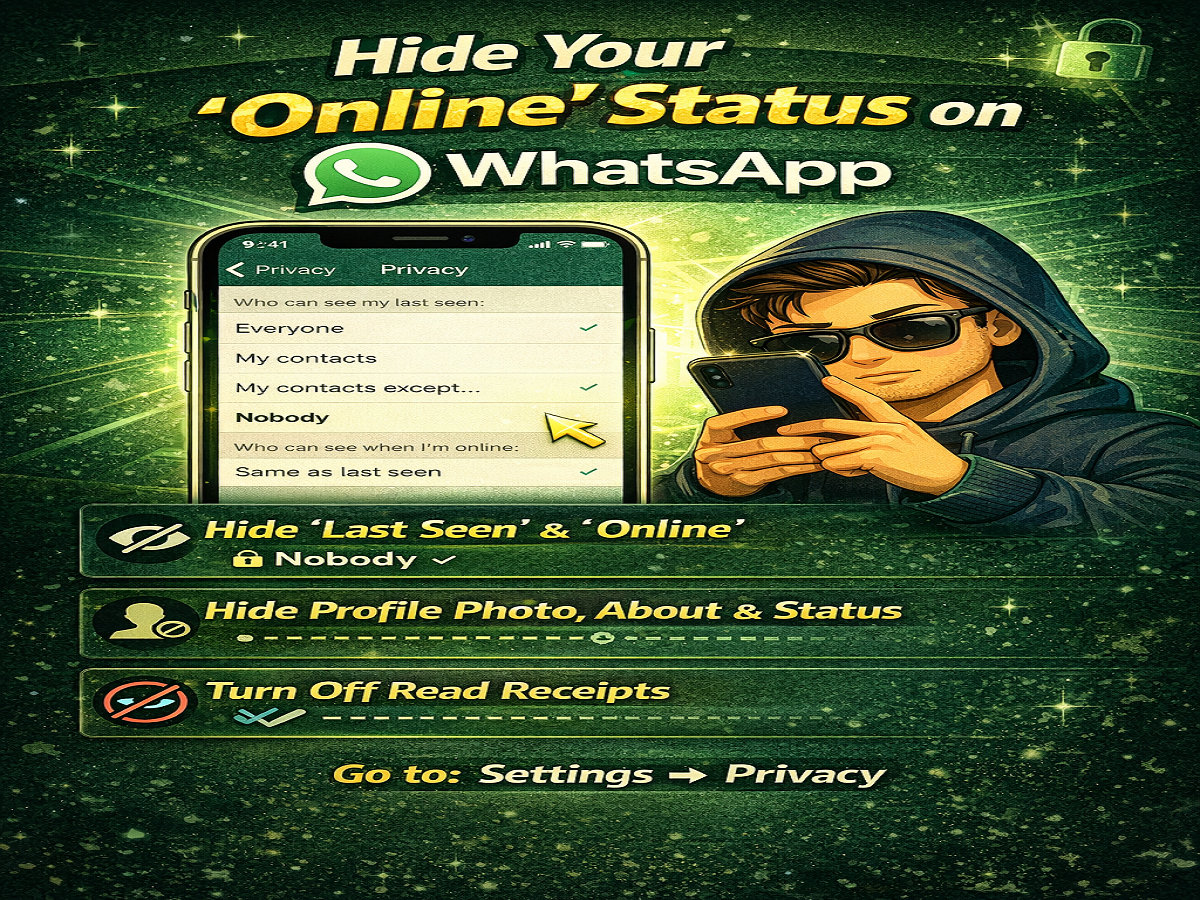
Privacy has become a top concern for messaging app users, and WhatsApp has introduced several powerful features to help you stay in control. If you want to use WhatsApp without letting others know when you’re online or active, you can now combine multiple privacy settings to go almost completely invisible.
Here’s a complete guide on how to hide your online presence and protect your privacy on WhatsApp.
Why You May Want to Hide Your Online Status
Sometimes, you may want to check messages or browse chats without responding immediately. However, features like “Online,” “Last Seen,” and blue ticks can reveal your activity.
By adjusting privacy settings, you can:
- Avoid pressure to reply instantly
- Maintain personal space
- Control who sees your activity
- Use WhatsApp more comfortably
1. Hide Your ‘Online’ and ‘Last Seen’ Status
WhatsApp now allows you to control both Last Seen and Online status visibility.
Steps:
- Open WhatsApp
- Tap on the three-dot menu (top-right corner)
- Go to Settings → Privacy
- Tap on Last Seen & Online
- Choose from:
- Everyone
- My Contacts
- My Contacts Except…
- Nobody
- For online status, select:
- Same as Last Seen
💡 To stay fully hidden, select “Nobody”.
2. Hide Profile Photo, About & Status
You can also control who sees your personal details.
Steps:
- Go to Settings → Privacy
- Select:
- Profile Photo
- About
- Status
- Choose your preferred visibility:
- Everyone
- My Contacts
- My Contacts Except…
- Nobody
This ensures only selected people can view your information.
3. Turn Off Read Receipts (Blue Ticks)
If you don’t want others to know when you’ve read their messages, disable read receipts.
Steps:
- Open WhatsApp
- Go to Settings → Privacy
- Toggle off Read Receipts
⚠️ Note: When you turn this off, you also won’t see read receipts from others.
4. Combine All Settings for Maximum Privacy
To become nearly invisible on WhatsApp:
- Set Last Seen & Online → Nobody
- Hide Profile Photo, About, Status
- Turn off Read Receipts
Using all these features together ensures that others cannot track your activity easily.
Important Things to Keep in Mind
- Group chats may still show read receipts
- Online visibility depends on your Last Seen settings
- Privacy settings can be customised anytime
Final Thoughts
WhatsApp’s privacy tools give you full control over your visibility. By using these features wisely, you can enjoy messaging without constantly being monitored.
Quick Tip
If you value privacy, combine all settings together—this is the easiest way to stay completely under the radar on WhatsApp. 🔒📱