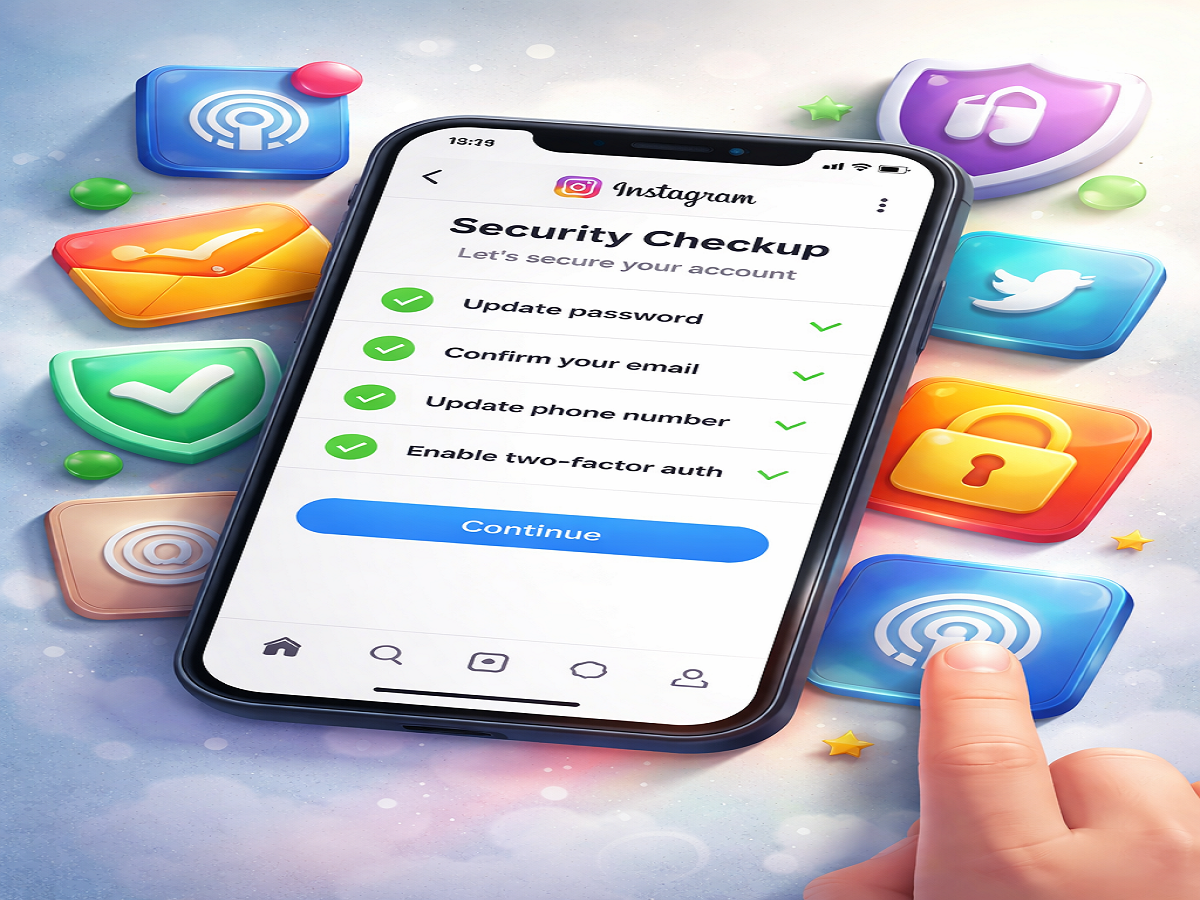
In today’s digital world, protecting your social media accounts is just as important as safeguarding your personal data. With rising cases of hacking and unauthorized access, platforms like Instagram have introduced advanced tools to help users stay secure. One such feature is the Security Checkup tool, designed to review and strengthen your account’s safety in a few simple steps.
This feature is especially useful for users who may have experienced suspicious activity in the past or want to ensure their account remains protected against potential threats.
What is Instagram’s Security Checkup Feature?
The Security Checkup tool is a step-by-step safety guide that helps users identify weak points in their account security. Instead of manually checking different settings, this feature brings everything together in one place, making it easier to review and update important information.
It not only helps in preventing hacking attempts but also alerts users about possible risks based on their account activity.
How the Security Checkup Tool Enhances Protection
When you access this feature on Instagram, it walks you through several important checks to ensure your account is fully secure. These include:
- Reviewing recent login activity
- Verifying personal and recovery details
- Updating contact information
- Enabling additional security layers
The goal is to make users aware of vulnerabilities and encourage proactive steps to avoid security breaches.
Step-by-Step Process to Access Security Checkup
Follow these simple instructions to use the feature on your smartphone:
Step 1: Launch the App
Open the Instagram app on your device.
Step 2: Go to Profile
Tap on your profile icon located at the bottom-right corner.
Step 3: Open Menu
Click on the three-line menu at the top-right corner of the screen.
Step 4: Enter Settings
From the menu, select the Settings option.
Step 5: Select Security
Navigate to the Security section to view available protection tools.
Step 6: Tap Security Checkup
Choose Security Checkup and begin reviewing your account details.
Important Sections to Review Carefully
Inside the Security Checkup, you’ll find four key areas that require attention:
1. Password Security
Create a strong password using a mix of uppercase and lowercase letters, numbers, and symbols. Avoid using common or repeated passwords.
2. Email Verification
Ensure your registered email address is correct and accessible. This is essential for account recovery and important alerts.
3. Mobile Number Update
Add or update your phone number to receive verification codes and security notifications.
4. Two-Factor Authentication (2FA)
Activate two-step verification for an added layer of protection. This ensures that even if someone knows your password, they cannot access your account without a second verification step.
Why Regular Security Checks Are Important
Online threats are constantly evolving, and even a small oversight can put your account at risk. Using the Security Checkup feature regularly helps you:
- Stay informed about suspicious login attempts
- Keep your recovery details up to date
- Strengthen your account against hacking attempts
- Maintain overall digital safety
Regular monitoring ensures that your account remains secure over time.
Final Thoughts
The Security Checkup feature on Instagram is a simple yet powerful tool that every user should take advantage of. It not only helps you fix existing security gaps but also prevents future risks.
By spending just a few minutes reviewing your settings, you can significantly enhance your account protection and enjoy a safer social media experience.