Online Safety Guide: Cybercriminals are creating fake websites and mobile apps that closely resemble trusted platforms to trick users into sharing sensitive information. Knowing the warning signs can help protect your bank account, passwords, and personal data from online scams.
As digital services continue to become a part of everyday life, people are relying more than ever on online banking, UPI transactions, shopping platforms, and government portals. While this convenience has transformed the way we manage finances and access services, it has also opened new opportunities for cybercriminals.
Fraudsters are increasingly designing fake websites and counterfeit mobile applications that imitate genuine platforms. These deceptive websites often appear convincing enough to fool unsuspecting users into revealing confidential information such as banking credentials, passwords, debit card details, and one-time passwords (OTPs).
Cybersecurity experts advise internet users to stay alert and verify every website before entering any personal or financial information. Here are some practical ways to identify fake websites and avoid becoming a victim of online fraud.
Verify the Website Address Carefully
One of the easiest ways to detect a suspicious website is by examining its web address, also known as the URL.
Legitimate websites generally begin with https://, indicating that the connection is encrypted. However, users should also pay close attention to the spelling of the website name. Cybercriminals often create domains with minor spelling mistakes, extra letters, numbers, or unusual extensions that look almost identical to official websites.
Before logging into any account or making an online payment, double-check that the website address exactly matches the official domain.
Look for the Security Padlock
Modern web browsers display a padlock icon beside the website address when the connection is encrypted.
Although the presence of this icon does not automatically guarantee that a website is genuine, its absence should raise immediate concern. If you don't see the padlock, avoid entering sensitive information such as:
- Bank account details
- Debit or credit card numbers
- Login passwords
- OTPs
- Personal identification details
Using unsecured websites for financial transactions can significantly increase the risk of data theft.
Be Wary of Unrealistic Offers and Pop-Up Messages
Scammers frequently rely on attractive offers to lure users onto fake websites.
Be cautious if a website promises:
- Free smartphones or laptops
- Expensive products at unbelievably low prices
- Instant cash rewards
- Lottery winnings or lucky draw prizes
- Urgent limited-time offers demanding immediate action
Another common warning sign is repeated pop-up windows asking users to click links, install software, or provide personal information. These tactics are designed to create pressure and encourage impulsive decisions.
If an offer appears too good to be true, it probably is.
Check Whether the Website Provides Genuine Contact Information
Authentic businesses usually provide complete company details to help customers reach them easily.
Before trusting any unfamiliar website, verify whether it includes:
- An "About Us" page
- A "Contact Us" section
- A valid office address
- Customer support email
- Working phone number
If the website lacks basic company information or provides incomplete or suspicious contact details, it is safer to avoid using it altogether.
Don't Fall for False Promises
Cybersecurity professionals repeatedly warn users against believing online advertisements that promise unrealistic benefits with little effort.
Fraudulent websites commonly advertise:
- Guaranteed jobs with a single click
- Free electronic gadgets
- Massive discounts on premium products
- Easy cash rewards for completing simple tasks
These offers are often designed to collect personal information, financial details, or upfront payments from unsuspecting users.
Before making any payment or sharing confidential information, verify the legitimacy of the offer through the company's official website or customer support channels.
Additional Safety Tips to Protect Yourself
Apart from checking websites, users should follow basic cybersecurity practices to reduce the risk of online fraud:
- Download apps only from trusted app stores such as Google Play Store or Apple App Store.
- Enable two-factor authentication (2FA) for banking and important online accounts.
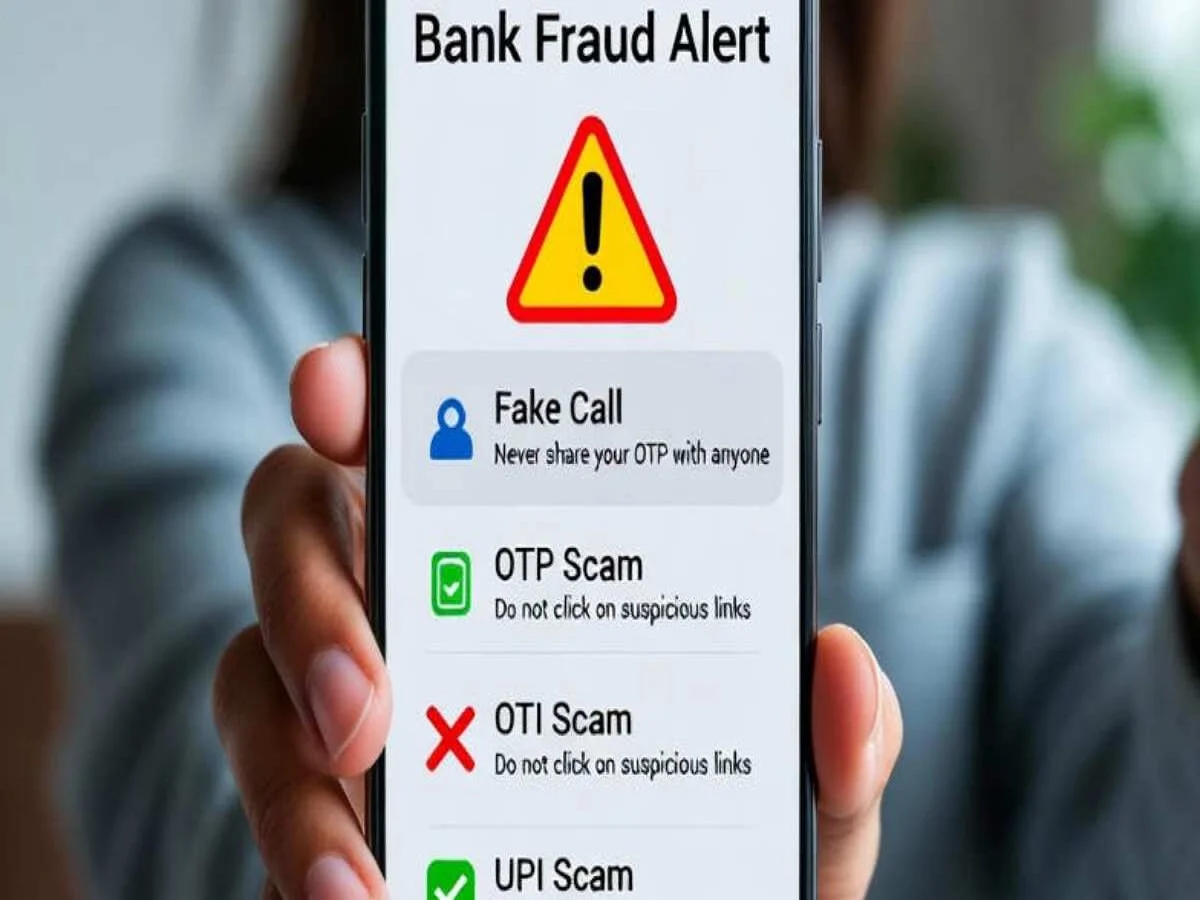
- Never share OTPs, passwords, or PINs with anyone.
- Keep your browser, antivirus software, and mobile apps updated.
- Avoid clicking on suspicious links received through SMS, email, or messaging apps.
Stay Alert to Stay Safe
Online scams are becoming increasingly sophisticated, making it difficult to distinguish between fake and legitimate websites at first glance. However, by carefully checking website URLs, verifying security indicators, avoiding unrealistic offers, and confirming company details, users can greatly reduce the chances of falling victim to cyber fraud.
A few extra seconds spent verifying a website before entering personal or financial information can help prevent significant financial losses and protect your digital identity. As cyber threats continue to evolve, awareness remains one of the strongest defenses against online fraud.