LIFESTYLE
Child Watching Too Much YouTube? These Coding Apps Can Turn Screen Time Into Learning Time
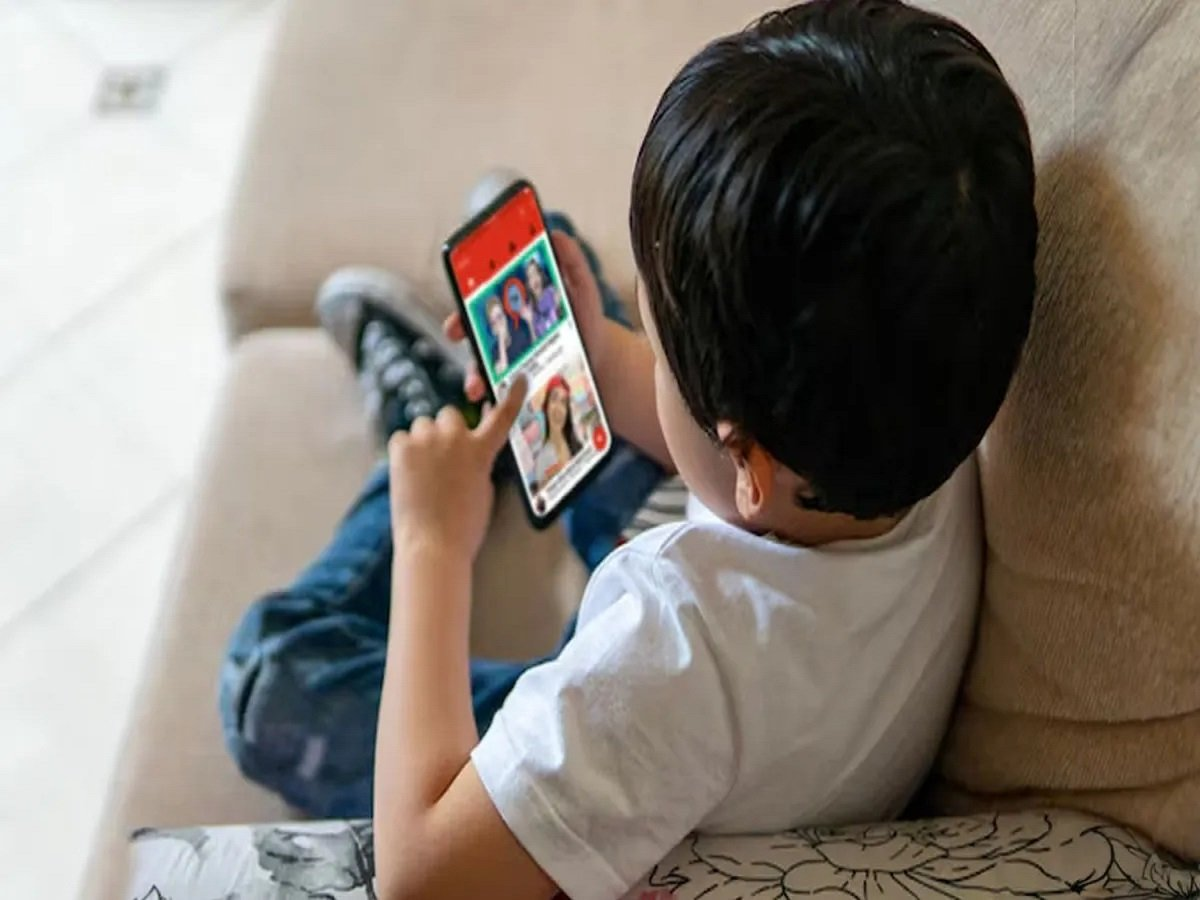
Technology for Kids: If your child spends hours watching YouTube videos, there are healthier ways to use screen time. Several interactive coding apps combine games, puzzles, and creative activities to introduce children to programming, logical thinking, and problem-solving skills in an engaging way.
Smartphones, tablets, smart TVs, and other digital devices have become a regular part of children's daily lives. While technology offers numerous educational opportunities, many parents worry that excessive time spent watching videos—especially on platforms like YouTube—may reduce children's interest in creative learning, physical activity, and problem-solving.
Instead of eliminating screen time altogether, education experts often recommend replacing passive entertainment with interactive learning experiences. Coding apps are one example of this approach. Designed specifically for children, these platforms teach programming concepts through games, puzzles, animations, and storytelling rather than traditional classroom lessons.
Many of these apps require no prior coding knowledge and are tailored to different age groups, allowing children to develop logical reasoning, creativity, and computational thinking while having fun.
Here are five coding apps that can help transform screen time into a productive learning experience.
1. Kodable
Kodable is one of the most beginner-friendly coding platforms available for young learners.
Instead of asking children to write complex code, the app introduces programming concepts through colorful mazes, puzzles, and interactive challenges. As children progress through different levels, they gradually learn important concepts such as sequencing, problem-solving, and logical thinking.
Its visual interface makes it especially suitable for children who are just beginning their coding journey.
Best for:
- Early learners and beginners
- Basic programming concepts
- Puzzle-based learning
2. CodeSpark
CodeSpark is designed primarily for children around the age of 8 and above, although younger learners can also explore its beginner-friendly activities.
The app features animated characters known as The Foos, who guide children through interactive challenges that encourage logical reasoning and creative thinking.
One of CodeSpark's standout features is its minimal reliance on text, making it accessible even for children who are still developing reading skills.
Best for:
- Visual learners
- Logic-building exercises
- Children with limited reading ability
3. ScratchJr
ScratchJr introduces coding through creativity rather than traditional programming.
Designed for children aged approximately 5 to 7 years, the app allows users to create their own animations, interactive stories, and simple games using drag-and-drop programming blocks.
Instead of memorizing coding syntax, children experiment with sequencing, movement, and storytelling while learning fundamental computational concepts.
Best for:
- Ages 5–7
- Creative storytelling
- Animation and simple game creation
4. Tynker
Tynker offers a structured learning path that grows with a child's skills.
Young learners begin with visual block-based coding before gradually progressing to real programming languages such as JavaScript, Python, and Swift.
The platform includes coding challenges, game design, robotics projects, and STEM-based activities, making it suitable for children who want to continue learning programming over the long term.
Best for:
- Progressive coding education
- Intermediate learners
- Introduction to real programming languages
5. Lightbot
Lightbot takes a game-based approach to teaching coding logic.
In the app, children guide a robot through different levels using simple commands to complete tasks and solve puzzles. Without requiring actual programming syntax, the game introduces concepts such as sequencing, procedures, loops, and logical planning.
Its puzzle-based format helps children strengthen analytical thinking while keeping the experience enjoyable.
Best for:
- Beginners
- Logic development
- Puzzle-solving skills
Why Coding Apps Can Be a Better Alternative
Educational technology specialists often point out that not all screen time has the same impact. Passive video consumption and active learning involve different levels of engagement.
Coding apps encourage children to:
- Think critically
- Solve problems independently
- Build creativity
- Develop logical reasoning
- Improve concentration
- Gain early exposure to digital skills
These abilities can support learning in subjects beyond computer science, including mathematics and science.
Balancing Learning and Screen Time
While educational apps can make digital devices more productive, experts also recommend maintaining a healthy balance. Parents may consider setting daily screen-time limits, encouraging outdoor play, reading, and family activities alongside digital learning.
Replacing a portion of recreational YouTube viewing with interactive educational apps can help children develop valuable problem-solving and technology skills while still enjoying their time on a screen.
With the right guidance and age-appropriate tools, screen time can become an opportunity for creativity, curiosity, and lifelong learning rather than passive entertainment alone.