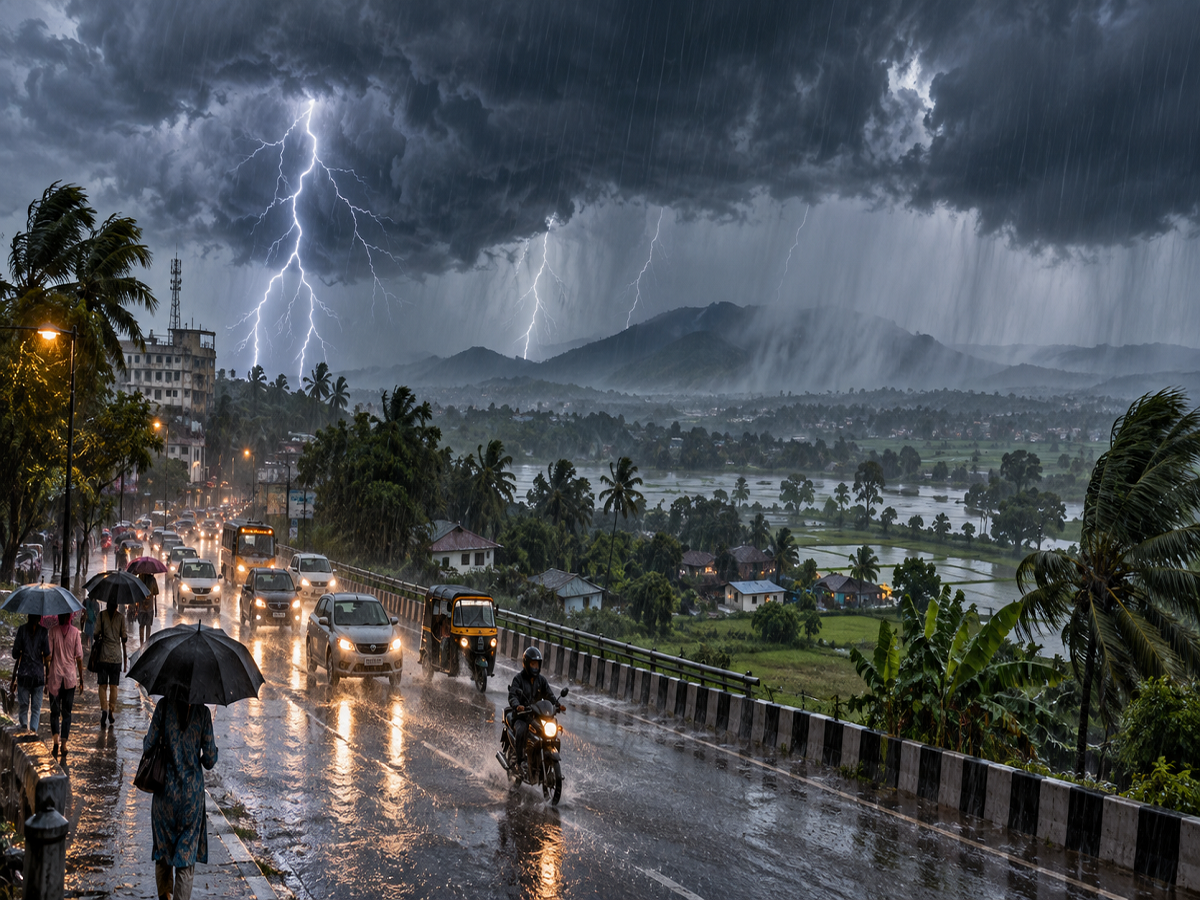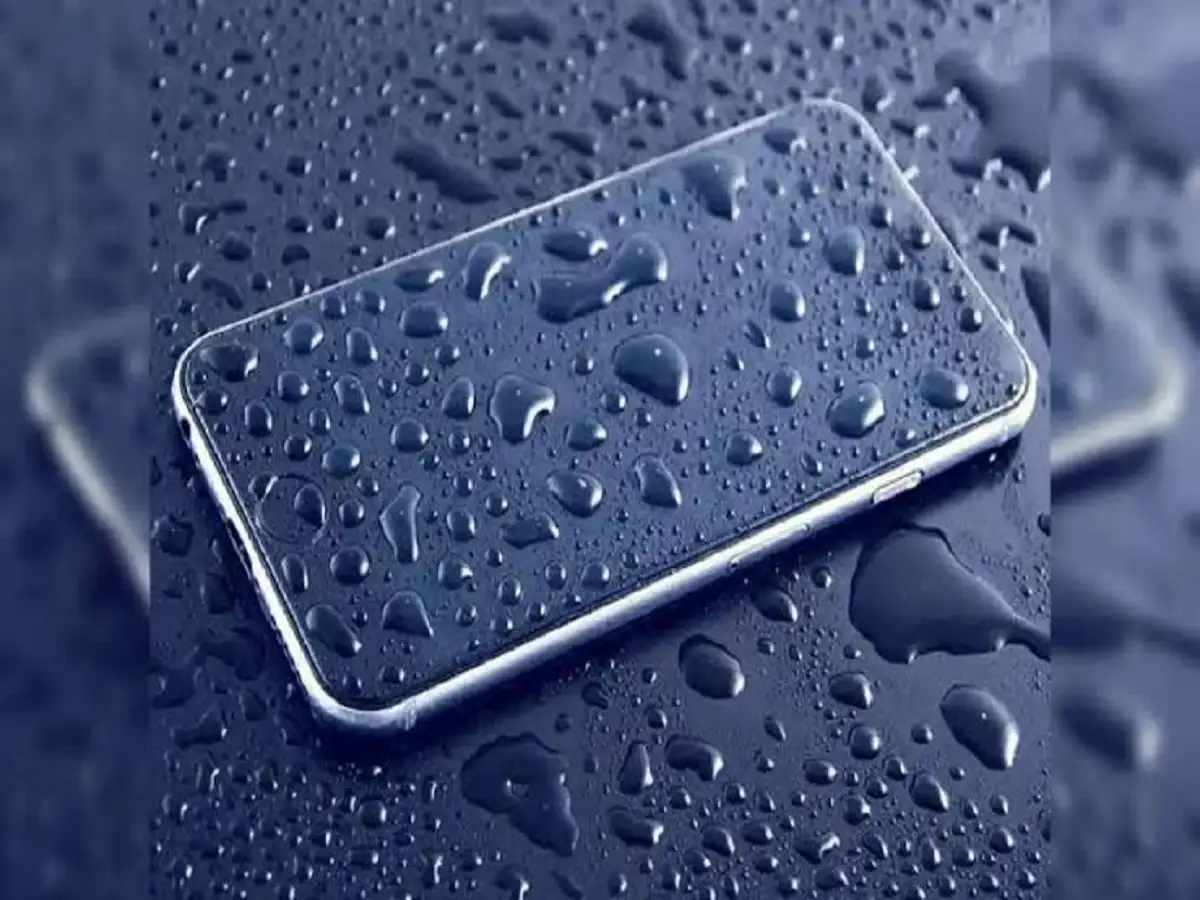
Smartphones have become an essential part of everyday life, which means they are often exposed to unexpected situations. During the monsoon, your phone can easily get wet because of rain, accidental splashes, or even a fall into a sink or bucket. While modern smartphones may offer some level of water resistance, exposure to moisture can still cause serious problems if the device is not handled properly.
If your phone has recently become wet, the most important thing is to stay calm and avoid actions that could make the damage worse. Here are some practical precautions you should follow.
Never Connect a Wet Phone to a Charger
One of the biggest mistakes people make after getting their phone wet is immediately connecting it to a charger. This should be avoided until you are certain that the device and its charging port are completely dry.
Water and electricity can create serious problems when they come into contact with internal electronic components. Connecting a charger while moisture is present may increase the risk of a short circuit and could damage the charging system, motherboard or other internal parts.
Moisture trapped inside the device can also cause corrosion over time. Therefore, if your smartphone is wet or you suspect that water has entered the charging port, keep it disconnected from any power source.
What to Do If Your Phone Falls Into Water
If your phone accidentally falls into water, act quickly but carefully. Start by removing it from the water as soon as possible.
If the device is still switched on, turn it off immediately. Continuing to use a wet phone may allow moisture to reach more internal components.
Next, remove the phone case and wipe the exterior gently with a clean, soft and dry cloth. If your device has a removable SIM card or memory card, take them out if doing so is safe and practical.
Place the phone in a dry location with good airflow. Avoid repeatedly pressing the power button to check whether it is working. Every attempt to switch on the device while moisture remains inside can potentially increase the damage.
Most importantly, do not connect the phone to a charger until you are confident that it has dried completely.
Should You Put a Wet Phone in Rice?
Putting a wet smartphone inside a container of uncooked rice has long been suggested as a home remedy. However, it is not necessarily the safest or most effective approach.
Although rice may absorb some moisture, small particles or dust from the rice can enter the charging port, speaker openings and other gaps. This can create additional problems and may make cleaning the device more difficult.
Instead, keep the phone in a clean, dry place where air can circulate around it. If you have suitable silica-gel packets, they can be placed nearby to help reduce moisture in the surrounding environment. Do not force anything into the phone's ports.
Avoid Using a Hair Dryer
A hair dryer may seem like a convenient way to remove water quickly, but using hot air directly on a smartphone can do more harm than good.
Excessive heat may affect the battery, display, internal circuits, adhesives and other sensitive components. Direct heat can also push moisture deeper into certain areas rather than safely removing it.
For the same reason, avoid placing the wet phone under strong sunlight or near another heat source. Allow it to dry naturally in a dry environment at normal room temperature.
How Long Should You Wait Before Turning It On?
There is no universal drying time because the amount of water and the extent of internal exposure can vary from one situation to another.
As a cautious approach, if you believe water may have entered the phone, avoid switching it on or charging it for at least 24 to 48 hours. During this period, resist the temptation to repeatedly check whether the phone has started working.
Patience is important because attempting to power up the device too soon can increase the possibility of electrical damage.
What If the Phone Still Does Not Work?
If the smartphone refuses to switch on after sufficient drying time, does not charge normally, becomes unusually hot, or develops problems such as distorted speaker output, professional assistance may be necessary.
In such cases, visiting an authorised service centre is a safer option than attempting to open the phone yourself. Modern smartphones contain delicate components, and improper handling can cause additional damage or affect any applicable warranty or repair coverage.
How to Prevent Water Damage in the Future
A few simple habits can reduce the chances of moisture-related problems. Keep your phone away from sinks, buckets and other sources of water. During heavy rain, use a suitable waterproof pouch or protective cover when necessary.
Also remember that water resistance does not necessarily mean a phone is completely waterproof. The level of protection can vary by model, and seals may become less effective over time due to wear, drops or repairs.
Bottom Line
If your phone gets wet, the safest response is to switch it off, disconnect it from any power source, remove external accessories and let it dry naturally in a well-ventilated place. Avoid rice, hair dryers, direct sunlight and repeated attempts to turn the device on.
Taking the right precautions immediately can reduce the possibility of further damage and give your smartphone a better chance of recovering safely.