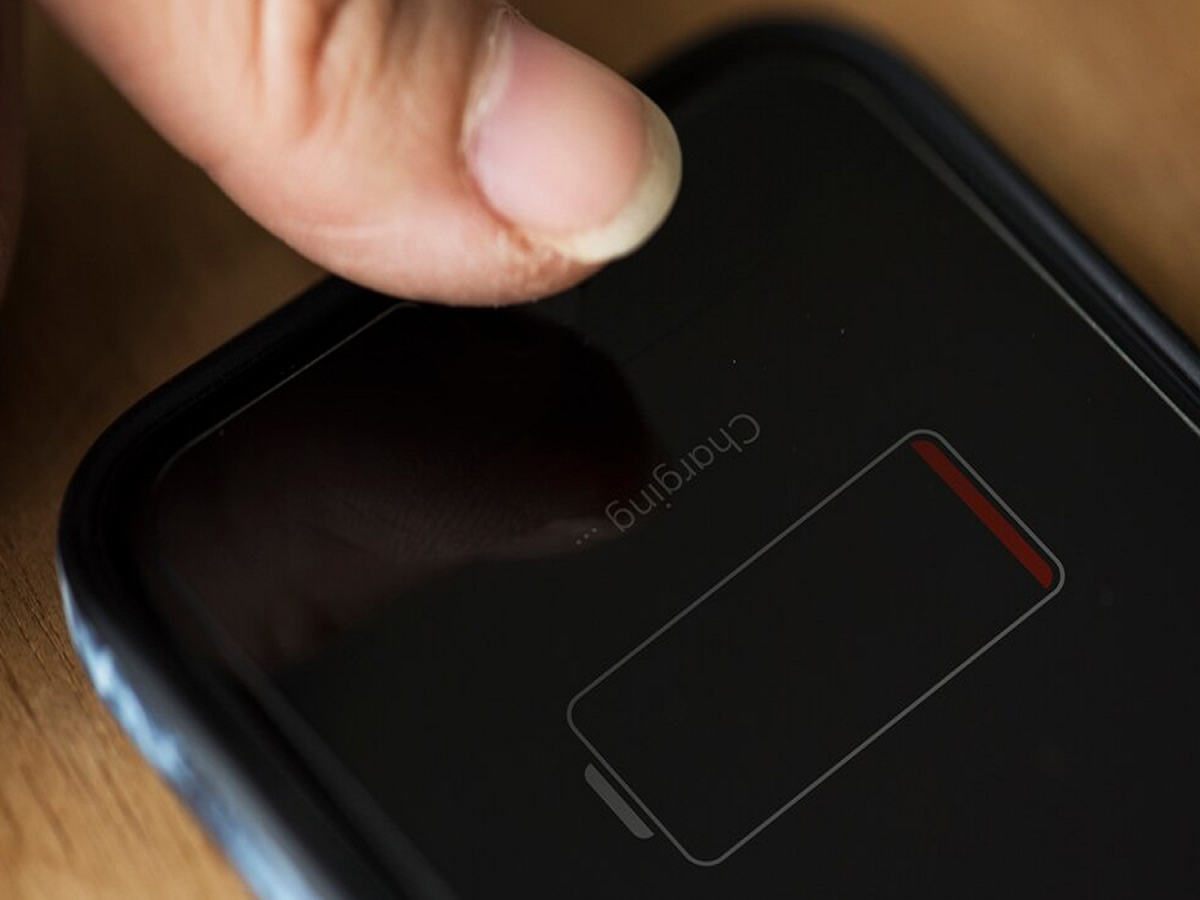
Smartphones have become an essential part of everyday life, but one common issue that worries users is overheating during charging. If your phone feels unusually hot while plugged in, it’s not something you should ignore. Excessive heat can damage the battery, reduce performance, and in extreme cases, even pose safety risks.
If you’ve noticed your device heating up like never before, here’s a clear explanation of why it happens and what you can do to fix it.
Why Does Your Phone Heat Up While Charging?
There are several reasons behind this problem, and most of them are linked to everyday usage habits.
1. Background Apps Running Continuously
When multiple apps keep running in the background, your phone’s processor remains active even during charging. This creates extra load on both the CPU and battery, leading to heat buildup.
2. Using Low-Quality or Cheap Chargers
Non-original or low-quality chargers often fail to regulate power flow properly. This can result in unstable charging and increased heat generation, which may harm your device over time.
3. Thick or Designer Phone Covers
Heavy phone cases may look stylish but often trap heat. When your phone cannot release heat properly, the temperature rises quickly during charging.
Apps You Should Close Immediately
Some apps are known to consume more power and generate heat, especially when left running in the background.
- Navigation apps like Google Maps continuously connect to GPS and satellites, increasing temperature.
- Gaming apps use high graphics and processing power even after minimizing them.
- Social media apps may keep syncing data in the background.
To avoid overheating, always force stop these apps before plugging in your phone.
Disable Auto Updates During Charging
App stores often update applications automatically in the background. While this seems convenient, it can significantly increase heat when your phone is charging.
Turn off auto-updates in the Google Play Store settings or schedule updates for later when the phone is not charging.
Important Safety Tips to Prevent Overheating
Follow these simple precautions to keep your phone cool and safe:
- Remove the back cover while charging to allow proper ventilation
- Avoid charging your phone under direct sunlight or inside a hot car
- Always use the original charger and cable provided by the manufacturer
- Do not play games or make long calls while charging
- Keep your phone in a cool, ventilated place during charging
Why Overheating Is Dangerous
Ignoring overheating can lead to serious issues:
- Faster battery degradation
- Reduced device lifespan
- Performance slowdowns
- Risk of battery swelling or damage
In rare cases, extreme overheating can even lead to hazardous situations, making it important to act early.
Final Thoughts
A heating phone is often a result of simple mistakes rather than hardware failure. By managing background apps, using proper accessories, and following safe charging habits, you can easily prevent overheating issues.
Taking these small steps will not only improve your phone’s performance but also ensure long-term safety and durability.