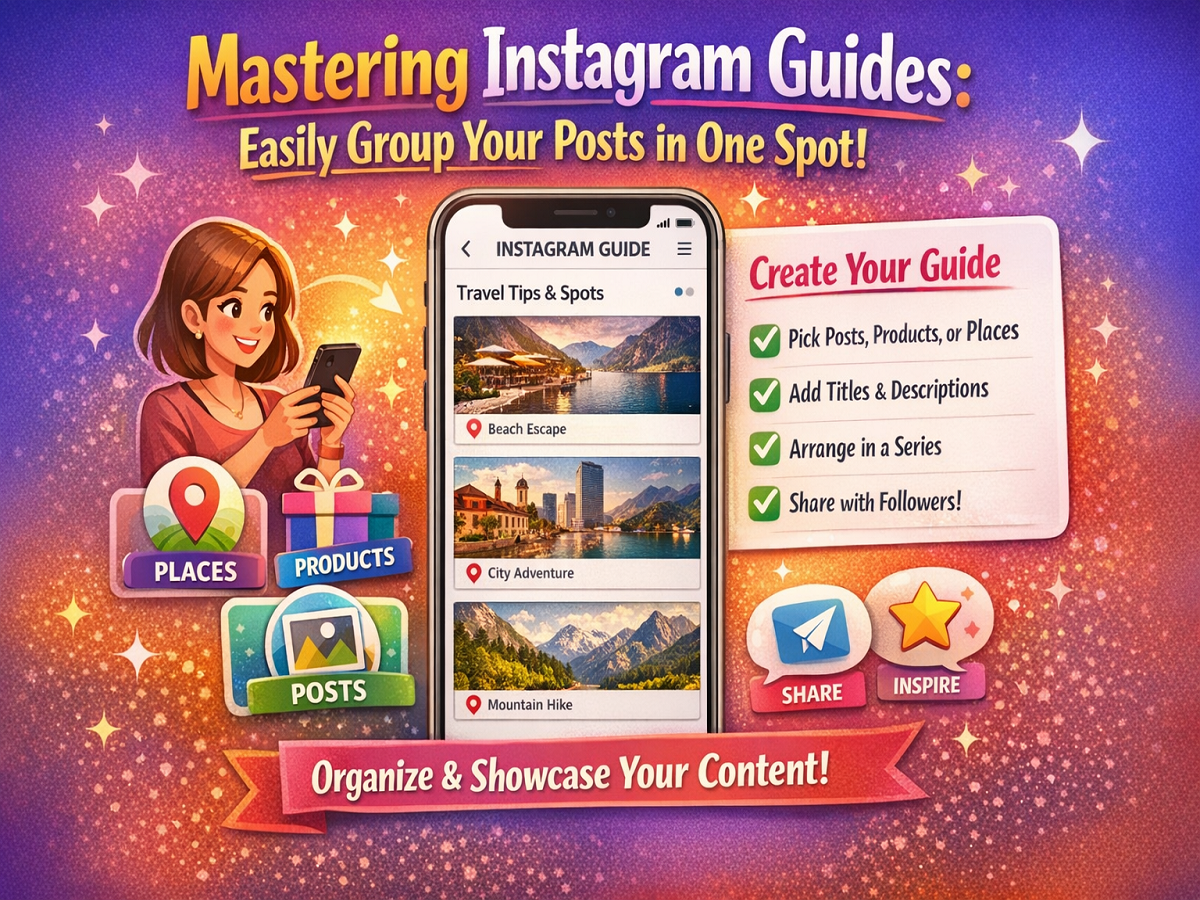
If your profile is filled with scattered posts and you want to present them in a more structured way, Instagram offers a powerful yet underrated feature called Guides. This tool allows you to neatly organize your posts, products, or places into a single, easy-to-browse collection.
Whether you are a creator, business owner, or casual user, Instagram Guides can help you showcase your content in a more meaningful and engaging format.
What Are Instagram Guides?
Instagram Guides are curated collections that let users group related content together. Instead of scrolling endlessly, viewers can explore your content in a structured, story-like format.
You can create Guides based on:
- 📍 Places (locations)
- 🛍️ Products (from Instagram Shop)
- 📸 Posts (your own or saved posts)
Why Use Instagram Guides?
Here’s why this feature is worth using:
- Organize content into themes
- Make your profile more professional
- Highlight important posts
- Improve content discoverability
- Share recommendations or collections easily
Where to Find Guides on Instagram
Once created, your Guides appear on your profile in a dedicated tab. You can also:
- Share them via Stories
- Send them through Direct Messages (DMs)
Step-by-Step: How to Create an Instagram Guide
Follow these simple steps:
- Open the Instagram app
- Go to your Profile
- Tap the + (Create) icon at the top
- Select Guide from the options
- Choose the type:
- Posts
- Products
- Places
- Select the content you want to include
- Tap Next
- Add:
- A title
- Descriptions for each post
- Tap Add posts (optional) to include more
- Tap Next again
- Hit Share
Your Guide is now live!
Tips to Make Better Guides
To create engaging Guides:
- Use a clear and catchy title
- Add helpful descriptions for each post
- Group content with a common theme
- Keep it visually appealing
- Update your Guide regularly
Best Use Cases for Instagram Guides
- Travel recommendations
- Product collections
- Educational content
- Tutorials and tips
- Highlighting your best posts
Final Thoughts
Instagram Guides are a smart way to turn your scattered posts into meaningful collections. They not only improve your profile’s look but also help your audience explore your content more effectively.
Quick Tip
Use Guides to create “Top Picks” or “Must-See Posts” collections—this can significantly boost engagement and profile visits! 🚀📱