NEWS
New Phone Reset Scam Alert: One Click Can Give Cybercriminals Full Access to Your Device and Bank Account
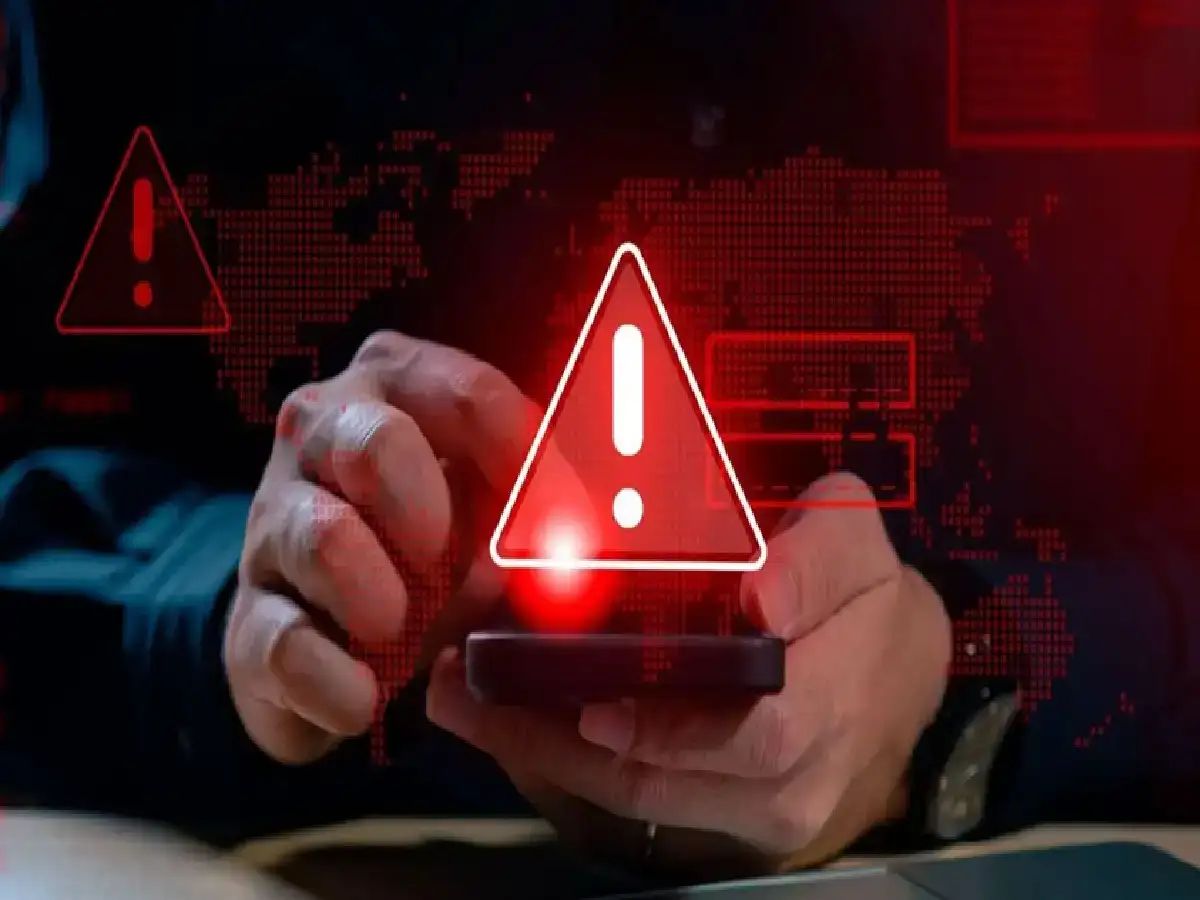
Cyber Scam Alert: Cybercriminals are constantly finding new ways to target smartphone users, and a recently reported fraud case has raised serious concerns. In a shocking incident, scammers allegedly gained control of a victim's phone, remotely reset the device, and emptied the person's bank account before the fraud was discovered. Security experts are now warning users to stay alert and avoid clicking on suspicious links.
How the New Phone Reset Scam Works
Cybersecurity experts say this scam usually begins with a seemingly harmless message.
Fraudsters contact potential victims through:
- WhatsApp messages
- SMS texts
- Emails
- Social media platforms
The message often contains an attractive offer, urgent warning, fake reward, or important-looking notification designed to convince the user to click a link.
Once the victim clicks the malicious link, harmful software—commonly known as malware—may be installed on the device without the user's knowledge.
Malware Gives Scammers Device Access
After the malware is installed, cybercriminals may gain unauthorized access to several functions of the smartphone.
Depending on the type of malware, scammers may be able to:
- Read incoming SMS messages
- Monitor OTPs and verification codes
- Access sensitive information
- Control certain device functions remotely
- Track user activity
This access can allow criminals to bypass security checks and gain entry to banking or payment applications.
What Happened in the Reported Case?
According to reports, scammers allegedly gained complete control over a victim's smartphone.
After obtaining access, they reportedly reset the device remotely. Once the phone was reset, important apps, settings, and stored data disappeared from the device.
By the time the victim restarted the phone and realized something was wrong, money had already been transferred out of the bank account.
The incident highlights how dangerous malware-based attacks can become when users unknowingly install malicious software.
Warning Signs You Should Never Ignore
Cybersecurity professionals advise users to remain cautious if they notice:
- Unexpected links received from unknown senders
- Messages claiming urgent account problems
- Offers that appear too good to be true
- Requests to install apps from unofficial sources
- Pop-ups asking for unusual permissions
Even a single click on a malicious link can potentially expose personal information to attackers.
How to Protect Yourself From Such Scams
Taking a few basic precautions can significantly reduce the risk of becoming a victim.
Avoid Clicking Unknown Links
Never click on links received from unfamiliar contacts or suspicious messages without verifying their authenticity.
Be Careful With Attractive Offers
Scammers often use fake rewards, discounts, cashback offers, and lottery claims to lure victims.
Download Apps Only From Official Sources
Always install applications through trusted platforms such as:
- Google Play Store
- Apple App Store
Avoid downloading APK files or apps from unknown websites and third-party sources.
Review App Permissions Carefully
If an application requests unnecessary access to:
- Contacts
- SMS messages
- Phone calls
- Accessibility settings
consider denying the permission or removing the app entirely.
Keep Your Phone Updated
Regular software and security updates help protect devices from newly discovered vulnerabilities and malware threats.
Google Working on New Scam Detection Technology
Technology companies are also introducing new security tools to combat fraud.
Google is reportedly expanding scam-detection capabilities for Android users. The upcoming technology aims to identify suspicious calls and alert users when a caller may be impersonating someone else.
The feature is designed to:
- Detect potential scam calls
- Warn users in real time
- Reduce financial fraud risks
- Improve caller verification
The functionality is currently being introduced on select devices, including certain Google Pixel smartphones, before a wider rollout.
What To Do If You Suspect Your Phone Has Been Compromised
If you believe your device has been infected or accessed without permission:
- Disconnect the device from the internet.
- Change passwords for banking and email accounts.
- Contact your bank immediately.
- Remove suspicious applications.
- Run a trusted security scan.
- Report the incident to local cybercrime authorities.
Quick action can help limit financial losses and prevent further unauthorized access.
Conclusion
The latest phone reset scam serves as a reminder that cybercriminals are becoming increasingly sophisticated. A single click on a malicious link can potentially give attackers access to sensitive information and financial accounts. Staying cautious, avoiding suspicious links, downloading apps only from trusted sources, and keeping devices updated remain the best defenses against modern cyber threats.
Disclaimer: Cyber threats evolve constantly. Users should follow official cybersecurity advisories and consult trusted security professionals if they suspect fraudulent activity on their devices.