
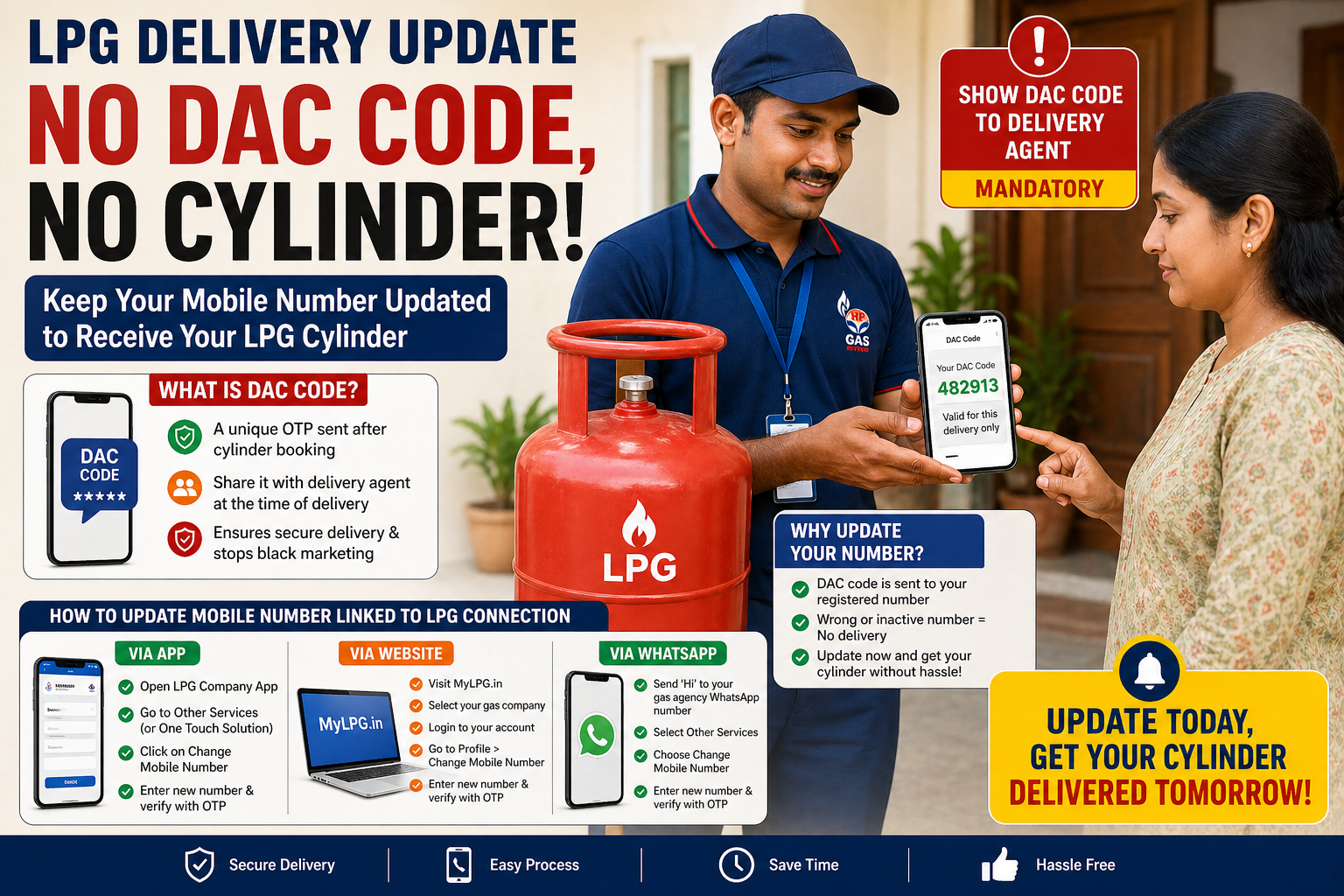
If you’re expecting an LPG cylinder delivery anytime soon, there’s an important update you shouldn’t ignore. Gas companies across India have tightened delivery rules, and without a valid DAC (Delivery Authentication Code), your cylinder may be sent back.
This new system is designed to ensure safe and verified delivery, but it also means one crucial thing: your registered mobile number must be active and updated. Here’s a complete guide to understand the rule and how to update your number easily.
What Is DAC Code and Why It Matters?
The DAC (Delivery Authentication Code) is a unique OTP-like code sent to your registered mobile number immediately after you book an LPG cylinder.
- You must share this code with the delivery agent
- Without it, delivery will not be completed
- It helps prevent black marketing and unauthorized deliveries
In simple terms, the DAC system ensures that only the rightful customer receives the cylinder.
Why You Must Update Your Mobile Number
Many users face delivery issues simply because their registered mobile number is outdated or inactive. If the DAC code is sent to an old number:
- You won’t receive the verification code
- The delivery agent cannot hand over the cylinder
- The cylinder may be returned without delivery
So, if you’ve recently changed your number or no longer use the old one, updating it is essential.
How to Update Mobile Number via Gas Company App
Updating your number through the official app is one of the easiest methods:
- Download and open your LPG provider’s official app
- Log in using your registered details
- Scroll to Other Services (or One Touch Solution in some apps)
- Tap on Change Mobile Number
- Enter your new number
- Verify it using OTP
Once verified, your new number will be linked to your gas connection.
How to Change Mobile Number via Website
You can also update your number online using the official LPG portal:
- Visit the MyLPG portal
- Select your gas provider (Indane, Bharat Gas, or HP Gas)
- Log in to your account
- Go to the Profile section
- Click on Change Mobile Number
- Enter your new number and verify via OTP
After verification, your updated number will be saved successfully.
How to Update Mobile Number via WhatsApp
Gas agencies now offer WhatsApp services for added convenience:
- Send “Hi” to your gas agency’s official WhatsApp number
- Select Other Services from the menu
- Tap on Change Mobile Number
- Enter your new number when prompted
- Complete OTP verification
Your number will be updated instantly after verification.
Key Things to Keep in Mind
- Always keep your registered mobile number active
- Ensure your number is linked correctly before booking a cylinder
- Save your booking and DAC messages until delivery is complete
- If you don’t receive a DAC code, contact customer care or request a resend
Final Takeaway
The new DAC-based delivery system is a major step toward making LPG distribution more secure and transparent. However, it also puts responsibility on consumers to keep their details updated.
No DAC code means no delivery—so don’t wait for your cylinder to be returned. Take a few minutes today to check and update your mobile number to ensure hassle-free LPG delivery every time.




