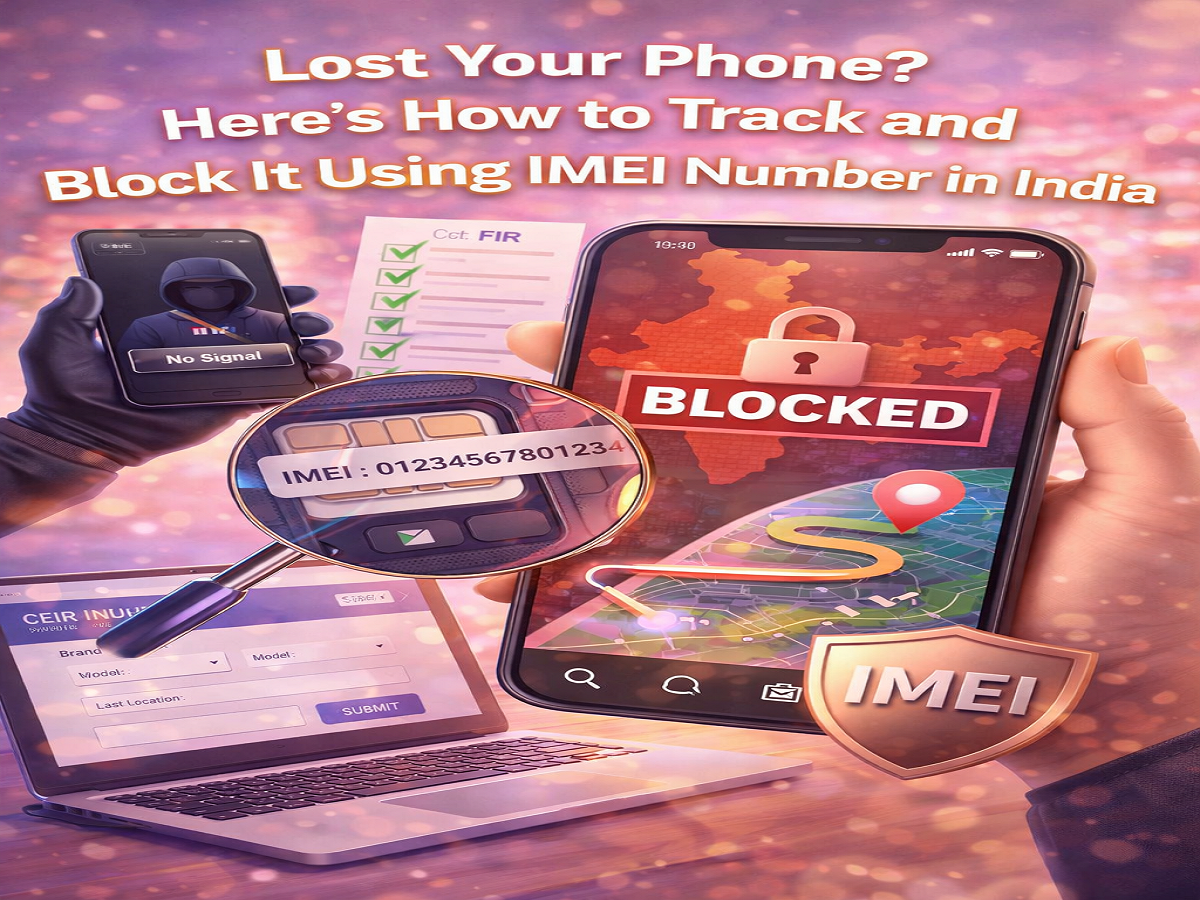
Losing a smartphone can be stressful, especially when it contains personal data, banking apps, and sensitive information. However, even if your device is switched off, has no SIM card, or isn’t connected to the internet, there’s still a way to protect it. Using the unique IMEI number, you can track and block your lost phone to prevent misuse.
Here’s a complete, easy-to-follow guide on how to secure your device using official tools and services in India.
What is an IMEI Number?
Every mobile device comes with a unique 15-digit identification code known as the IMEI (International Mobile Equipment Identity). This number acts like a digital fingerprint for your smartphone and cannot be changed.
You can usually find the IMEI number:
- On the phone’s retail box
- Inside the device settings
- By dialing *#06# on your phone
It’s always a good idea to note this number somewhere safe, as it becomes crucial if your phone is lost or stolen.
Why IMEI is Important for Lost Phones
The IMEI number allows authorities and telecom operators to identify your device across networks. Once blocked, the phone cannot be used with any SIM card, making it useless for thieves.
In India, the government-backed system Central Equipment Identity Register (CEIR) helps users track and block lost or stolen smartphones efficiently.
Things You Need Before Starting
Before initiating the process, make sure you have the following:
- Your phone’s IMEI number
- A copy of the FIR (First Information Report) for the lost or stolen device
- Device details (brand, model, purchase invoice)
- An alternate mobile number
Having these details ready will make the process quicker and smoother.
Step-by-Step Guide to Track and Block Your Lost Phone
Follow these steps to block your smartphone using the IMEI number:
Step 1: Visit the Official Portal
Go to the official website of Central Equipment Identity Register (CEIR) using a computer or another device.
Step 2: Enter Device Details
Fill in all the required information, including:
- Mobile brand and model
- IMEI number
- Last known location
- Upload the purchase invoice or supporting documents
Step 3: Provide Contact Information
Enter an alternate mobile number where you can receive updates.
Step 4: Verify with OTP
Click on Get OTP, enter the received code, and proceed.
Step 5: Submit the Request
Once all details are filled, submit the form to initiate the blocking process.
What Happens After Submission?
After completing the request:
- You will receive a Request ID for tracking your complaint
- Telecom operators are notified to block and blacklist the IMEI number
- The phone becomes unusable across all networks in India
- Authorities may begin tracking the device based on available data
You can also use the same portal to check the status of your request.
How to Unblock Your Phone If Found
If your device is recovered, you can easily reverse the process:
- Visit the Central Equipment Identity Register (CEIR) portal again
- Enter your Request ID and required details
- Submit a request to unblock the IMEI number
Once approved, your phone will start working normally again.
Additional Safety Measures
Along with IMEI blocking, you should also:
- Contact your telecom provider to block your SIM card
- Change passwords for important apps (banking, email, social media)
- Monitor your accounts for suspicious activity
These steps help minimize potential damage and keep your data secure.
Final Thoughts
Losing a smartphone is never easy, but taking quick action can make a big difference. Thanks to systems like Central Equipment Identity Register (CEIR), users now have a reliable way to block and track their devices using the IMEI number.
Make sure to keep your IMEI number सुरक्षित and act immediately if your phone goes missing. A timely response can protect your personal data and prevent misuse of your device.