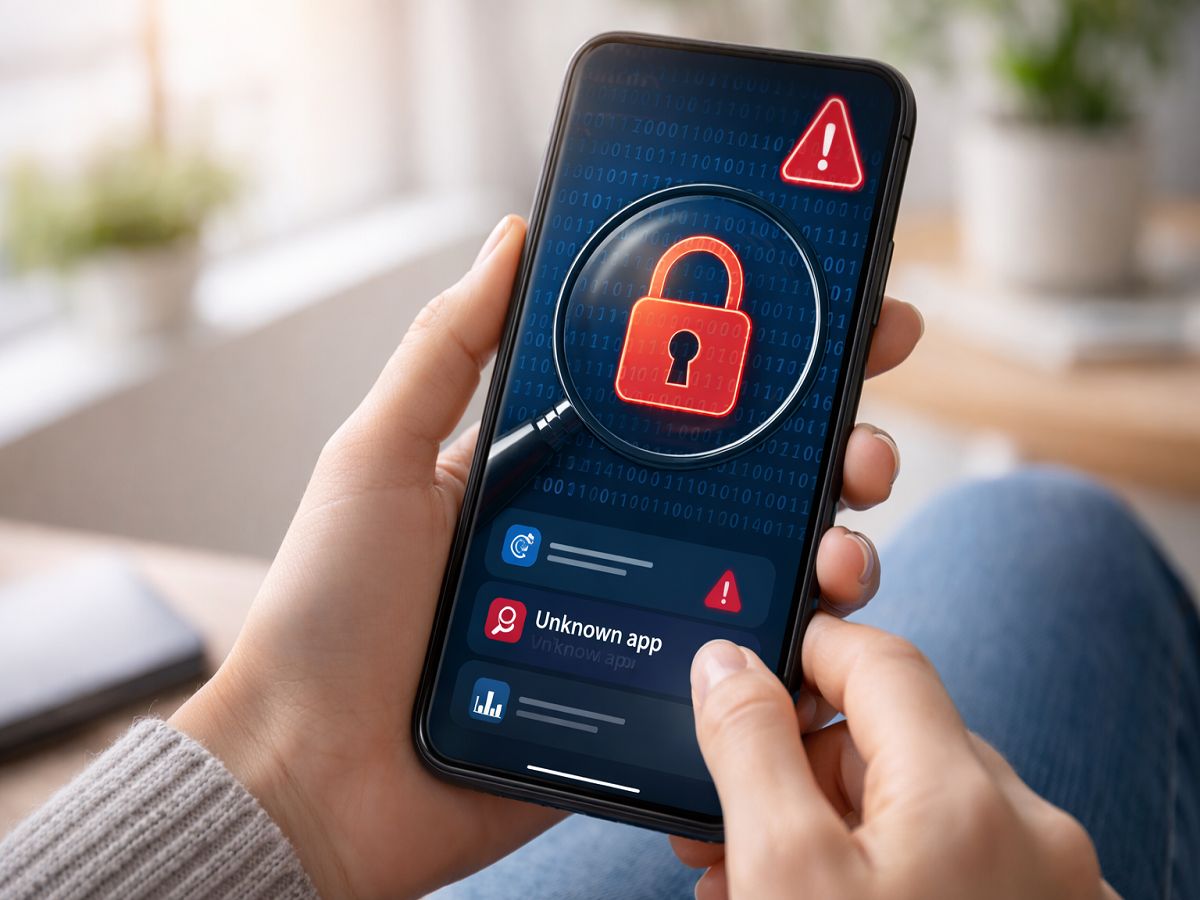
In an era where smartphones have become essential to everyday life, they serve as more than just communication tools. From managing work emails to storing personal memories, devices powered by platforms like Android and iOS hold a vast amount of sensitive information. While these devices make life more convenient, they can also expose users to hidden cybersecurity risks.
One of the most concerning threats is phone surveillance or spying. Cybercriminals may install malicious software—often without your knowledge—to monitor your activity, access personal data, or even listen to conversations. The good news is that your phone often shows warning signs when something isn’t right. Here’s a detailed guide to help you identify if your device might be compromised and how to protect yourself.
Common Signs Your Phone May Be Under Surveillance
1. Unusual Battery Drain
If your phone’s battery starts depleting faster than usual—even when usage is minimal—it could be a red flag. Spyware and malicious apps tend to run continuously in the background, consuming power without your knowledge.
2. Unexpected Data Usage
A sudden spike in mobile data consumption is another warning sign. If you notice increased data usage despite not streaming videos or downloading large files, it may indicate that hidden software is transmitting your data to external sources.
3. Overheating Without Heavy Use
Smartphones can heat up during intensive tasks like gaming or video editing. However, if your device becomes unusually warm while idle, it could be due to unauthorized apps accessing features like your camera, microphone, or GPS in the background.
4. Unknown Apps Installed
Spotting apps you don’t remember installing should raise immediate concern. Hackers sometimes install spyware disguised as harmless applications. These apps often operate silently and may not appear suspicious at first glance.
How to Protect Your Smartphone from Spying
Taking preventive steps can significantly reduce the risk of being monitored:
- Remove Suspicious Apps: Regularly review your installed apps and delete anything unfamiliar or unnecessary.
- Keep Software Updated: Ensure your phone’s operating system and apps are always up to date. Updates often include critical security patches.
- Change Your Passwords: Update passwords for your email, banking, and social media accounts. Use strong, unique combinations.
- Use Airplane Mode Occasionally: Turning on airplane mode can temporarily cut off network connections, preventing potential data transmission.
- Download Apps from Trusted Sources Only: Stick to official app stores like Google Play Store and Apple App Store to avoid malicious downloads.
Additional Safety Tips
- Enable two-factor authentication (2FA) wherever possible
- Avoid clicking on suspicious links or downloading unknown attachments
- Install a reputable mobile security or antivirus app
- Regularly check app permissions and revoke unnecessary access
Final Takeaway
Your smartphone is a powerful tool—but it’s also a gateway to your personal life. Staying alert to unusual behavior like battery drain, overheating, or unknown apps can help you detect potential threats early. By following basic cybersecurity practices, you can safeguard your device and maintain your privacy.
In a world where digital security is more important than ever, a few proactive steps can make all the difference.