
NEWS
iPhone Update: After 20 years, there will be a big change in the iPhone again; this time, will it be the turn of the button?
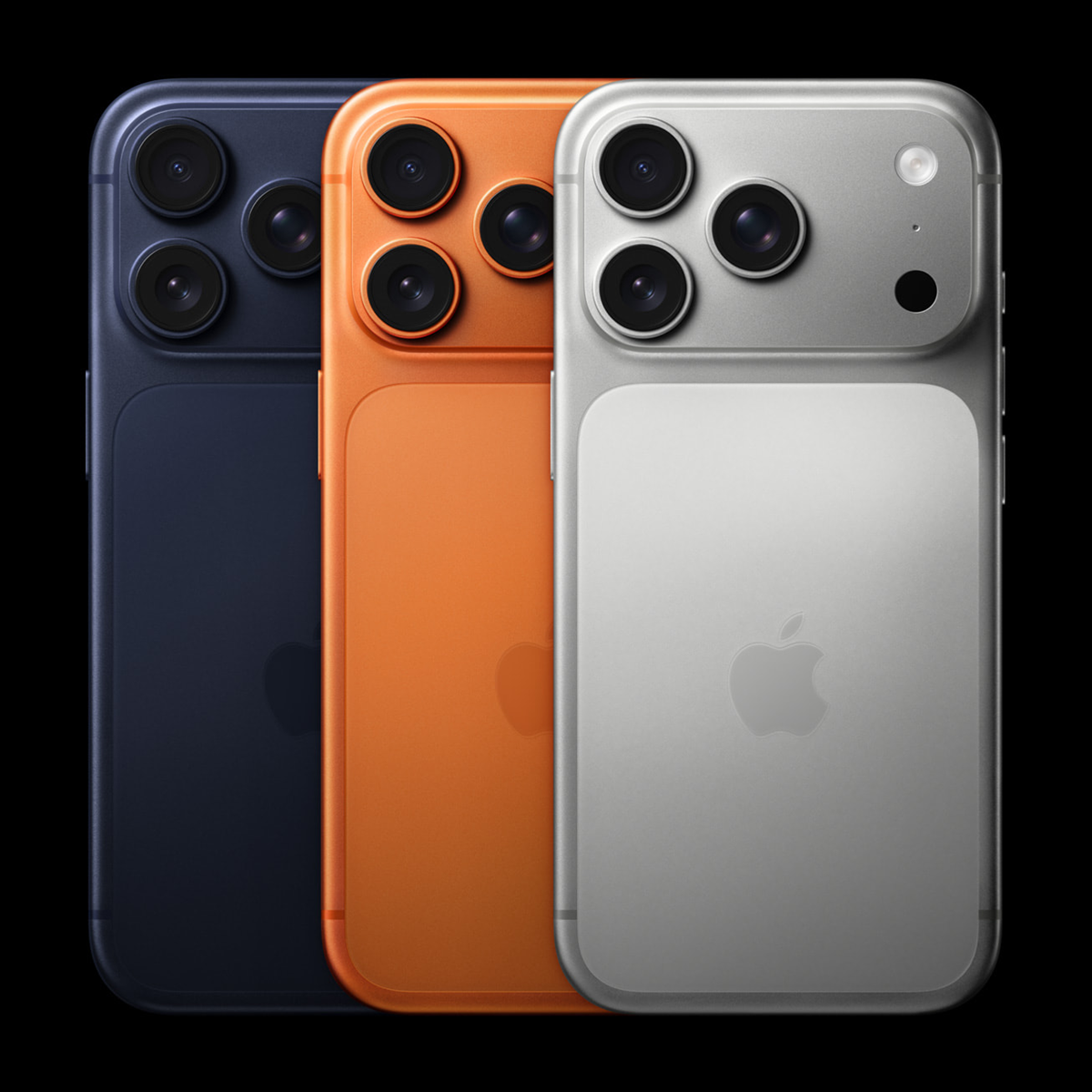
Apple's iPhone will complete 20 years in 2027. To mark this special occasion, the company may make major design changes to its new iPhone. Learn how one button will perform two tasks and what new changes will be made?
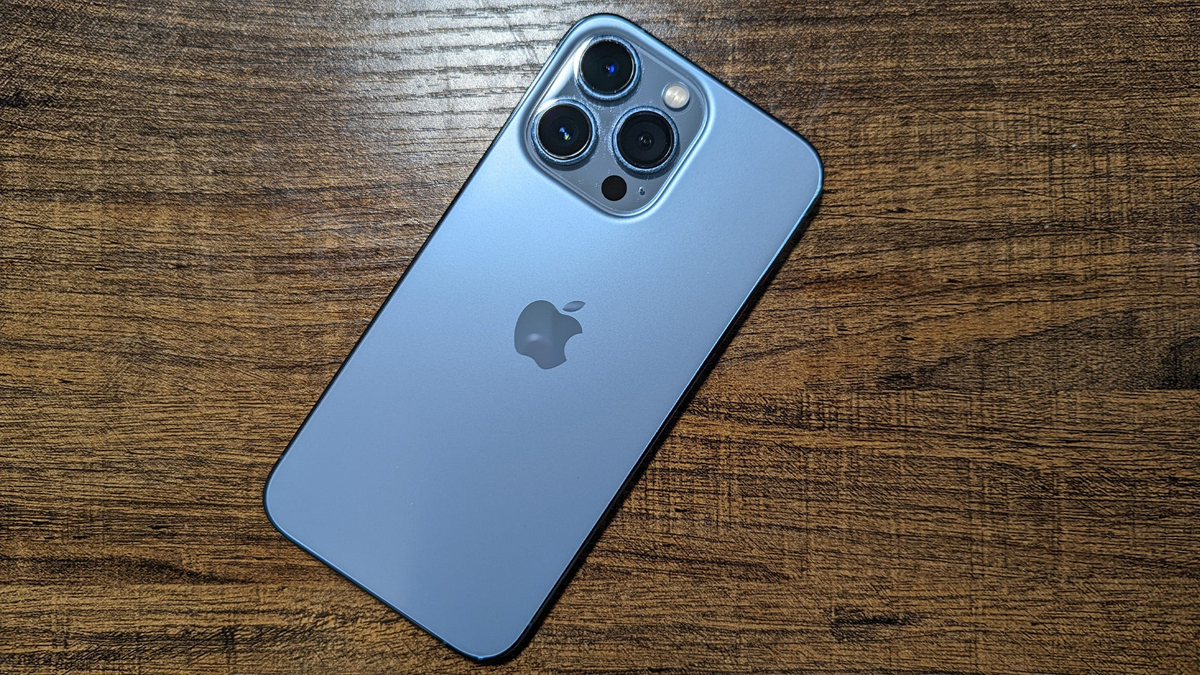
Apple 20th Anniversary iPhone
iPhone Update: In the smartphone world, Apple's iPhone is always in the news for its design and new features. Whenever the company makes a major change to this famous series, it is widely discussed. Next year marks the 20th anniversary of the iPhone's launch. To mark this special occasion, Apple may once again be preparing to make major changes to its smartphone's design.
Initial reports suggested a new glass-based design for the 20th-anniversary iPhone. Now, a new leak claims that Apple is preparing to remove a crucial physical button from the phone this time around.
Apple preparing to remove the Action Button?
According to social media reports, Apple may remove the Action Button from the new iPhones coming in 2027, though this doesn't mean users won't have the option to use the button's features. According to leaks, the company may incorporate its features into the Camera Control button. A single button will allow for both the camera and the previously available Action Button functions.
Action Button came with iPhone 15 Pro
Apple introduced the Action Button in 2023 with the iPhone 15 Pro and iPhone 15 Pro Max. This button allows users to set different actions based on their needs. By default, it is used to silence the phone. It replaced the old Alert Slider, which was used to switch between different phone modes. Initially, this change was limited to the Pro models, but with the launch of the iPhone 16 series in 2024, the Alert Slider was removed entirely.
The Camera Control button was introduced in the iPhone 16.
The Camera Control button was introduced by Apple with the iPhone 16 series. It's a touch-sensitive button that can be used to open the camera app, take a photo, zoom in and out, and change camera modes. Currently, pressing and holding this button opens a Visual Intelligence interface that allows users to point the camera at an object and ask questions about it.
One button will do two things.
The report states that the Camera Control button will be used in different ways in the new system. Tapping it once will directly open the Camera app. Long-pressing it will allow users to perform the actions set for the Action Button. This information is currently based on leaks, and Apple has not officially confirmed this change.