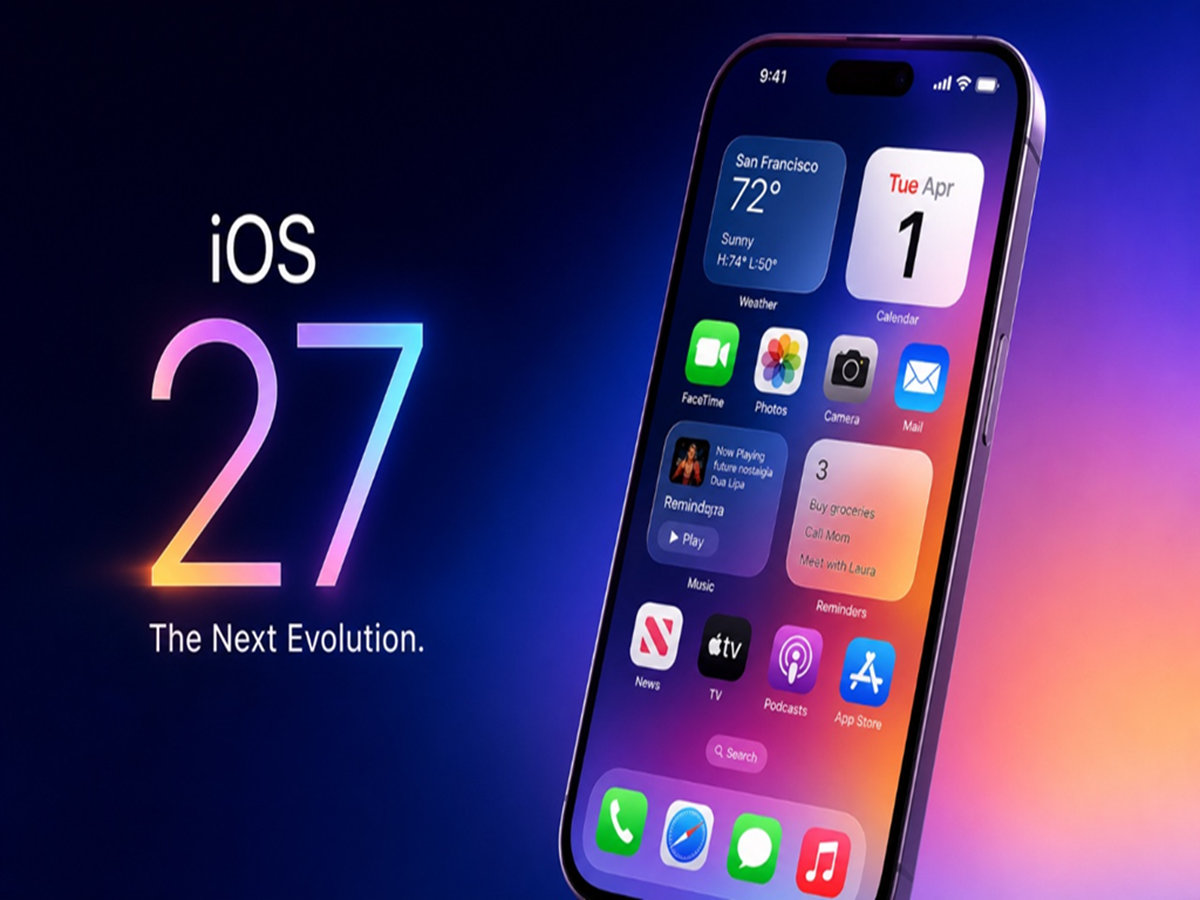
How to Install iOS 27 Public Beta: Apple has released the public beta version of its latest software update, iOS 27. In this, users get many new features, including Siri AI.
How to install iOS 27 Public Beta
How To Install iOS 27 Public Beta: Apple has officially released the iOS 27 Public Beta . The beta version will allow users to see the new features they'll receive before the stable update arrives in September. All models launched after the iPhone 11 series will support this software update. Along with iOS 27, the company has also begun public beta testing of iPadOS 27, macOS 27, and other operating systems. The biggest feature of the new software update is Siri AI. Let's explore the features in this update and how to install it.
Siri is more powerful than ever before.
It's already been revealed that Siri AI will be the biggest feature of iOS 27. Siri no longer needs to provide context before asking a question. It will be able to understand follow-up questions without context. Furthermore, Siri AI will be able to search information stored in apps like Mail, Messages, Notes, Calendar, and Reminders. It's also been given the ability to understand information displayed on the screen.
Apart from Siri AI, these features were found.
The new update brings visual intelligence capabilities to the Camera app, new browsing tools like Notify Me for the Safari browser and automatic tab grouping, new AI editing tools to the Photos app, and a new slider to customize the transparency of the liquid glass design. Apple says the new update will deliver improved performance, with apps launching faster than before.
How to install the beta version?
If you're registered in Apple's Beta Software Program, go to Settings and open the General section. Tap Software Update to open Beta Updates. Select iOS 27 Public Beta. Then return to the Software Update page and tap Update Now. You must be enrolled in the Beta Software Program. If you want to join the program, go to the Apple Beta Software Program website and sign in with your Apple account. You can then install the beta version on your iPhone using the steps above. Remember to back up your iPhone's data before installing the public beta. Beta versions may contain bugs that can impact battery life and app stability, which is why Apple recommends backing up your data.