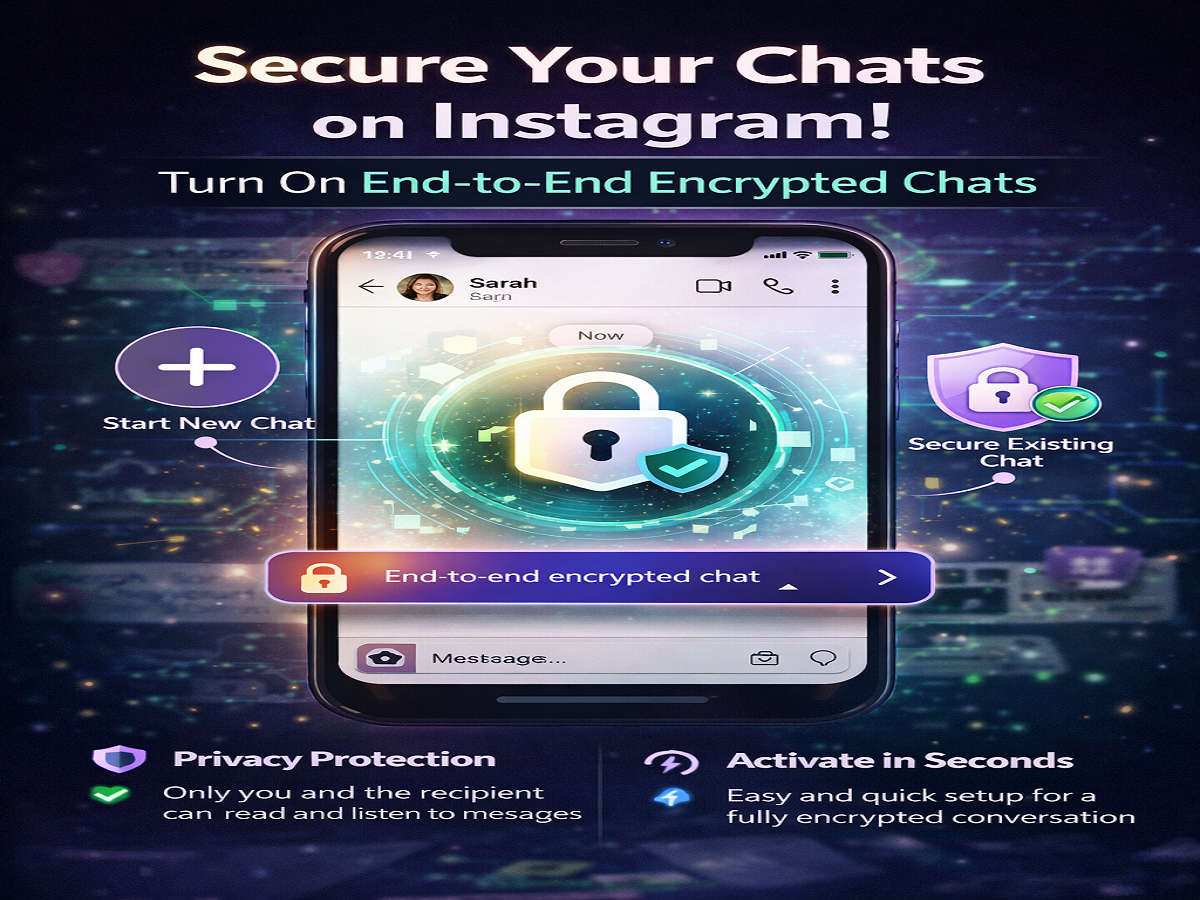
With growing concerns around digital privacy and data security, users are increasingly looking for safer ways to communicate online. To address this need, Instagram offers an end-to-end encryption feature that protects your chats from unauthorized access.
This feature ensures that only you and the person you’re communicating with can read messages or listen to calls—making your conversations far more secure.
What Does End-to-End Encryption Mean?
End-to-end encryption is a security method that keeps your conversations completely private. When enabled, messages are converted into a secure code while being sent and can only be decoded by the recipient’s device.
Even the platform itself cannot access these messages. This means:
- No third party can read your chats
- Calls and media files remain protected
- Data is secured during transmission
Platforms owned by Meta Platforms, including Instagram, have been gradually introducing this feature to enhance user safety.
Why You Should Use Encrypted Chats
In today’s digital world, cyber threats and data leaks are common. Enabling encryption adds an extra layer of protection to your personal and professional conversations.
Benefits include:
- Stronger privacy for sensitive discussions
- Protection against hacking or interception
- Secure sharing of media and files
Whether you’re chatting casually or discussing important matters, encryption helps ensure your information stays confidential.
How to Start a New Encrypted Chat on Instagram
If you want to begin a fresh secure conversation, follow these simple steps:
- Open the Instagram app on your smartphone
- Go to the Direct Messages (DM) section
- Tap the “+” (plus) icon at the top right corner
- Select “Start end-to-end encrypted chat”
- Search for or select the person you want to chat with
- Tap on “Chat” to begin the secure conversation
Once done, your messages in this chat will be fully encrypted.
How to Enable Encryption in an Existing Chat
You can also convert an ongoing conversation into a secure one. Here’s how:
- Launch the Instagram app
- Open the chat where you want to enable encryption
- Tap the recipient’s name at the top of the screen
- Scroll down and select “Use end-to-end encryption”
- A new encrypted chat window will be created automatically
This ensures that future messages in that thread are protected.
Important Things to Know
- Encrypted chats may open in a separate conversation window
- Some features (like certain media sharing options) may be limited initially
- Both users may need updated app versions for full functionality
How It Enhances Your Online Safety
With cyber threats becoming more sophisticated, tools like end-to-end encryption are no longer optional—they are essential. By enabling this feature, users can significantly reduce the risk of data breaches and unauthorized surveillance.
Instagram’s move to include encrypted chats reflects a broader shift in the tech industry toward prioritizing user privacy.
Securing your online conversations is easier than ever with Instagram’s end-to-end encryption feature. Whether you’re sharing personal details or important information, enabling this option ensures your chats remain private and protected.
As digital communication continues to grow, taking simple steps like this can go a long way in safeguarding your data and maintaining peace of mind.