
NEWS
Instagram Privacy Guide: How to Hide Your Online Status and Turn Off the Green Dot on Instagram
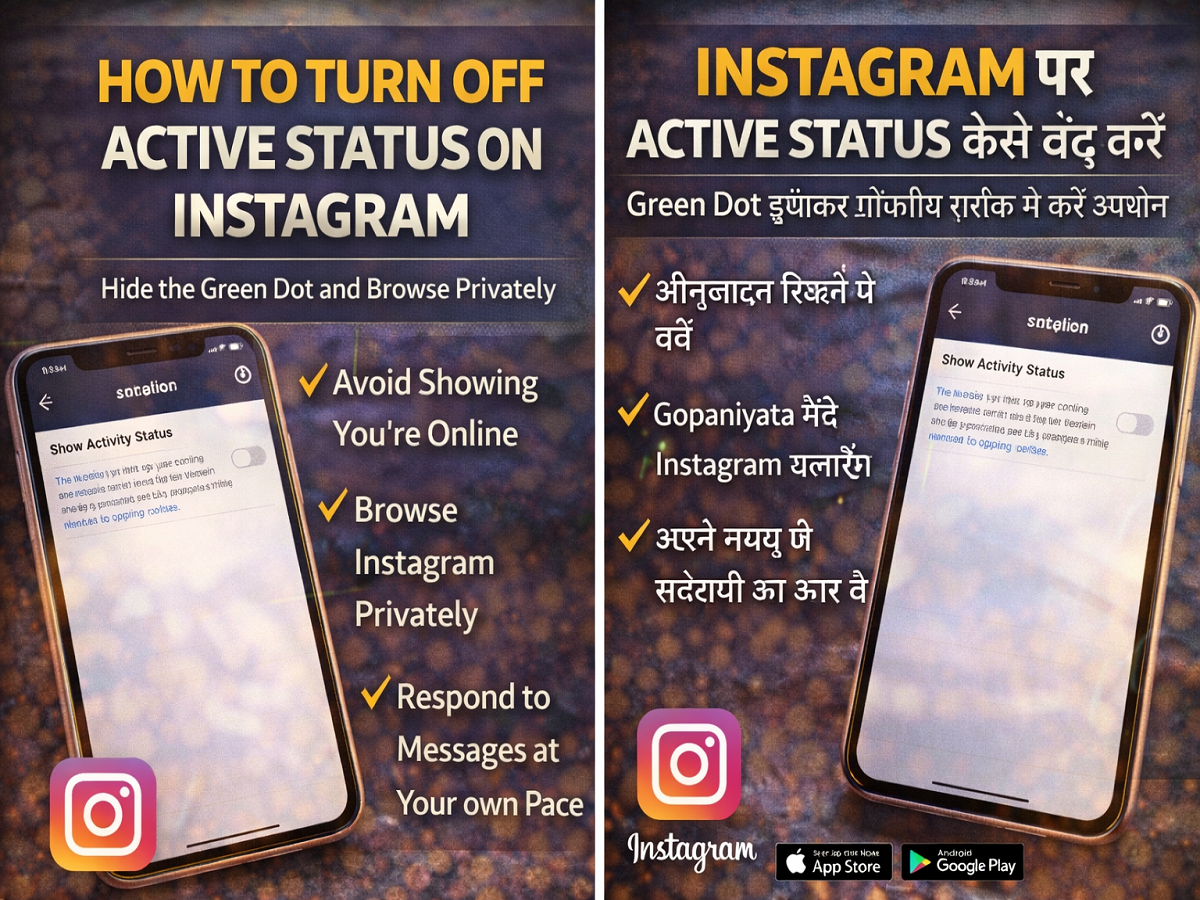
Instagram has become one of the most widely used social media platforms for sharing photos, videos, and messaging friends. One feature that many users notice while chatting on Instagram is the Active Status indicator, which shows a green dot when someone is online or indicates when they were last active.
While this feature can be helpful for real-time conversations, many people prefer a little more privacy when using social media. Seeing that green dot can sometimes make users feel pressured to reply immediately to messages. Fortunately, Instagram provides an option to turn off the Active Status feature, allowing you to browse the platform privately.
In this guide, we explain why you may want to disable Active Status on Instagram and how to turn it off on Android, iPhone, and web browsers.
What Is Instagram Active Status?
Instagram’s Active Status feature shows your online activity to people you interact with on the platform. When this feature is enabled:
- A green dot appears next to your profile picture in the Direct Messages (DMs) section.
- Friends can see when you are currently active on Instagram.
- They may also see how long ago you were last online.
This feature is enabled by default when you create an Instagram account. That means other users can see when you are active unless you manually disable the setting.
Why You Might Want to Turn Off Instagram Active Status
Although the feature is useful for quick conversations, many users disable it for privacy reasons. Here are some common reasons:
1. More Privacy
Turning off Active Status allows you to browse Instagram without letting others know when you are online.
2. Less Pressure to Reply Immediately
If someone sees you online, they may expect an instant reply. Disabling this feature removes that pressure.
3. Quiet Social Media Experience
You can scroll through posts, reels, and stories peacefully without worrying about who can see your activity.
However, there is one important thing to remember. When you disable Active Status, you will also stop seeing other users’ online status.
How to Turn Off Active Status on Instagram (Android)
If you use Instagram on an Android smartphone, follow these steps:
- Open the Instagram app on your device.
- Tap your profile icon at the bottom right corner.
- Select the three-line menu in the top-right corner.
- Tap Settings and Activity.
- Scroll down and select Messages and Story Replies.
- Tap Show Activity Status.
- Turn off the toggle next to the option.
Once disabled, the green online indicator will disappear, and other users will no longer see your activity status.
How to Hide Active Status on Instagram (iPhone)
iPhone users can follow nearly identical steps to disable the feature:
- Open the Instagram app on your iPhone.
- Go to your profile page.
- Tap the menu icon (three horizontal lines).
- Choose Settings and Activity.
- Select Messages and Story Replies.
- Tap Show Activity Status.
- Switch off the toggle.
After completing these steps, your online presence will remain hidden.
How to Disable Instagram Active Status on Web
You can also turn off this feature while using Instagram on a computer browser.
Follow these instructions:
- Visit Instagram.com and log in to your account.
- Click on the More (three-line) menu.
- Select Settings.
- Navigate to Messages and Story Replies.
- Find Show Activity Status.
- Turn off the toggle.
Your active status will now be disabled across all devices connected to your Instagram account.
Final Thoughts
Instagram’s Active Status feature helps people know when their friends are online, but it is not always ideal for users who prefer privacy. Thankfully, Instagram gives users full control over their visibility.
By disabling this feature, you can use Instagram without revealing your online activity, enjoy a more relaxed browsing experience, and respond to messages at your convenience.




