
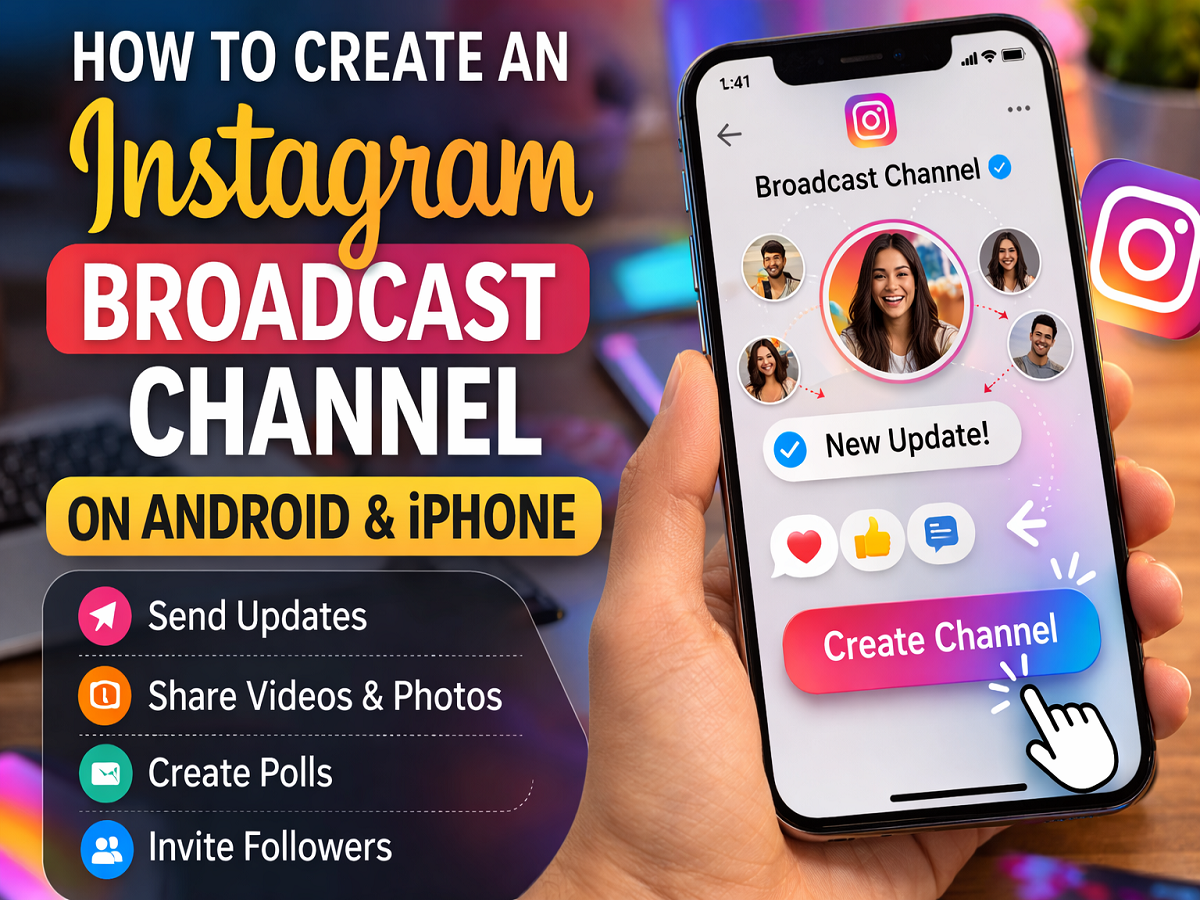
Step-by-Step Process to Create an Instagram Broadcast Channel on Your Smartphone
Social media platforms regularly introduce new features to help creators communicate with their audiences more effectively. One such feature introduced by Instagram is Broadcast Channels, a tool designed to allow creators to send updates directly to their followers in a dedicated messaging space.
With this feature, creators can share text messages, photos, videos, audio clips, and polls with their audience. Unlike regular chats, followers cannot reply directly to the creator’s messages. However, they can react to posts or participate in polls. This makes broadcast channels a useful tool for creators who want to share announcements or updates with a large audience.
If you want to create your own broadcast channel on Instagram using an Android or iPhone device, here is a detailed guide explaining how the feature works and how you can start your channel.
What Is an Instagram Broadcast Channel?
Instagram Broadcast Channels are designed as a one-to-many messaging feature where creators or public figures can communicate with their followers.
In this channel format:
- The creator can send text updates, photos, videos, and voice messages.
- Followers can react with emojis or vote in polls.
- Followers cannot directly reply to messages sent by the creator.
This feature works similarly to a private announcement channel, allowing creators to keep their followers informed about updates, upcoming content, or important announcements.
How Instagram Broadcast Channels Work
Once a creator launches a broadcast channel, Instagram sends a notification to their followers inviting them to join the channel.
Here are some key points about how the feature works:
- Anyone can view the broadcast channel content.
- Only followers who join the channel will receive notifications when new messages are posted.
- When the creator sends the first message, Instagram automatically sends invitations to followers.
This feature helps creators connect with their audience in a more direct and organised way.
Steps to Create an Instagram Broadcast Channel
Follow these steps to create a broadcast channel using your smartphone.
Step 1: Open Instagram Messages
- Open the Instagram app on your Android or iPhone.
- Tap the Messenger or Send icon located at the top-right corner of the feed.
Step 2: Start Creating a Channel
- Tap the compose icon in the top right corner.
- Select the option Create Broadcast Channel.
Step 3: Set Up Channel Details
Instagram will ask you to configure some basic details for your channel.
You will need to:
- Enter a name for your broadcast channel
- Choose the audience who can join
- Select the channel duration (optional)
- Decide whether the channel should appear on your profile
These settings help creators manage visibility and audience participation.
Step 4: Launch the Channel
After entering all the required details:
- Tap Create Broadcast Channel at the bottom of the screen.
- Your broadcast channel will now be active and ready for use.
Where to Find Your Broadcast Channel
Once created, you can easily access your broadcast channel in the Instagram app.
To locate it:
- Tap the Messenger or Send icon in the top-right corner.
- Select the Channels tab.
Your broadcast channels will appear in this section.
How to Invite Followers to Join the Channel
There are multiple ways to invite people to join your broadcast channel.
Share the Invitation Link
Instagram generates a unique invitation link for each broadcast channel. Creators can share this link with their followers.
The link cannot be permanently disabled, but it can be reset to create a new link whenever needed.
Share the Channel via Instagram Stories
Creators can also promote their broadcast channel by sharing it in their Instagram Stories. Followers can tap the story and join the channel instantly.
Why Creators Use Instagram Broadcast Channels
Broadcast channels offer several benefits for creators and influencers.
Direct Audience Communication
Creators can send important updates directly to their followers without relying on feed algorithms.
Exclusive Content Sharing
Broadcast channels are ideal for sharing exclusive announcements, previews, and behind-the-scenes content.
Audience Engagement
Polls and reactions allow creators to gather feedback and understand audience preferences.
Final Thoughts
Instagram Broadcast Channels provide creators with a powerful way to communicate directly with their followers. By sharing updates, media content, and polls in a dedicated messaging space, creators can build stronger engagement with their audience.
With just a few simple steps, anyone using Instagram on Android or iPhone can create a broadcast channel and start connecting with their followers in a more organised and interactive way.




