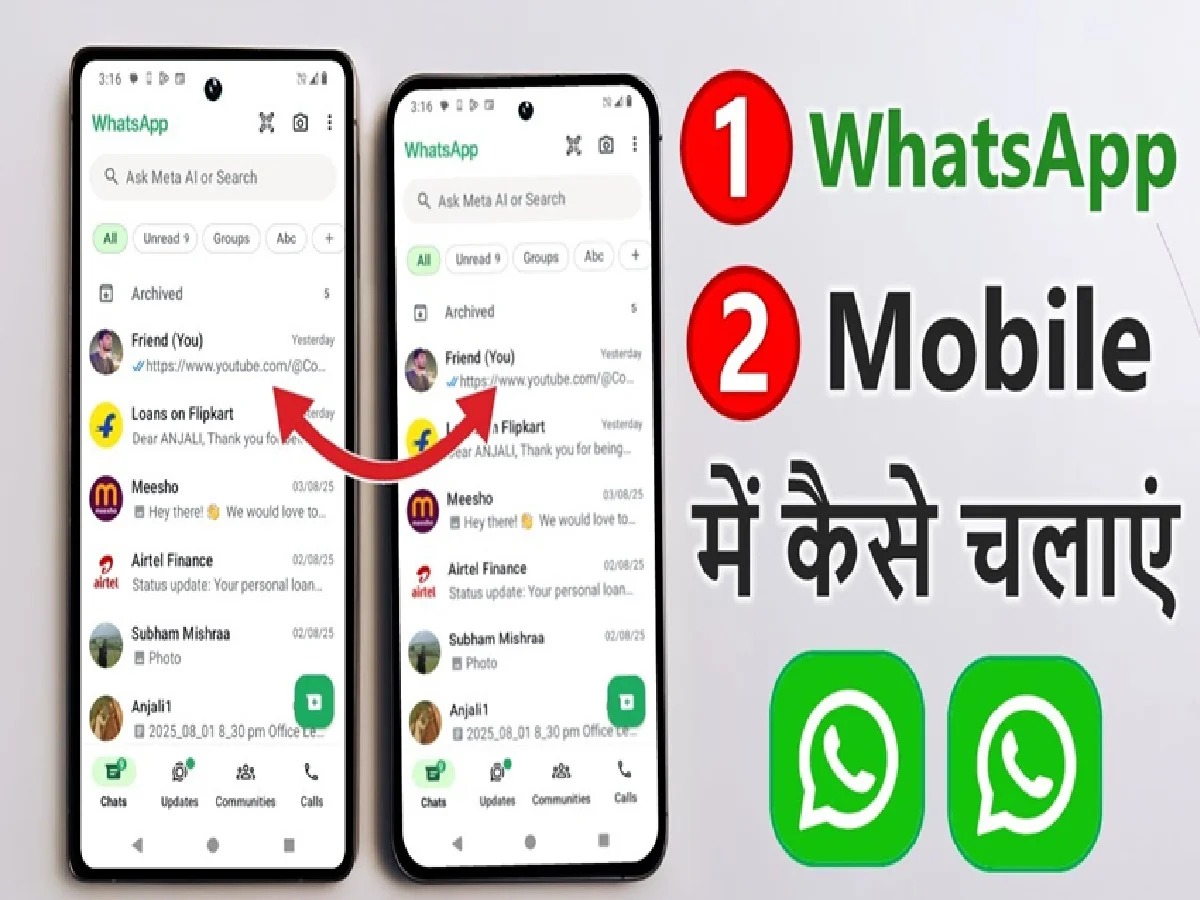
If you want to run the same WhatsApp account on two different phones, there's no need for a third-party app or any unknown tricks. Using the Linked Devices feature in WhatsApp, you can link your main phone's WhatsApp account to another phone.
This feature is especially useful for those who use two smartphones and want to send and receive messages from the same WhatsApp account on both.
How to use WhatsApp on another phone?
First, install the latest version of WhatsApp on your other phone. After opening WhatsApp, instead of logging in as usual by entering your phone number, choose an option like Link as a companion device or Link to an existing account. A QR code will then appear on the screen.
Now open WhatsApp on your main phone. On Android, tap the three dots in the top right and go to Linked Devices. On iPhone, open Settings > Linked Devices.
Then tap Link a Device. Your phone's camera will open. Scan the QR code displayed on the other phone's screen using your main phone.
Once the QR code is scanned, your WhatsApp account will be linked to the other phone. You can then access your WhatsApp messages and chats on both phones.
PC: ABPNews / YouTube