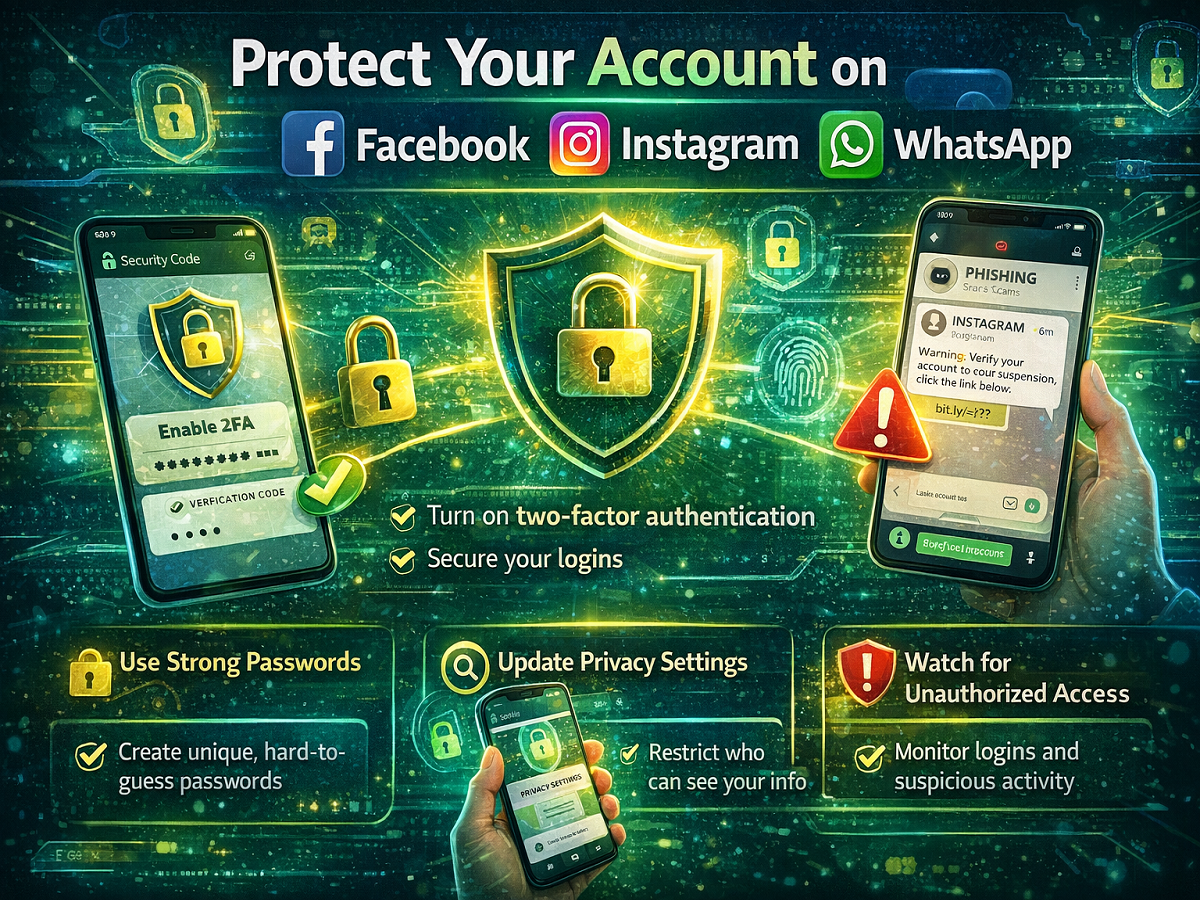
In today’s digital world, social media platforms like Facebook, Instagram, and WhatsApp have become an essential part of everyday communication. From chatting with friends to sharing personal updates and handling work-related conversations, these platforms store a large amount of sensitive information.
However, with rising cases of hacking, phishing, and data breaches, protecting your social media accounts has become more important than ever. A few simple security steps can go a long way in safeguarding your personal data and online identity.
Here’s a complete, easy-to-follow guide to help you secure your accounts effectively.
🔐 How to Protect Your Facebook Account
Facebook offers several built-in tools to enhance account security. Make sure you enable these settings:
1. Limit Your Profile Visibility
Set your profile visibility to “Friends Only” to keep your personal information away from unknown users.
2. Hide Your Profile from Search Engines
You can prevent search engines from displaying your profile. This adds an extra layer of privacy and reduces unwanted visibility.
3. Turn On Two-Factor Authentication (2FA)
Enable 2FA so that every login from a new device requires an additional verification code.
4. Activate Login Alerts
Turn on notifications for suspicious login attempts. This helps you detect unauthorized access instantly.
5. Review Privacy Settings Regularly
Keep checking your privacy settings to ensure your data is only shared with intended audiences.
6. Assign Limited Page Roles
If you manage a Facebook Page, assign specific roles (admin, editor, etc.) to limit access and reduce risk.
How to Secure Your Instagram Account
Instagram is widely used for sharing photos, reels, and personal content, making it a common target for hackers. Follow these steps:
1. Enable Two-Factor Authentication
This adds an extra security layer by requiring verification during login attempts.
2. Keep Contact Details Updated
Ensure your phone number and email address are correct. This helps in quick account recovery if needed.
3. Beware of Fake Messages
Instagram does not send direct messages for security alerts. Avoid clicking on suspicious links or responding to unknown requests.
4. Report Suspicious Activity
If you notice fake accounts or unusual activity, report them immediately to prevent misuse.
How to Protect Your WhatsApp Account
Since WhatsApp is used for personal and professional communication, securing it is crucial.
1. Never Share Your Verification Code
Your registration code and PIN are private. Sharing them can give others full access to your account.
2. Enable Two-Step Verification
Turn on this feature and link an email address. It adds an extra layer of protection in case someone tries to access your account.
3. Set a Device Lock
Use a strong phone lock (PIN, fingerprint, or face unlock) to prevent unauthorized access.
4. Monitor Physical Access
If someone has access to your phone, they can misuse your WhatsApp. Always keep your device secure.
Common Security Tips for All Platforms
Regardless of the platform, these general practices will keep your accounts safe:
- Use strong and unique passwords
- Avoid using public Wi-Fi for sensitive logins
- Do not click on unknown links or attachments
- Regularly update apps to the latest version
- Log out from devices you no longer use
Final Thoughts
Your social media accounts hold valuable personal and professional information. Taking a few minutes to enable security settings on Facebook, Instagram, and WhatsApp can prevent serious issues like hacking, identity theft, or data leaks.
As cyber threats continue to evolve, staying alert and proactive is the best way to protect your digital presence. Make these security steps a habit and keep your online life safe and secure.