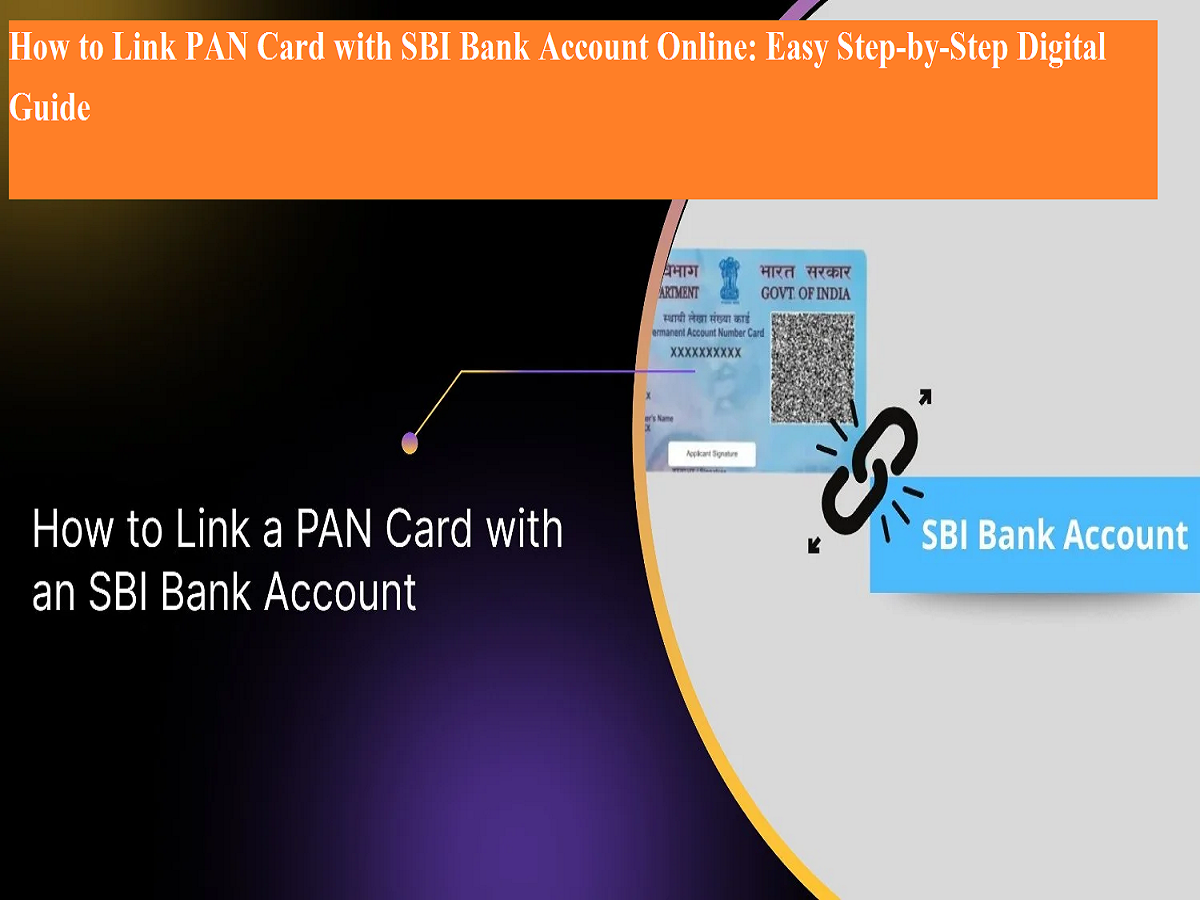
Linking your PAN card with your bank account has become an essential requirement for smooth financial transactions in India. The Permanent Account Number (PAN) is a key identity document used for tracking taxable income and financial activities. Most banks now automatically link PAN with new accounts during the account opening process. However, if your PAN is not yet connected to your State Bank of India (SBI) account, you can easily complete the process online through SBI’s internet banking services.
The PAN–bank account linkage helps avoid transaction restrictions and ensures compliance with banking and income tax regulations. While customers with Basic Savings Bank Deposit Accounts (BSBD) are exempted from mandatory PAN linking, regular savings account holders are advised to link their PAN to avoid service interruptions.
This guide explains the prerequisites, step-by-step online procedure, and important points to keep in mind when linking your PAN card with your SBI account.
Why Is PAN Linking with SBI Account Important?
PAN linking helps banks verify the identity of customers and track financial transactions as per government regulations. If PAN is not linked, customers may face limitations on cash deposits, withdrawals, and other banking services. In some cases, interest earned on deposits may also be affected.
By linking PAN with your SBI account, you ensure:
- Smooth and uninterrupted banking services
- Compliance with financial rules
- Faster processing of transactions
- Accurate tax-related records
Prerequisites Before Linking PAN with SBI Account Online
Before starting the online process, make sure the following conditions are met:
- You must be registered for SBI Internet Banking services.
- You should have an active SBI ATM or debit card.
- Your mobile number must be linked with your SBI account.
- You should know your SBI profile password (which is different from your login password).
- Keep your PAN card details ready for quick entry.
These requirements help complete the verification process smoothly without visiting the bank branch.
Step-by-Step Guide to Link PAN with SBI Account Online
Customers can link their PAN card with their SBI bank account by following these simple steps:
- Visit the official SBI Internet Banking website and log in using your username and password. If you are not registered, complete the registration process first.
- Once logged in, go to the “My Accounts & Profile” section.
- Click on the “Profile” option from the menu.
- Select the “PAN Registration” feature.
- Enter your SBI profile password to proceed. Remember, this password is different from your login password.
- Click on the “Submit” button.
- If your PAN is already linked, the system will display it on the screen.
- If your PAN is not linked, you will be asked to choose the bank account number for PAN linking.
- Enter your PAN card number carefully and submit the request.
After submission, your request will be forwarded to your SBI home branch for verification.
What Happens After Submission?
Once your PAN linking request is submitted:
- The bank branch verifies your PAN details with official records.
- The verification process generally takes up to seven working days.
- After successful linking, you will receive a confirmation message via SMS on your registered mobile number.
If there is any mismatch or technical issue, the bank may reject the request. In such cases, customers need to visit their SBI branch with original PAN card and identity documents for manual verification.
Common Reasons for PAN Linking Rejection
Some common reasons why PAN linking requests may fail include:
- Incorrect PAN number entered
- Name mismatch between PAN card and bank records
- Inactive PAN status
- Technical issues during submission
Ensuring accurate details during the online process reduces the chances of rejection.
Important Points to Remember
- PAN linking is mandatory for most savings accounts except BSBD accounts.
- Always use the official SBI website for PAN registration.
- Your profile password is required for completing the request.
- Keep your registered mobile number active to receive confirmation messages.
- In case of rejection, branch visit is necessary.
Linking your PAN card with your SBI bank account online is a simple and convenient process that can be completed from home. With the help of internet banking, customers no longer need to stand in long queues or submit physical forms at branches.
By following the correct steps and ensuring accurate details, your PAN can be successfully linked within a few working days. This digital facility supports faster banking services and helps customers remain compliant with financial regulations. Taking a few minutes to complete this process can save time and prevent future transaction issues.