If you’re tired of constant messages, spam groups, or simply want a break from WhatsApp, deleting your account might be the best option. Unlike uninstalling the app, permanently deleting your account ensures that your data, chats, and groups are removed completely.
Here’s a clear and updated guide to help you delete your WhatsApp account safely.
Why Deleting WhatsApp Is Different from Uninstalling
Many users think uninstalling the app will stop messages—but that’s not entirely true.
👉 If you reinstall WhatsApp:
- Your old groups may reappear
- Messages can start coming again
- Your account remains active on WhatsApp servers
📌 Deleting your account is the only way to completely remove your presence.
Things to Know Before You Delete
Before proceeding, keep these important points in mind:
- All your chats, media, and contacts will be deleted
- You will be removed from all WhatsApp groups
- Your Google Drive or iCloud backups will also be erased
- The process is irreversible
👉 Once deleted, your data cannot be recovered.
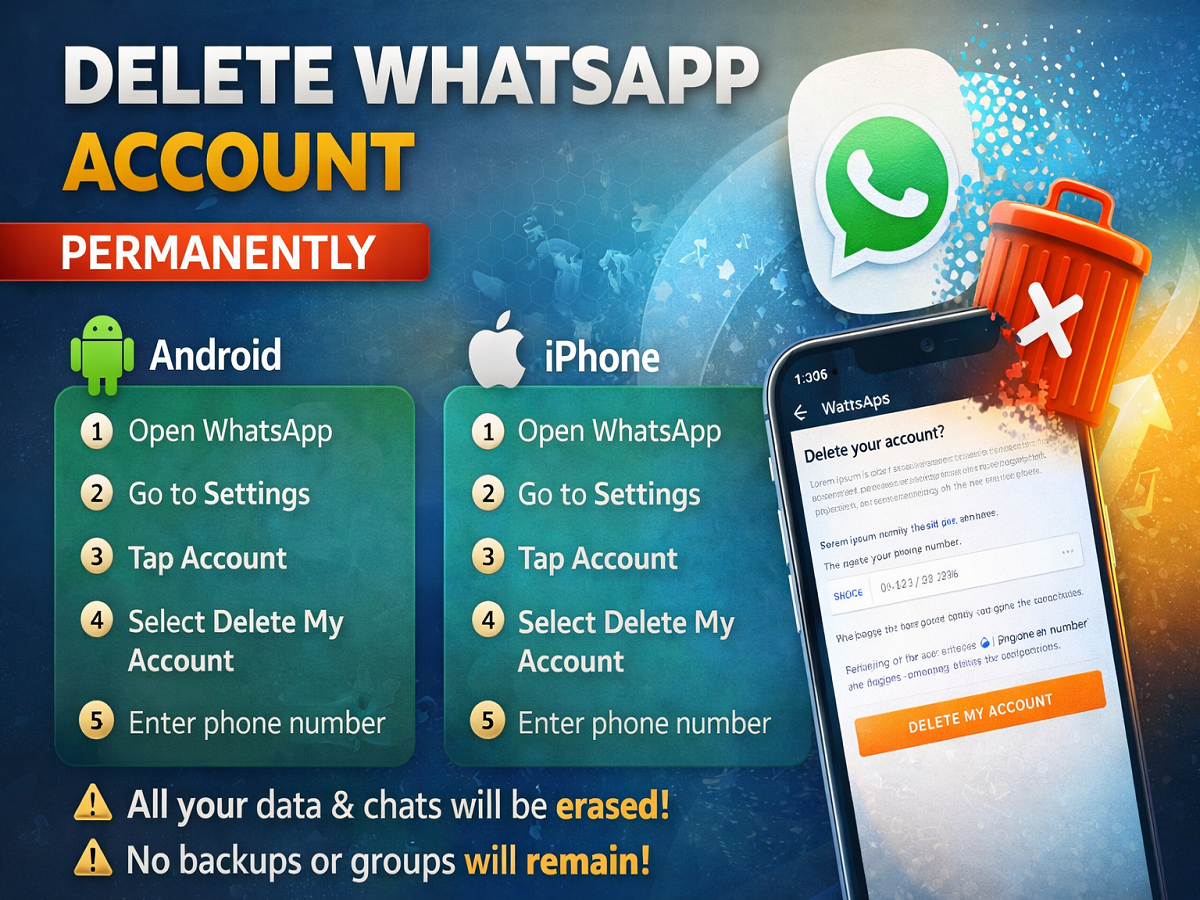
Step-by-Step: How to Delete WhatsApp Account
Follow these simple steps:
On Android:
- Open WhatsApp
- Tap the three-dot menu (top right corner)
- Go to Settings
- Tap on Account
- Select Delete My Account
- Enter your phone number (with country code)
- Tap Delete My Account again
On iPhone:
- Open WhatsApp
- Go to Settings (bottom right)
- Tap Account
- Select Delete My Account
- Enter your phone number
- Confirm by tapping Delete My Account
What Happens After Deletion?
Once you delete your account:
- Your entire WhatsApp data is erased from your phone
- Your account is removed from WhatsApp servers
- You won’t receive messages anymore
- Even if you sign up again, you’ll start fresh
👉 No old chats, no groups, no backups—everything is wiped out.
Is This the Right Decision?
Deleting WhatsApp can be useful if:
- You want to avoid spam and unnecessary groups
- You’re switching to another messaging platform
- You need a digital detox
However, if you only want a break, you can also:
- Mute notifications
- Archive chats
- Change privacy settings
Final Takeaway
Deleting your WhatsApp account is a permanent step that ensures complete removal of your data and activity. While it may feel like a big decision, it can help you regain control over your digital space and reduce distractions.
Make sure you understand the consequences before proceeding—and back up anything important if needed. 📱