
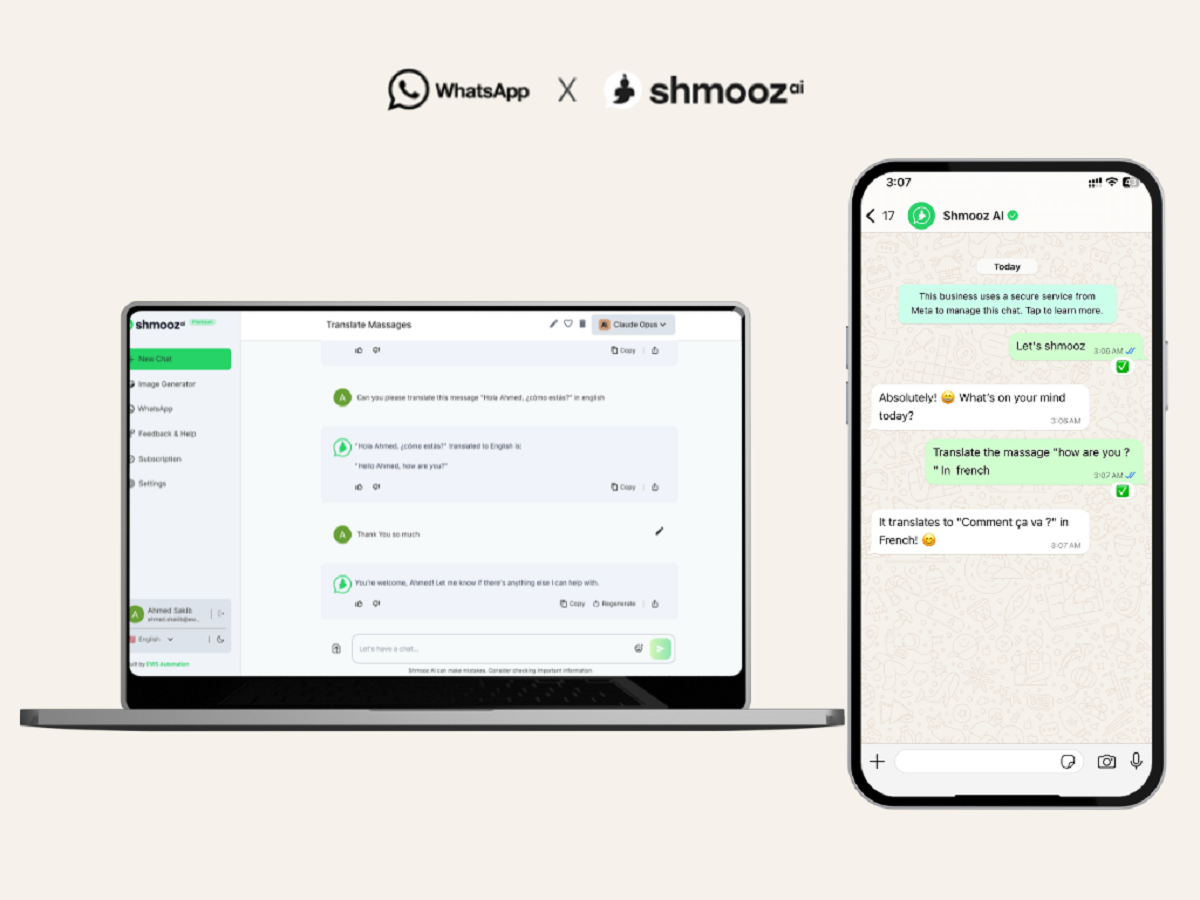
WhatsApp has become one of the easiest ways to stay in touch with people across different cities and countries. But conversations can sometimes become tricky when the other person speaks a different language. In such situations, being able to change your message into another language before sending it can make communication much smoother and more comfortable.
Many users are unaware that there are ways to translate text while using WhatsApp, which can help avoid confusion and save time. Whether you are chatting with an international friend, speaking to a client, or sending a message to someone who prefers another language, this feature can be extremely useful.
Here is a simple and completely refreshed guide explaining how you can translate a message on WhatsApp before sending it.
Why translating a message before sending is useful
There are many situations where this option can help. You may want to:
- talk to someone who does not understand your language well
- send a message in a more professional way to a client or colleague
- avoid mistakes when chatting in a foreign language
- make sure your message is easier for the receiver to understand
Instead of copying text into a separate app every time, using a translation option while chatting can make the process faster and more convenient.
How to translate a message while using WhatsApp
If your device and app version support this option, you can follow these steps:
1. Open the WhatsApp conversation
Start by launching WhatsApp on your smartphone. Then open the chat in which you want to type and send the translated message.
2. Type your message
Enter the text you want to send in the message box as you normally would. This can be any sentence, question, or reply that you want to convert into another language.
3. Press and hold the typed text
Once the message is typed, tap and hold the text. A menu should appear on the screen with different options.
4. Tap on the “More” option
From the menu that opens, look for the “More” section. Select it to view additional actions related to the text.
5. Choose “Translate”
If the feature is available on your device, you will see a translation option. Tap on it. WhatsApp will then show the translated version of your message in a pop-up or separate prompt.
6. Select the language you want
If the text is not converted into the desired language automatically, you can manually choose the language in which you want your message to appear.
7. Review before sending
Before you hit send, read the translated text carefully. This is an important step because automated translations may not always capture the exact meaning, tone, or context of your original message.
Check your app version first
This feature may not work on every device unless you are using a supported version of WhatsApp. In older app versions, the translation option may not appear at all. Keeping your app updated is the best way to ensure you get the latest tools and improvements.
Can WhatsApp translate messages automatically?
In some cases, WhatsApp may also offer language-related settings that help with translation or chat language preferences. If your version supports it, you may find such options inside the app settings under chat or language preferences. This can make multilingual conversations easier to manage.
However, users should remember that machine-generated translations are not always perfect. Some words, phrases, or emotional tones may not come across exactly as intended. That is why it is always a good idea to double-check the final message before sending it.
Things to keep in mind
When using message translation on WhatsApp, remember these points:
- always re-read the translated text
- do not rely completely on automated translation for important legal or professional communication
- update WhatsApp regularly for better features and smoother performance
- simple sentences usually translate more accurately than long or complex ones
Final thoughts
Translating a message before sending it on WhatsApp can make cross-language conversations much easier. It is a practical feature for users who regularly communicate with people speaking different languages. With just a few steps, you can prepare your text in another language and make your chats clearer and more effective.
If used carefully, this feature can help you avoid misunderstandings and make your messages more accessible to the person on the other side of the conversation.




