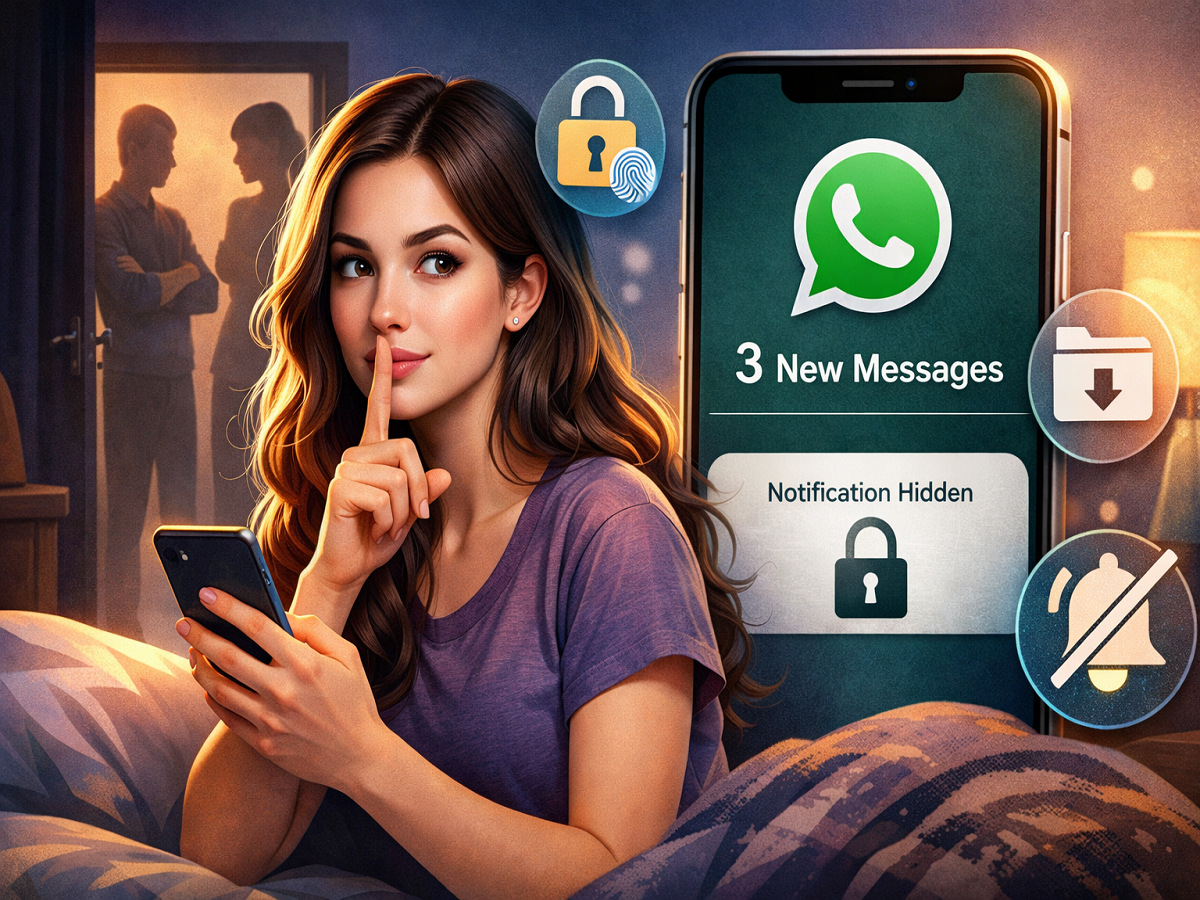
In today’s fast-paced digital world, smartphones and social media have become an inseparable part of daily life—especially for younger users. Messaging apps like WhatsApp are used not just for casual chats but also for school, work, and personal conversations. However, privacy remains a growing concern, particularly in households where parents often keep a close watch on their children’s phone usage.
While parents usually act out of concern, constant questioning or monitoring can sometimes make users uncomfortable. As a result, many people look for ways to maintain their privacy without completely turning off notifications or missing important messages. If you’re someone who wants to keep your WhatsApp activity discreet without muting chats, there are several simple yet effective methods you can use.
This guide explains practical ways to hide WhatsApp notifications while staying connected—ensuring both privacy and convenience.
Turn Off Message Preview on Lock Screen
One of the easiest ways to protect your privacy is by disabling message previews on your phone’s lock screen. By doing this, incoming messages won’t reveal their content or sender details unless the phone is unlocked.
How to do it:
- Open your phone’s Settings
- Go to the Notifications section
- Search for and select WhatsApp
- Look for options like Lock Screen Notifications or Show Content
- Disable message preview or set it to “Hide Content”
Once this setting is applied, your phone will only display a generic notification like “New Message” instead of showing the actual text or sender name. This ensures that no one can read your messages at a glance.
Disable Pop-Up Notifications
Pop-up notifications can instantly display messages on your screen—even when you’re using your phone. While this feature is convenient, it can also compromise your privacy.
If you don’t want to mute chats but still wish to avoid visible alerts, turning off pop-up notifications is a smart move.
Steps to disable pop-ups:
- Go to Settings
- Tap on Notifications
- Select WhatsApp
- Find the Pop-up Notification option
- Turn it Off
After disabling this feature, messages will no longer appear as floating alerts on your screen. Instead, they will remain discreet in the notification panel, making it harder for others to see your conversations.
Use WhatsApp Chat Lock Feature
For users who want an extra layer of privacy, WhatsApp offers a built-in Chat Lock feature. This is especially useful for securing specific conversations.
Why use Chat Lock?
- Protects chats with fingerprint, face unlock, or password
- Moves locked chats to a separate, hidden folder
- Prevents unauthorized access—even if someone uses your phone
How to enable it:
- Open the chat you want to secure
- Tap on the contact name at the top
- Scroll down and select Chat Lock
- Enable it using your preferred security method
Once activated, the chat becomes inaccessible without authentication. This ensures that even if someone tries to open your WhatsApp, they won’t be able to view locked conversations.
Try Archived Chats for Extra Privacy
Another underrated feature is the Archive Chat option. Archiving a chat removes it from your main chat list without deleting it.
- Archived chats stay hidden unless new messages arrive
- You can access them anytime from the archive section
- It helps keep sensitive conversations out of immediate view
Explore Silent Notifications and Other Settings
WhatsApp and smartphone settings offer additional tools to enhance privacy:
- Silent Notifications Mode: Receive alerts without sound or vibration
- Disable Notification Previews: Prevent message content from appearing anywhere
- Custom Notification Settings: Adjust visibility for specific chats
These options allow you to customize how and where notifications appear, giving you full control over your privacy.
A Balanced Approach to Privacy
While these tricks are useful, it’s also important to maintain open communication, especially within families. Privacy is essential, but trust and understanding are equally important in today’s digital environment.
By using these simple settings, you can ensure your personal conversations remain private—without missing important messages or muting chats completely.