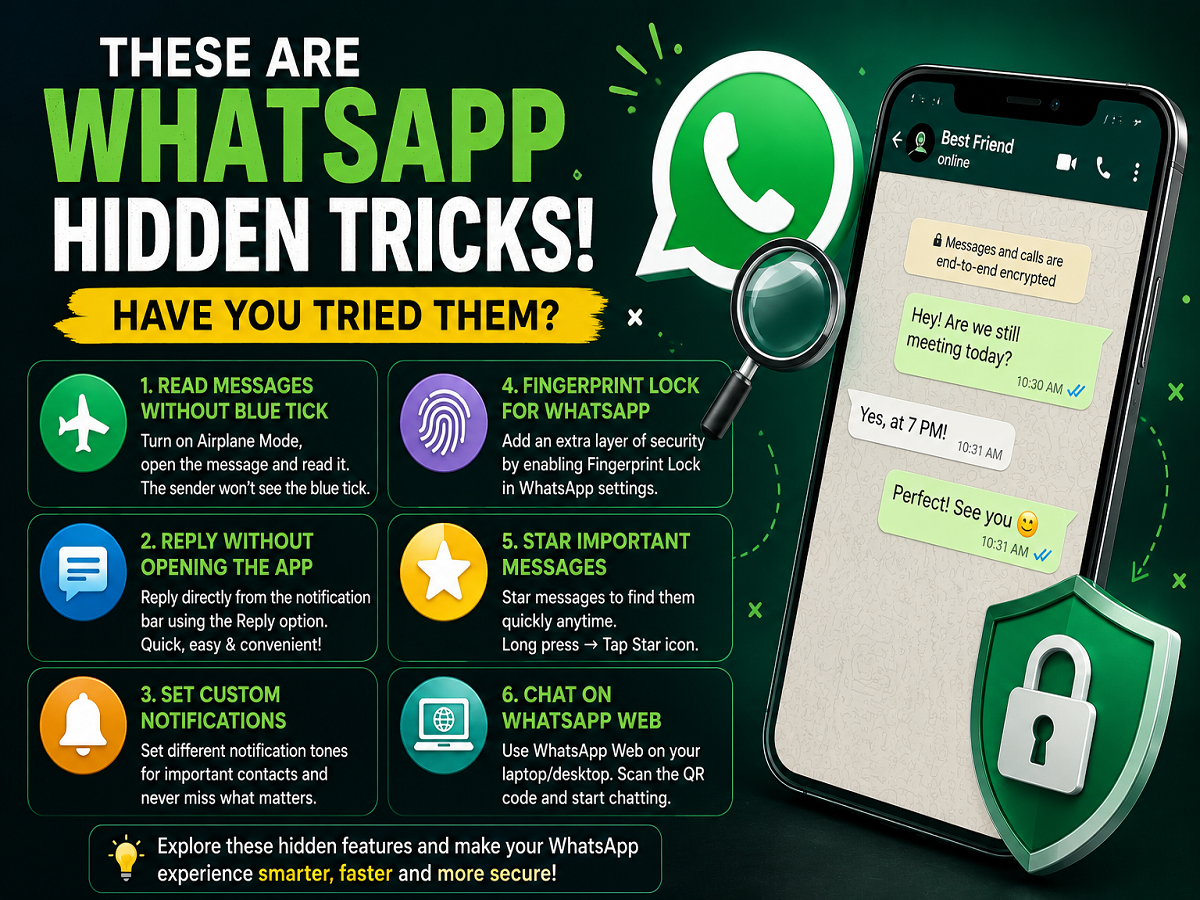
WhatsApp is packed with several smart features that many users still don’t know about. While most people use the app only for chatting, calling, and sharing media, WhatsApp also offers hidden tricks that can improve privacy, save time, and make messaging much more convenient.
From reading messages secretly to replying without opening the app, these useful features can completely change the way you use WhatsApp daily. Here are some of the most practical WhatsApp tricks every user should try.
1. Read Messages Without Showing Blue Tick
Sometimes users want to read a message without letting the sender know. WhatsApp’s blue tick system normally informs the sender once a message has been read, but there’s a simple trick to avoid that.
Users can:
- Turn on Airplane Mode
- Open WhatsApp and read the message
- Close the app completely
- Disable Airplane Mode afterward
Since the phone stays disconnected from the internet while the message is opened, the blue tick may not appear immediately for the sender.
This trick is commonly used when users want privacy before replying.
2. Reply Directly From Notification Bar
One of WhatsApp’s most useful hidden shortcuts is quick reply through notifications.
Without opening the app, users can:
- Pull down the notification panel
- Tap the “Reply” option
- Send messages instantly
This feature helps:
- Save time
- Reply quickly during work
- Avoid switching between apps
It is especially useful while multitasking or during meetings.
3. Set Custom Notifications for Important Contacts
WhatsApp allows users to assign separate notification tones for specific contacts.
This means:
- Important family members
- Office contacts
- Friends
- Business clients
can all have different notification sounds.
To enable it:
- Open the contact chat
- Tap contact name
- Select “Custom Notifications”
- Choose a unique ringtone or alert tone
This feature helps users instantly identify who messaged them without checking the phone.
4. Protect WhatsApp With Fingerprint Lock
Privacy has become one of the biggest concerns for smartphone users. To improve security, WhatsApp offers a built-in Fingerprint Lock feature.
Once enabled:
- WhatsApp can only open using fingerprint authentication
- Chats stay protected even if someone accesses your phone
- Extra app-level security is added
Users can activate it through:
Settings → Privacy → Fingerprint Lock
Security experts strongly recommend enabling biometric protection to prevent unauthorized access.
5. Star Important Messages for Quick Access
Many users struggle to find important messages later in long chats. WhatsApp solves this problem through the “Star Messages” feature.
To use it:
- Press and hold a message
- Tap the Star icon
The message gets saved separately and can later be accessed easily from:
Settings → Starred Messages
This feature is useful for saving:
- Addresses
- OTPs
- Important instructions
- Office information
- Banking details
6. Use WhatsApp Web for Faster Typing
Users can also continue chatting through laptops or desktops using WhatsApp Web.
To connect:
- Open WhatsApp on your phone
- Tap Linked Devices
- Scan the QR code shown on WhatsApp Web
This feature allows:
- Faster typing
- Easy file sharing
- Better multitasking during office work
It has become especially popular among students and professionals.
WhatsApp Has Many More Useful Features
Apart from these tricks, WhatsApp also provides several advanced features including:
- Chat lock
- Disappearing messages
- Privacy controls
- Multi-device support
- Screen sharing during video calls
- Status privacy customization
Technology experts say many users still fail to explore these tools fully, even though they can significantly improve both privacy and convenience.
Why Users Should Learn These Features
As digital communication becomes more important in daily life, understanding WhatsApp’s hidden tools can help users:
- Protect personal data
- Improve chat privacy
- Save time
- Manage conversations more efficiently
With cyber fraud, hacking attempts, and data privacy concerns increasing rapidly, using WhatsApp smartly is now more important than ever.
These simple but effective tricks can make the messaging experience safer, faster, and much more convenient for everyday users.