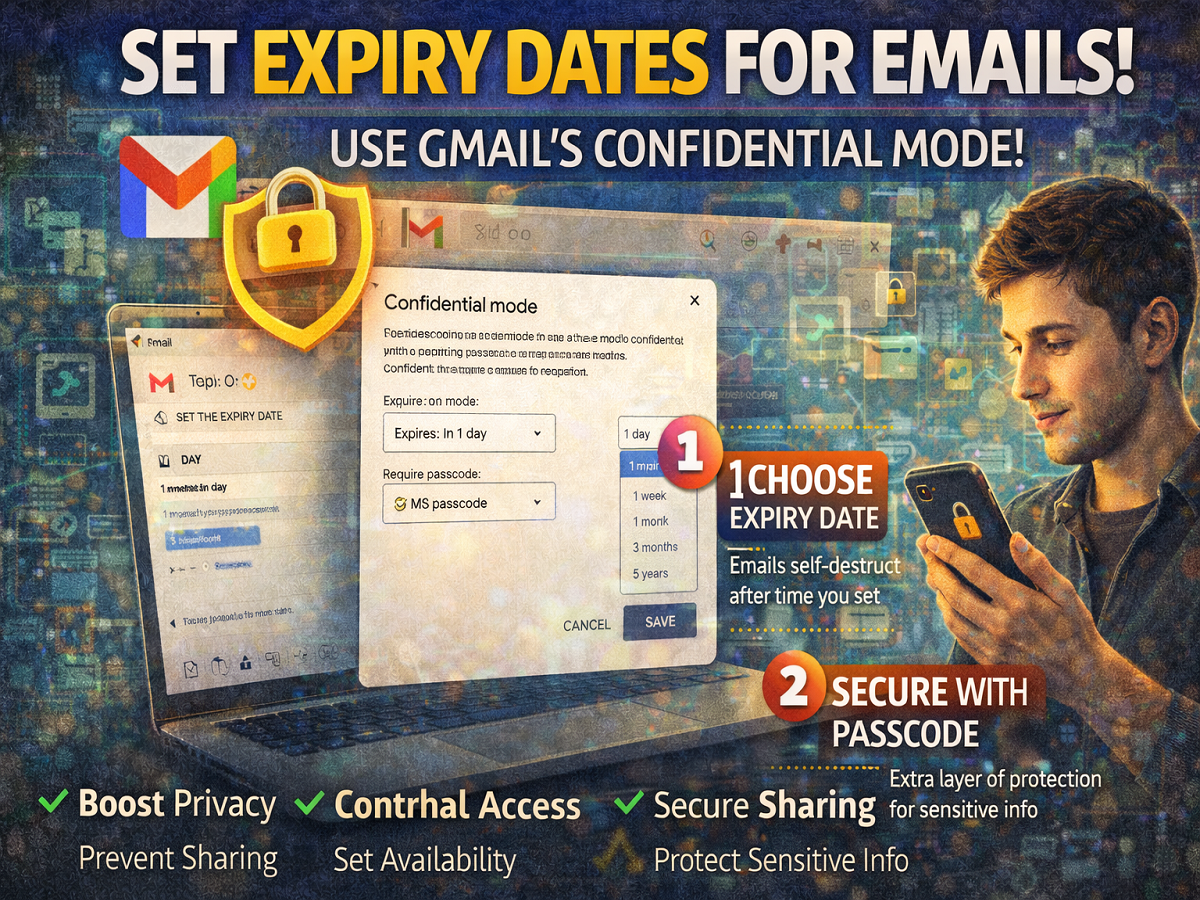
Most people use Gmail simply for sending and receiving emails. However, the platform offers several advanced features designed to enhance privacy and security. One such powerful yet often overlooked feature is Confidential Mode, which allows users to send emails with an expiry date and restricted access.
If you regularly share sensitive information online, this feature can significantly improve your email security.
What Is Gmail Confidential Mode?
Confidential Mode is a privacy-focused feature that lets you control how recipients interact with your email.
👉 With this feature, you can:
- Set an expiration date for your email
- Prevent recipients from forwarding, copying, printing, or downloading the message
- Add an extra layer of protection with a passcode
This makes it ideal for sharing confidential details like passwords, documents, or personal information.
How to Use Gmail Confidential Mode
Using Confidential Mode is simple and can be done on both desktop and mobile.
Step-by-Step Guide:
- Open Gmail on your device
- Click on “Compose” to create a new email
- Write your message as usual
- Click on the “Toggle Confidential Mode” icon (near attachment options)
- A pop-up window will appear
👉 In this window, you can customize your security settings.
Set Expiry Date for Emails
One of the key features is the ability to set a time limit for your email.
You can choose from:
- 1 day
- 1 week
- 1 month
- 3 months
- Up to 5 years
👉 After the selected time, the email will automatically become inaccessible to the recipient.
Add Passcode Protection
To enhance security, Gmail also allows you to enable passcode verification.
You get two options:
- No SMS passcode (standard protection)
- SMS passcode (Google generates a secure code for the recipient)
👉 This ensures that only the intended recipient can access the email content.
Key Benefits of Confidential Mode
🔒 Enhanced Privacy
Recipients cannot forward, copy, print, or download your email.
🎯 Controlled Access
You decide how long the email remains available.
📤 Secure Sharing
Perfect for sending sensitive data like:
- Financial details
- Personal documents
- Confidential business information
🛡️ Automatic Security
Passcodes are generated and managed securely by Gmail.
Important Things to Keep in Mind
- Confidential Mode does not prevent screenshots
- Recipients may still capture information manually
- Always use it along with general digital safety practices
Final Takeaway
Gmail’s Confidential Mode is a powerful tool for anyone concerned about privacy and data security. By allowing you to set expiry dates and restrict access, it gives you greater control over your emails.
👉 If you frequently share sensitive information, this feature can help you stay secure in an increasingly digital world.
Disclaimer
The information provided above is for general awareness only. Features may vary depending on updates and user settings. Users are advised to follow best security practices while sharing sensitive information online.