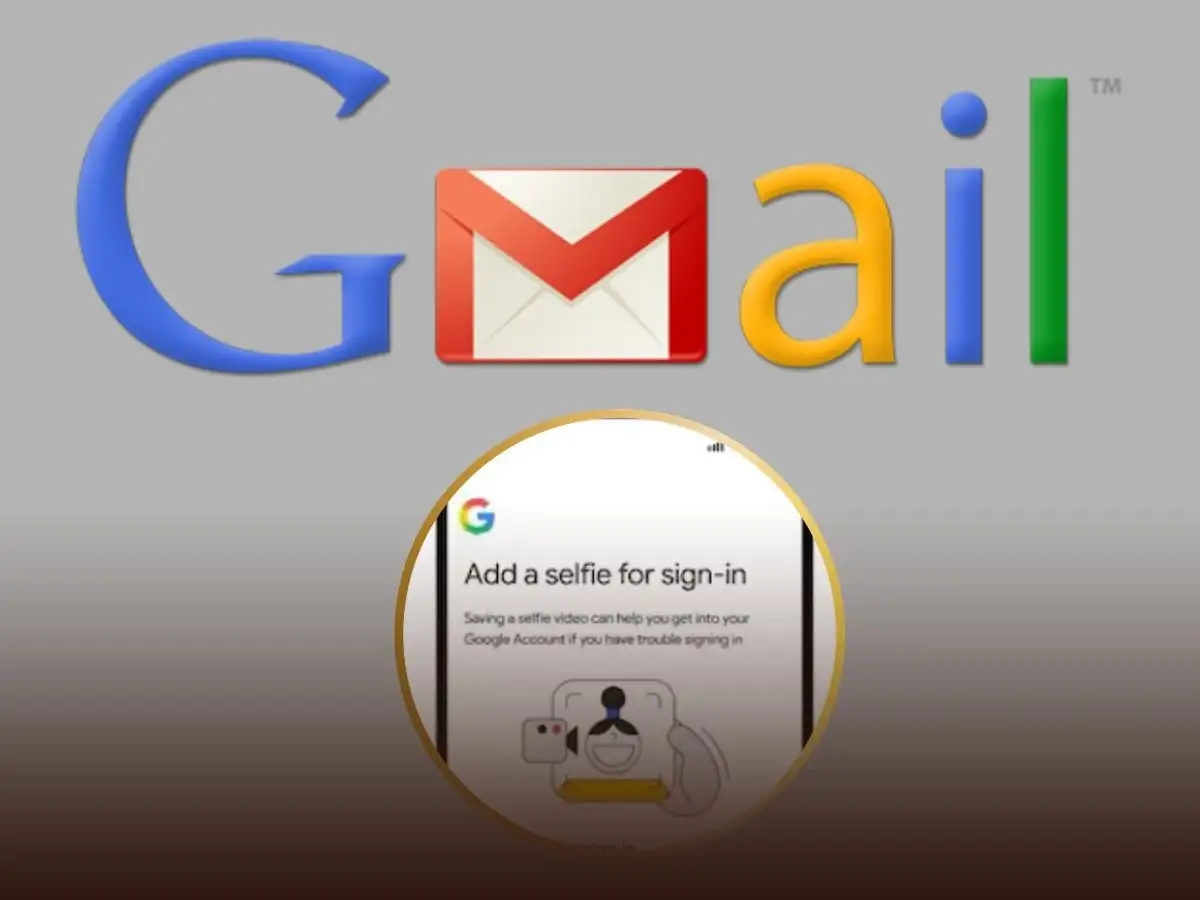
Google introduces selfie video verification as an additional identity check for eligible users; here's how the feature works
Gmail Feature Update: Google has introduced a Selfie Video verification feature that provides an additional way for eligible users to verify their identity when accessing or recovering their Google account. Rather than replacing passwords altogether, the feature is designed to work alongside Google's existing security methods, including passwords, passkeys, and recovery options.
The new verification method aims to make account recovery more secure and convenient, especially for users who have difficulty accessing their accounts through traditional recovery methods.
What Is Google's Selfie Video Verification?
The new feature allows users to record a short selfie video that Google can use as an additional identity verification method in certain account recovery or sign-in scenarios.
According to Google, the feature is intended to:
- Provide an extra layer of identity verification.
- Help eligible users recover access to their Google accounts.
- Complement existing security features such as passkeys and recovery methods.
- Improve protection against unauthorized account access.
It is not a complete replacement for your password or other authentication methods.
How the Feature Works
After enabling the feature, users can record a short video by following on-screen instructions.
During setup, Google may ask users to:
- Face the camera.
- Turn their head in different directions.
- Record a brief selfie video for identity verification.
The video is then linked to the user's Google account and may be used when additional verification is required.
How to Enable Selfie Video Verification
Before setting up the feature, make sure your Google or Gmail app is updated to the latest version.
Follow these steps:
- Open the Google or Gmail app.
- Tap your profile picture.
- Select Manage your Google Account.
- Go to Security or Security & Sign-in.
- Look for Additional sign-in options or the Selfie Video option (if available).
- Grant camera permission when prompted.
- Accept Google's terms and conditions.
- Record your selfie video by following the on-screen instructions.
- Save the verification setup.
Once completed, the selfie video becomes an additional identity verification option for your account where supported.
Can You Update or Remove the Selfie Video?
Yes. Google allows users to manage this verification method at any time.
To update or remove it:
- Open the Google or Gmail app.
- Tap your profile picture.
- Select Manage your Google Account.
- Open Security.
- Choose Selfie Video (if available).
- Select either:
- Record a new selfie video, or
- Remove the existing one.
- Follow the instructions displayed on your screen.
Existing Security Features Remain Available
Even with selfie video verification enabled, users can continue using Google's existing security options, including:
- Password-based sign-in.
- Passkeys.
- Two-Step Verification.
- Recovery phone number.
- Recovery email address.
- Authenticator apps and security keys (where configured).
These methods continue to play an important role in protecting Google accounts.
Tips to Keep Your Gmail Account Secure
To improve account security, users should also follow these best practices:
- Create a strong and unique password.
- Enable Two-Step Verification.
- Add a recovery phone number and email address.
- Review account activity regularly.
- Keep the Google app and device software updated.
- Never share OTPs, passwords, or verification codes with anyone.
Rollout May Vary by Region
Google often introduces new security features in phases. As a result, the Selfie Video verification option may not yet be available to all users, devices, or regions. Users can check their Google Account security settings to see whether the feature has been enabled for their account.
Disclaimer: Feature availability may vary depending on your Google account, device, app version, and region. The Selfie Video feature serves as an additional identity verification method and does not universally replace passwords or other Google account security measures.