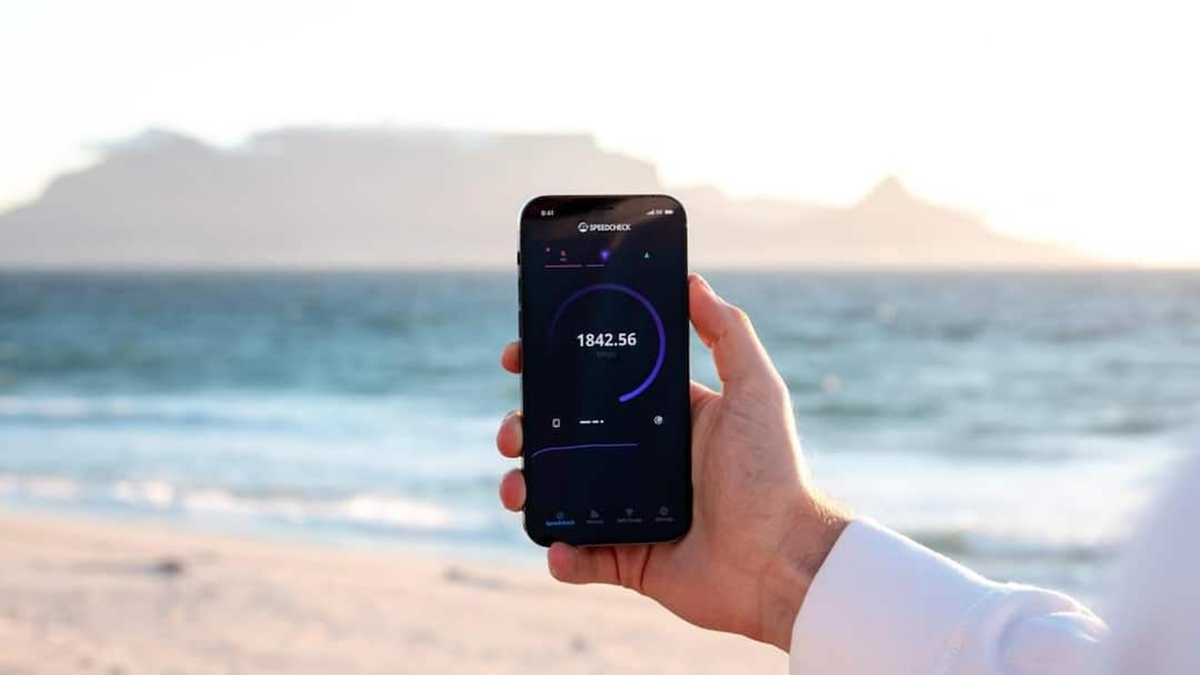
Do you still get the full 100Mbps speed even after purchasing a 100Mbps WiFi plan? Learn the reasons for low WiFi speeds and how to check how fast your internet really is.
(What does 100Mbps mean in a WiFi plan)
Nowadays, Internet service providers offer WiFi plans with 100Mbps, 200Mbps, and even up to 1Gbps. Seeing 100Mbps speeds advertised can lead users to believe that downloading and streaming will be lightning fast. But the question is, does a 100Mbps plan actually deliver 100Mbps internet speed? The answer is yes, but there are some important things to understand. Let's explore them in detail.
What does 100Mbps mean?
Actually, it's important to first understand Mbps. Mbps stands for Megabits per second. If your broadband plan's speed is 100Mbps, it means that under normal conditions, your internet connection can transfer 100 megabits of data per second.
However, downloading apps or browsers often displays speeds in MB/s, or megabytes per second. There are 8 bits in a byte. Therefore, dividing 100Mbps by 8 gives a maximum download speed of approximately 12.5MB/s. This means that if you're downloading a large file and you're seeing speeds of around 10-12MB/s, it doesn't necessarily mean your internet is slow.
Will I get 100Mbps speed all the time?
This isn't true. 100Mbps is actually the maximum line speed of your connection. Actual speeds depend on several factors, including distance from the WiFi router, walls, the device's WiFi power, and the number of devices connected to the network at the same time, which can all slow down speeds.
Additionally, the server power you're downloading a file or video from is also crucial. If the server's speed is low, you'll still have a slow download speed even if you have a 100Mbps connection.
Why does the speed decrease on WiFi?
Having a 100Mbps broadband connection doesn't mean you'll always get 100Mbps on every device. Some WiFi speeds can be reduced due to overhead and wireless interference. Testing speeds far from the router can result in lower results. Compared to 2.4GHz WiFi, the 5GHz band generally offers faster speeds over shorter distances, although its range is shorter.
How to check the speed correctly?
To verify the true strength of your 100Mbps connection, first run a speed test near the router. If possible, test it by connecting a computer directly to the router via an Ethernet/LAN cable. This can help rule out WiFi-related issues.
If multiple devices are downloading, streaming videos, or gaming simultaneously, the speed gets divided among them. Therefore, heavy internet activity on other devices should be turned off during the test.
So is the 100Mbps plan just a gimmick?
That's not entirely true. For your information, 100Mbps isn't just a marketing number. With the right fiber connection, a good router, capable devices, and excellent network conditions, speeds of around 100Mbps are achievable.