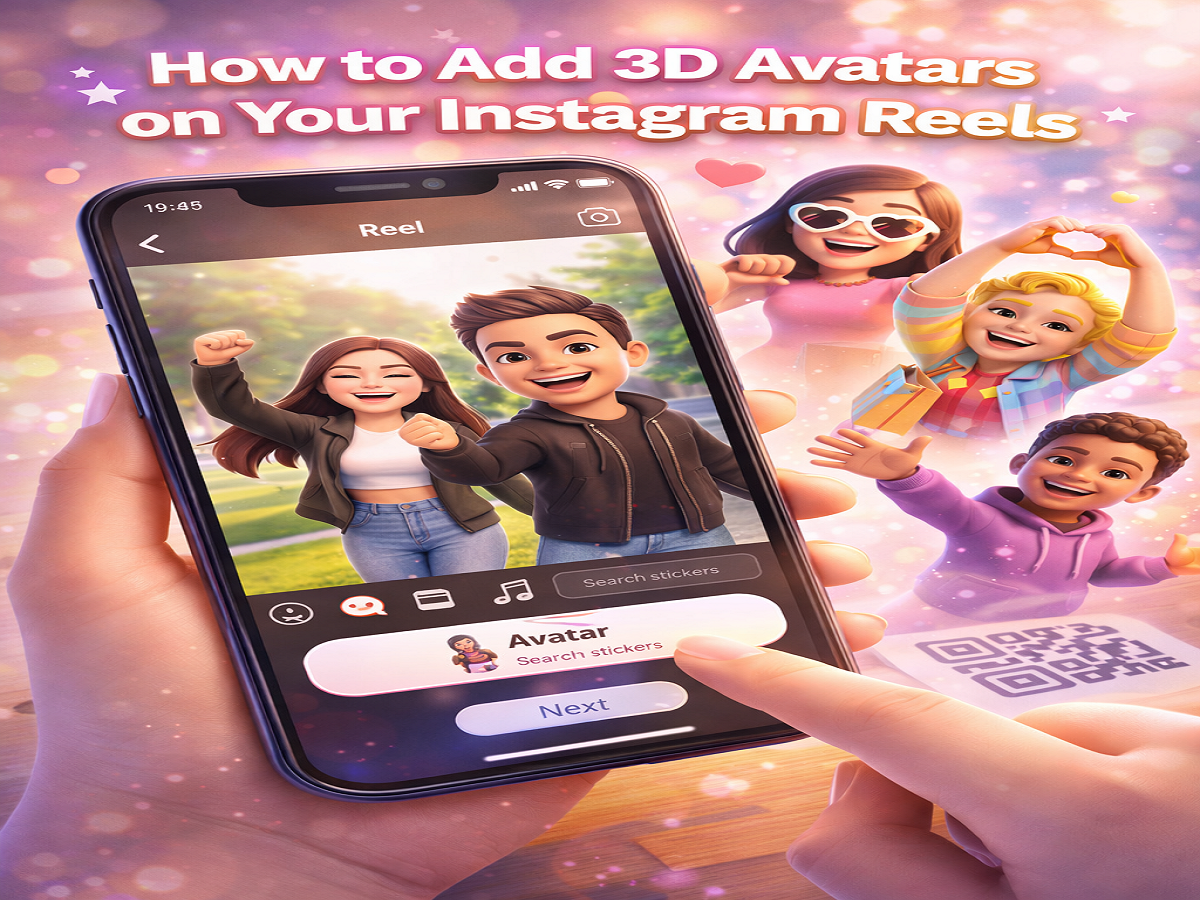
The short-form video experience on Instagram has become more engaging with the addition of customizable 3D avatars. These digital characters allow users to express themselves creatively, adding a fun and personalized touch to their Reels, Stories, and chats.
Originally introduced for reactions and messaging, avatars can now be integrated directly into Reels, giving creators new ways to interact with their audience. If you’re looking to make your content stand out, here’s a complete guide on how to use 3D avatars in your Instagram videos.
What Are Instagram 3D Avatars?
3D avatars are personalized digital characters that represent your appearance and style. On Instagram, users can customize their avatar’s facial features, hairstyle, outfits, and more.
These avatars can be used across multiple features, including:
- Direct messages (DMs)
- Stories
- Reels
You can either create a new avatar from scratch or import one from your Facebook profile for a consistent look across platforms.
Why Use Avatars in Reels?
Adding avatars to Reels enhances creativity and engagement. Instead of relying only on filters and effects, users can include animated reactions and expressions that reflect their mood or message.
Some benefits include:
- Making videos more interactive
- Adding a unique, personalized element
- Enhancing storytelling in short-form content
- Increasing viewer engagement
Step-by-Step Guide to Add 3D Avatars to Instagram Reels
Follow these simple steps to include avatars in your Reels:
Step 1: Open Instagram
Launch the Instagram app on your smartphone.
Step 2: Go to Reels
Swipe left from the home screen or tap on the Reels tab to start creating a video.
Step 3: Record Your Video
Capture your Reel as desired using the camera or upload an existing clip.
Step 4: Access Stickers
While editing your video, tap on the Stickers icon located at the top-right corner.
Step 5: Choose Avatar Option
Select the Avatar option and pick a reaction or animation that suits your content.
Step 6: Finalize and Share
Once you’ve added the avatar and completed editing:
- Tap Next
- Add captions, hashtags, or tag people
- Hit Share to publish your Reel
Customize Your Avatar for Better Results
To make your content more authentic, spend some time customizing your avatar. You can adjust:
- Facial features and expressions
- Skin tone and hairstyle
- Clothing and accessories
A well-designed avatar helps create a stronger connection with your audience and improves content appeal.
Avatar Store: Styling Your Digital Look
To take personalization a step further, Meta has introduced an Avatar Store. This digital marketplace allows users to purchase stylish outfits for their avatars.
The store features collections from well-known fashion brands like:
- Balenciaga
- Prada
- Thom Browne
While availability may vary by region, the feature adds a new dimension to digital expression on social media.
Final Thoughts
The addition of 3D avatars to Reels on Instagram opens up exciting possibilities for content creators. Whether you want to add humor, emotion, or personality to your videos, avatars provide a creative and engaging solution.
If you haven’t tried this feature yet, update your app and start experimenting with avatars to make your Reels more dynamic and visually appealing.