
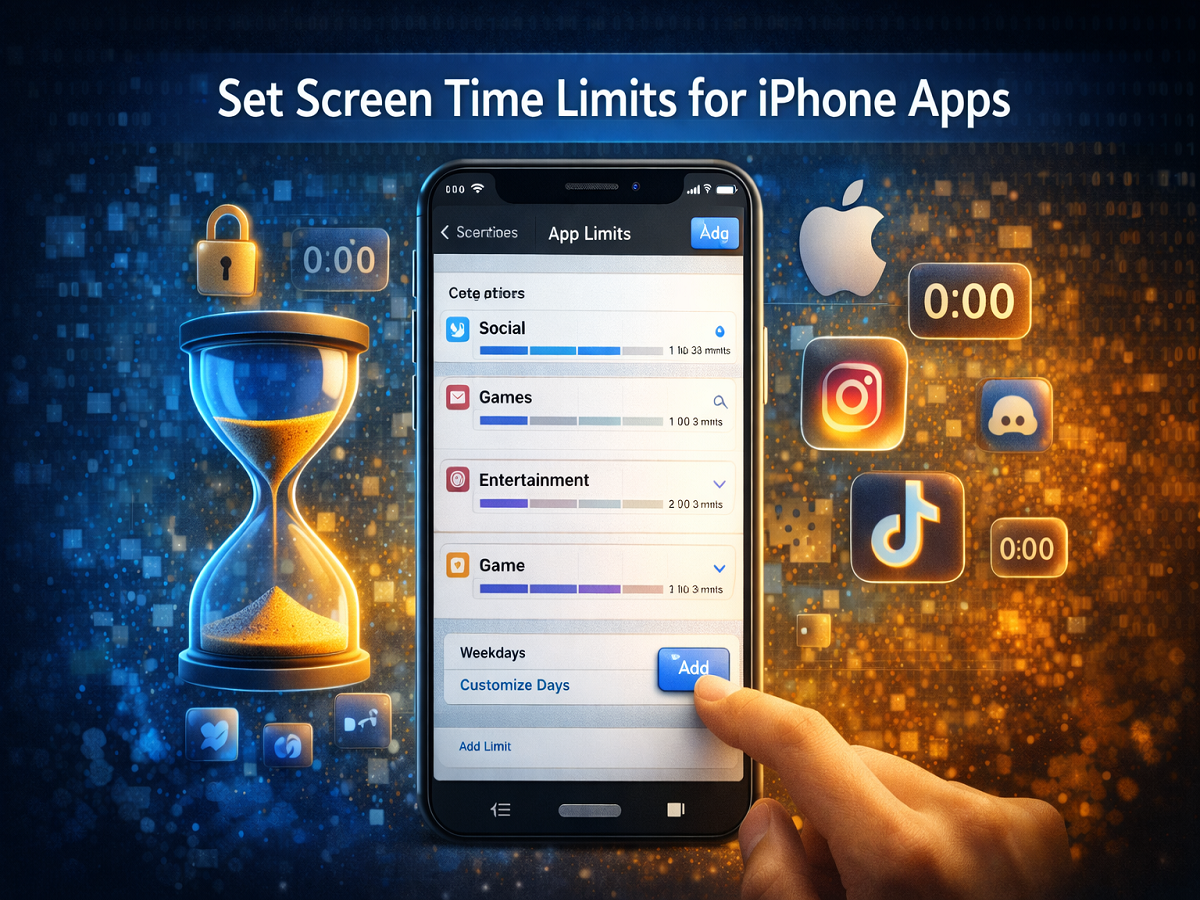
Smartphones have become an essential part of daily life, helping people stay connected, informed, and productive. However, excessive smartphone use can sometimes lead to distractions and reduced productivity. To help users maintain a healthy balance, Apple iPhone includes a built-in feature called Screen Time that allows users to monitor and manage their device usage.
The Screen Time feature provides detailed insights into how much time you spend on different apps and activities on your device. It also allows users to set limits for specific apps or categories of apps, helping reduce screen dependency and encouraging better digital habits.
If you want to control how much time you spend on certain apps, here is a detailed guide explaining how to set screen time limits on your iPhone.
What Is Screen Time on iPhone?
Screen Time is a feature available in the iOS settings that tracks your device usage and provides reports on how frequently you use your phone.
This feature gives users valuable information such as:
- The total amount of time spent on each app
- The number of notifications received
- How often the device is picked up and used
- Daily and weekly usage reports
Apart from tracking activity, Screen Time also allows users to control app usage through the App Limits option.
App Limits: Manage Time Spent on Apps
The App Limits feature within Screen Time allows users to restrict the amount of time spent on certain applications. You can apply limits to:
- Individual apps
- Entire categories such as social media, games, or entertainment
Once the daily time limit is reached, the app will be temporarily blocked unless you choose to extend the usage time.
This feature is especially helpful for people who want to limit distractions from social media or gaming apps and focus on work, studies, or personal activities.
Step-by-Step Guide to Set Screen Time Limits on iPhone Apps
Follow the steps below to configure app limits on your iPhone:
Step 1: Open the Settings App
Start by opening the Settings application on your iPhone.
Step 2: Go to Screen Time
Scroll down and tap on the Screen Time option.
Step 3: Enable Screen Time
If Screen Time is not already active, turn on the toggle to enable the feature.
Step 4: Select App Limits
Tap on the App Limits option and then select Add Limit.
Step 5: Choose App Categories or Individual Apps
You will see a list of app categories such as Social, Entertainment, or Games.
Select one or more categories that you want to limit.
If you tap on a category name, you will be able to view the individual apps within that category and select specific apps to restrict.
Step 6: Set the Time Limit
Tap Next and choose the amount of time you want to allow for the selected apps each day.
You can also select the Customize Days option to set different time limits for different days of the week.
Step 7: Confirm the Limit
After setting the time limit, tap Add to activate the restriction.
Once the limit is reached, the selected apps will be locked until the next day unless you manually extend the usage.
How to Disable or Remove App Limits
The Screen Time feature also allows you to modify or remove restrictions whenever necessary.
Temporarily Disable All Limits
Go to Settings → Screen Time → App Limits, then turn off the App Limits toggle.
Disable Limits for a Specific App Category
Open the category inside App Limits and turn off the App Limit switch.
Permanently Remove a Time Limit
Select the category and tap Delete Limit to remove the restriction completely.
Why Setting Screen Time Limits Can Be Helpful
Setting usage limits can help improve digital habits and maintain a healthier relationship with technology.
Some key benefits include:
Better productivity: Reducing time spent on distracting apps can help you focus on important tasks.
Healthier lifestyle: Limiting screen exposure can reduce eye strain and improve sleep habits.
Improved time management: You become more aware of how much time is spent on different apps.
Balanced digital usage: The feature helps ensure technology supports productivity rather than becoming a distraction.
Final Thoughts
The Screen Time feature on iPhone is a powerful tool for managing smartphone usage. By setting app limits, users can control how much time they spend on social media, games, or entertainment apps.
Whether you want to improve focus during work hours, reduce screen dependency, or simply develop healthier digital habits, enabling screen time limits on your iPhone can be a simple yet effective solution.




