NEWS
Charging Port Cleaning: Is dust stuck in your smartphone's charging port? Clean it at home like this.
Charging Port Cleaning: If your phone is charging slowly, it's not necessarily because the charger is faulty. Often, dust accumulated in the charging port is the culprit. Here's how to clean your phone's charging port at home.
Cleaning the Charging Port
Charging Port Cleaning: We carry our smartphones around in our jeans pockets all day. During this time, fibers, dust, and dirt from the pockets gradually accumulate inside the phone's charging port. Initially, this goes unnoticed, but after a few months, charging problems suddenly arise. Sometimes, the charging cable doesn't fit properly, charging stops with even the slightest movement, or the phone charges very slowly.
In such situations, most people assume their phone's battery or charger is damaged. However, sometimes the phone itself isn't at fault. Simply cleaning out any dirt from the charging port can fix the problem. Learn how you can clean your phone's charging port at home.
Take these important precautions before cleaning.
Before cleaning the charging port, it's important to take some precautions, as this could cause more harm than good. First, completely turn off your smartphone. Keeping the phone off eliminates the risk of short circuits and damage to internal circuits during cleaning. Secondly, never use sharp metal objects, such as safety pins, needles, knives, or SIM ejector tools, to remove debris stuck inside the port.
The charging port contains extremely delicate golden pins or connectors that can bend or break if struck with a metal object. Also, avoid blowing forcefully into the port, as moisture from your breath can enter and cause moisture-induced damage. Also, avoid using water or any liquid cleaners for cleaning.
Remove dirt like this with a toothpick and a soft brush.
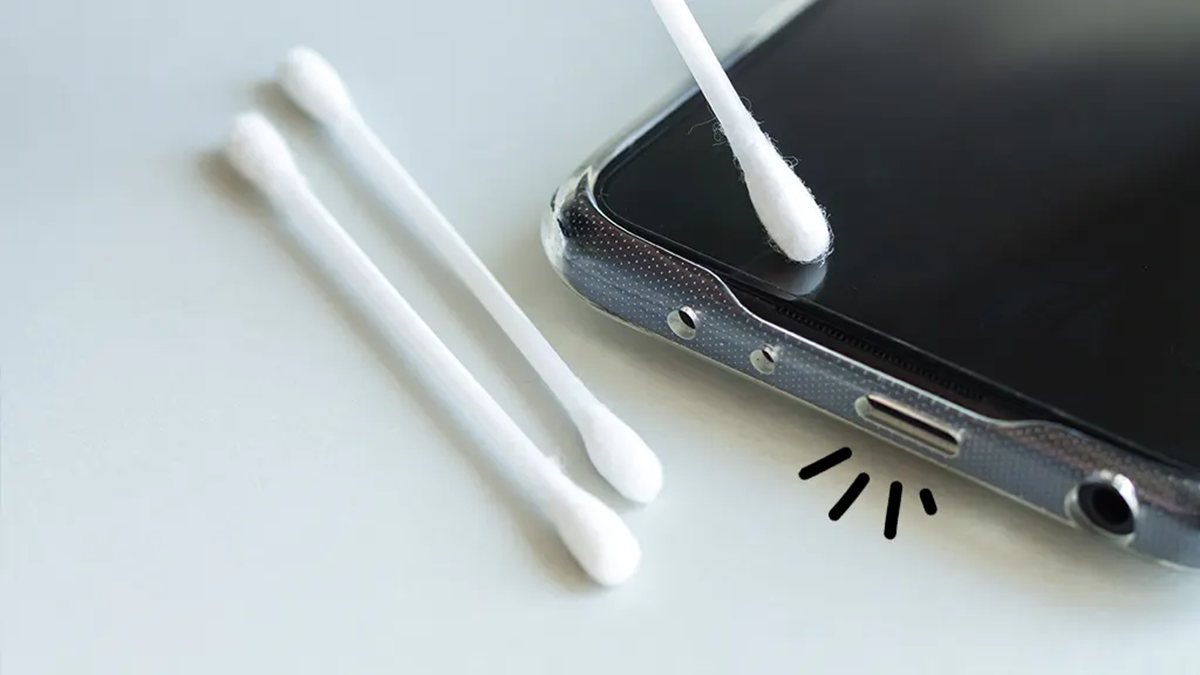
For proper cleaning, all you need is a thin wooden or plastic toothpick you already have at home. First, use a flashlight to look inside the charging port to see where the dust or fibers are stuck. Gently move the toothpick around the bottom and edges of the port. Be careful not to apply too much pressure to the thin plate located right in the center of the port.
Gently scraping will loosen any accumulated dust and fabric fibers. If the toothpick's tip is a bit thick, you can also thin it by slightly scraping it. Once the trapped dirt is loosened, gently clean the port with a dry, soft-bristled toothbrush. This will easily remove any fine particles stuck in the corners, leaving the port looking brand new.
Use of an air blower
Even after cleaning with a toothpick or brush, very fine dust particles often remain inside the port. To remove these, you can use a rubber-tipped manual air blower or compressed air. Hold the blower at a distance from the port and blow to completely remove any remaining debris. Once you're done cleaning, turn on your phone and try plugging in the charging cable.
If the cable fits securely without any obstruction and charging begins immediately, you're successful. To prevent future contamination of the charging port, keep your pant pockets clean. Alternatively, you can purchase inexpensive silicone dust plugs from the market or online, or use a phone cover that has a flap to cover the charging port.