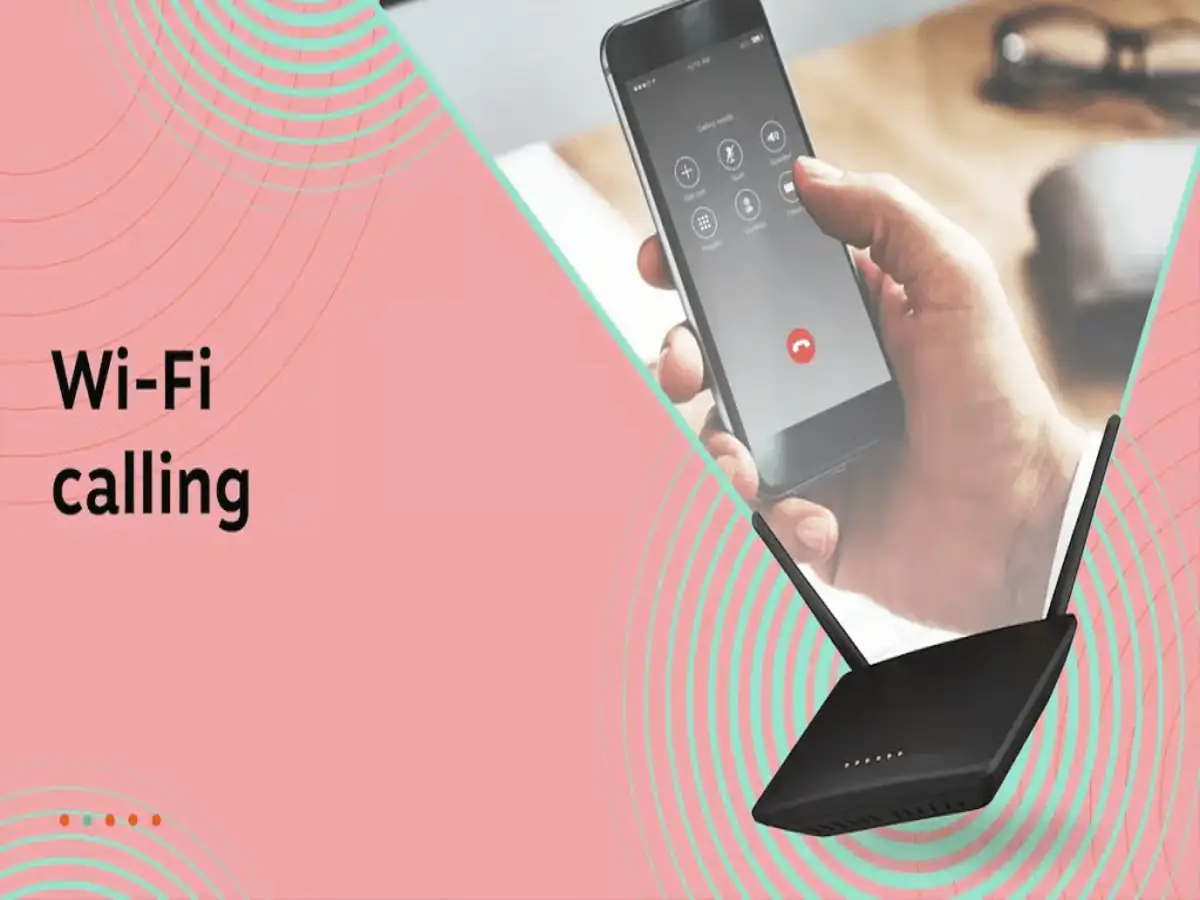
Modern smartphones offer multiple ways to make voice calls, including traditional cellular calling and Wi-Fi calling. While Wi-Fi calling is especially useful in areas with weak mobile coverage, many users wonder which option consumes less battery.
The answer isn't as straightforward as choosing one technology over the other. In most situations, battery consumption depends more on the strength and stability of your network connection than on whether you're using cellular or Wi-Fi calling.
Here's a closer look at how each method affects your phone's battery life.
Battery Usage Depends on Signal Strength
Your smartphone constantly works to maintain a stable connection during calls. When the signal is weak—whether it's a cellular network or Wi-Fi—the phone may use more power to stay connected.
In general:
- Strong, stable connections usually consume less battery.
- Weak or fluctuating signals often increase power consumption.
- The phone uses additional energy while searching for or maintaining a reliable connection.
Because of this, the quality of your network often matters more than the calling technology itself.
When Cellular Calling Is More Battery-Efficient
Traditional cellular calling can be an efficient option if your phone has a strong mobile signal.
With good network coverage:
- The phone doesn't need to constantly search for a stronger signal.
- Calls remain stable with lower power usage.
- Battery drain during long conversations is generally reduced.
However, if you're in an area with poor reception, your device may repeatedly attempt to connect to nearby towers, which can significantly increase battery consumption.
What Is Wi-Fi Calling?
Wi-Fi calling allows your smartphone to make and receive voice calls using a Wi-Fi internet connection instead of relying entirely on a cellular network.
This feature is particularly useful in places where mobile signals are weak, such as:
- Homes with poor network coverage
- Office buildings
- Basements
- Indoor areas where cellular reception is limited
Most modern Android smartphones and iPhones support Wi-Fi calling if it is offered by your mobile carrier.
When Wi-Fi Calling Can Save Battery
If you're connected to a strong and stable Wi-Fi network, Wi-Fi calling may actually reduce battery usage.
A reliable Wi-Fi connection can:
- Minimize the need for the phone to search for cellular signals.
- Provide consistent call quality.
- Lower power consumption in areas with poor mobile coverage.
On the other hand, if the Wi-Fi connection is unstable or frequently disconnects, battery usage may increase as the phone switches between Wi-Fi and cellular networks.
Tips to Improve Battery Life During Calls
To get the best battery performance while making voice calls:
- Use the strongest available network connection.
- Enable Wi-Fi calling only when your Wi-Fi network is stable.
- Disable Wi-Fi calling if your internet connection is weak or unreliable.
- Keep your phone's software and carrier settings up to date.
- Turn off Wi-Fi, Bluetooth, or mobile data when they are not needed.
- Avoid staying in areas with extremely poor mobile reception for extended periods.
These simple habits can help reduce unnecessary battery drain.
Which Option Should You Choose?
The better option depends on your surroundings:
| Situation | Better Choice |
|---|---|
| Strong cellular signal | Cellular calling |
| Weak mobile signal but strong Wi-Fi | Wi-Fi calling |
| Weak cellular and weak Wi-Fi | Either option may consume more battery |
| Indoor locations with poor reception | Wi-Fi calling is often more reliable |
Final Thoughts
There is no universal winner when it comes to battery efficiency. A strong cellular signal usually makes regular calling more power-efficient, while a stable Wi-Fi connection can save battery in areas with poor mobile coverage. The key factor is the quality of the connection rather than the calling method itself.
Choosing the strongest available network and keeping your phone updated can help improve both call quality and battery life during everyday use.