
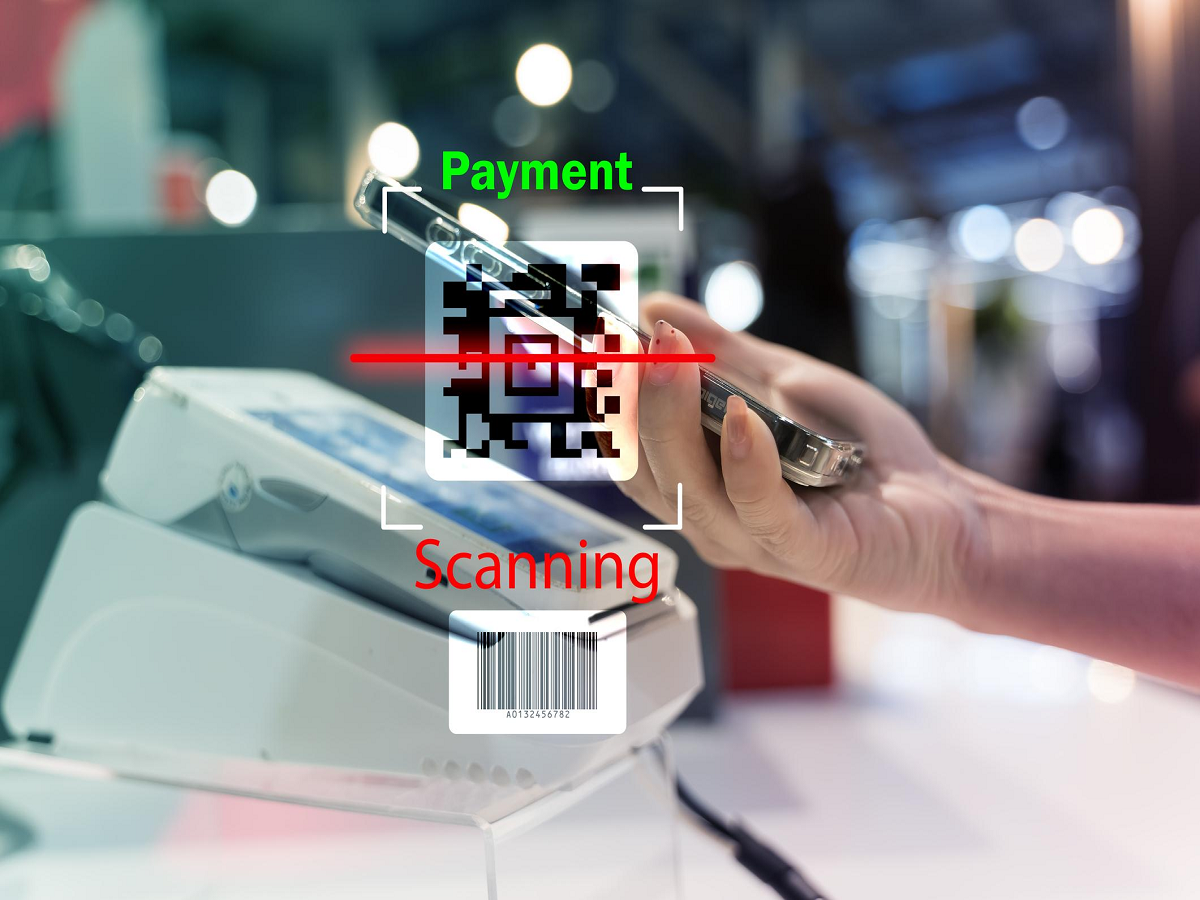
India’s digital payment ecosystem continues to evolve rapidly, and the introduction of UPI-enabled ATMs is another major step toward a cashless yet convenient banking system. With this technology, users can withdraw cash from ATMs without needing a debit or credit card. Instead, the process works through UPI apps such as Google Pay, PhonePe, Paytm, or BHIM by scanning a QR code displayed on the ATM screen.
The UPI-ATM service has been introduced by Hitachi Payment Services in partnership with the National Payments Corporation of India (NPCI). It operates through White Label ATMs (WLAs) and uses the Interoperable Cardless Cash Withdrawal (ICCW) framework. This system allows customers to withdraw cash securely using their smartphones.
The biggest advantage of UPI-ATMs is that users no longer need to carry physical cards. Even if someone forgets their debit card at home, they can still withdraw money using their registered UPI application.
As banks and payment providers expand this feature across India, it is expected to make ATM transactions more secure, convenient, and accessible for millions of users.
Below is a simple guide explaining how to withdraw cash from a UPI-ATM.
Step-by-Step Process to Withdraw Cash from a UPI-ATM
1. Choose the Withdrawal Amount
Visit a UPI-enabled ATM and select the amount of money you wish to withdraw from your bank account.
2. QR Code Appears on the Screen
After selecting the withdrawal amount, the ATM will generate a unique QR code associated with that specific transaction.
3. Scan the QR Code Using a UPI App
Open any UPI application on your smartphone, such as Google Pay, PhonePe, Paytm, or BHIM.
Use the app’s scan feature to scan the QR code displayed on the ATM screen.
4. Authorize the Transaction with UPI PIN
Once the QR code is scanned, your UPI app will show the transaction details.
To confirm the withdrawal, enter your UPI PIN. This step verifies the transaction and ensures security.
5. Collect the Cash
After successful authorization, the ATM will dispense the requested amount.
Make sure you collect the cash promptly from the machine.
Who Can Use UPI-ATM Services?
Anyone who meets the following conditions can use this facility:
- A smartphone with a registered UPI app
- A bank account linked to UPI
- A supported payment service provider (PSP) with ICCW certification
Both Android and iPhone users can take advantage of this feature.
Benefits of UPI-ATM Technology
Cardless Convenience
You do not need to carry a debit or credit card to withdraw cash.
Enhanced Security
Transactions require UPI PIN authentication, reducing the risk of card theft or skimming.
Faster Transactions
Scanning a QR code takes only a few seconds and simplifies the withdrawal process.
Wide Accessibility
As banks and ATM providers adopt this technology, UPI-ATMs will become available across more locations in India.
Things to Keep in Mind
- Ensure your UPI app is updated to the latest version.
- Make sure your smartphone has internet connectivity while scanning the QR code.
- Always verify the transaction amount before entering your UPI PIN.
- Avoid sharing your UPI PIN with anyone for security reasons.
Final Thoughts
UPI-ATMs represent a significant innovation in India’s banking infrastructure. By combining the convenience of digital payments with the practicality of cash withdrawals, this technology simplifies everyday banking.
As more ATMs adopt this system, users will experience faster, safer, and more flexible access to their money—without the need for a physical card. With India already leading the world in digital payment adoption, UPI-ATM technology could play a major role in shaping the future of banking transactions.




