
NEWS
Boost Your iPhone Security: Easy Guide to Enable Two-Factor Authentication for Apps and Websites
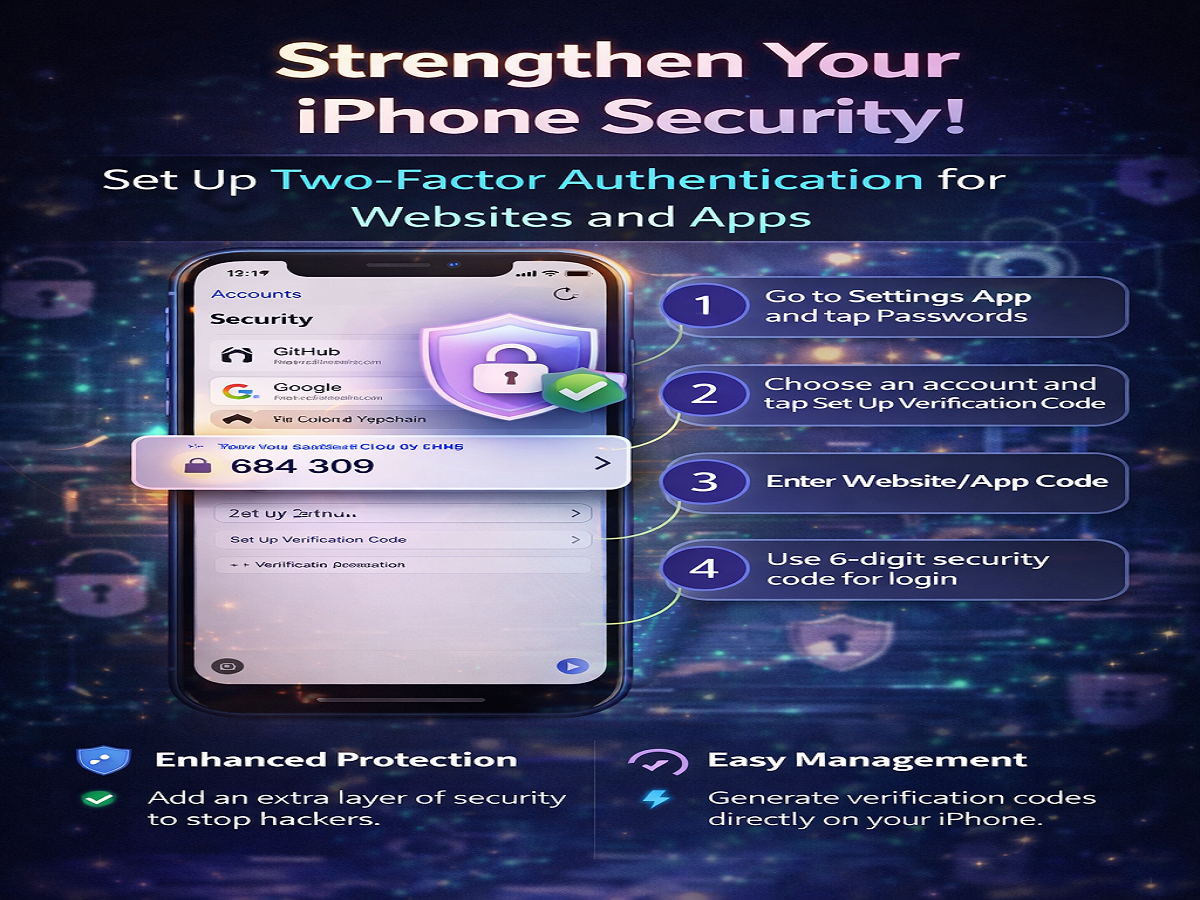
In today’s digital world, protecting your online accounts is more important than ever. With increasing cyber threats, relying only on passwords is no longer enough. To enhance security, Apple offers a built-in two-factor authentication (2FA) feature on iPhones that helps safeguard your accounts across websites and apps.
If you use an iPhone, you can now generate and manage verification codes directly—without needing third-party apps.
What Is Two-Factor Authentication and Why It Matters
Two-factor authentication (2FA) adds an extra layer of protection to your online accounts. Instead of just entering a password, you also need a second verification code, which is typically generated on your device.
This means even if someone knows your password, they still can’t access your account without the additional code.
Key Benefits:
- Stronger protection against hacking attempts
- Secure login for apps and websites
- Reduced risk of unauthorized access
Built-In 2FA Feature on iPhone
With updates introduced in iOS 15 and later versions, iPhones come with an integrated system to generate verification codes. This feature is linked to iCloud Keychain, where your saved passwords are stored securely.
Earlier, users had to depend on external apps for one-time passwords (OTPs), but now everything can be managed directly within the device.
Step-by-Step Guide to Set Up 2FA on iPhone
Follow these simple steps to enable two-factor authentication for supported websites and apps:
- Open the Settings app on your iPhone
- Scroll down and tap on Passwords (you may need to use Face ID or enter your passcode)
- You will see a list of saved accounts in iCloud Keychain
- Select the website or app for which you want to enable 2FA
- Tap on “Set Up Verification Code”
- Choose the option to enter a setup key
- Enter the code provided by the website or app
- Once completed, your iPhone will start generating verification codes automatically
How the Verification Code Works
After setup, your iPhone generates a unique verification code that refreshes every 30 seconds. This dynamic code ensures maximum security, making it extremely difficult for unauthorized users to gain access.
Whenever you log in to a supported website or app, you’ll be prompted to enter this code along with your password.
Important Things to Remember
- This feature works only with websites and apps that support 2FA
- Verification codes are time-sensitive and auto-refreshing
- Your saved passwords and codes are securely stored within Apple’s ecosystem
- No need to install additional authentication apps
Why You Should Enable 2FA Today
Cybersecurity experts strongly recommend enabling two-factor authentication wherever possible. With data breaches and phishing attacks on the rise, this simple step can significantly reduce your risk.
Using the built-in feature on your iPhone not only simplifies the process but also ensures seamless and secure access to your accounts.
Final Thoughts
Setting up two-factor authentication on your iPhone is quick, easy, and highly effective. With Apple’s built-in tools, you can protect your sensitive information without relying on third-party apps.
If you haven’t enabled 2FA yet, now is the perfect time to do so. A few minutes of setup can go a long way in keeping your digital life secure.




