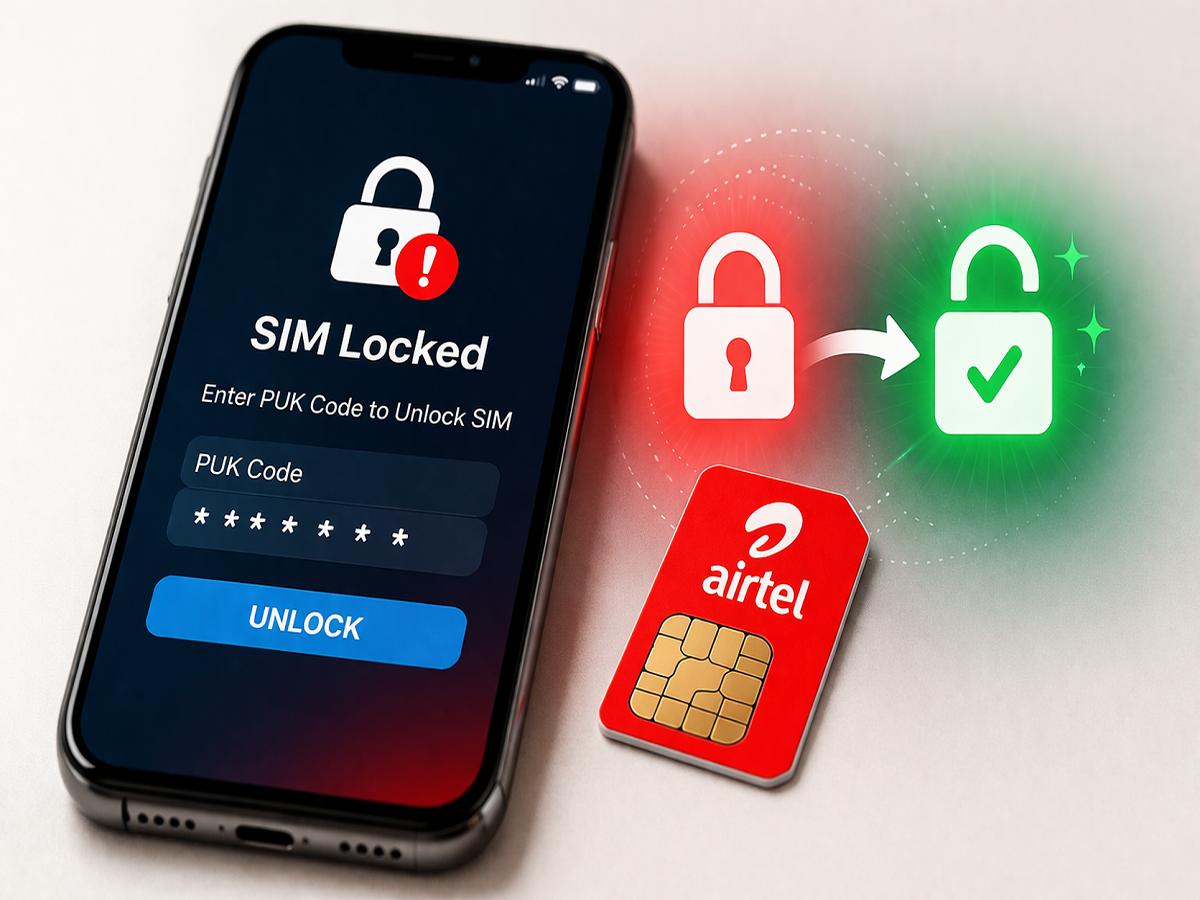
Airtel SIM Unlock Guide: If your Airtel SIM card has been locked after multiple incorrect PIN attempts, there’s no need to panic. Telecom operators provide a security feature called the PUK (Personal Unblocking Key) code, which helps you safely unlock your SIM and regain access.
Here’s a complete, easy-to-follow guide on what a PUK code is and how you can retrieve it using different methods.
What Is a PUK Code and Why Is It Important?
The PUK code is a unique security code assigned to your SIM card. It is designed to protect your SIM from unauthorized access.
- If you enter the wrong SIM PIN three times, your SIM gets locked
- To unlock it, you must enter the correct PUK code
- Without it, you cannot use your SIM
⚠️ Important: Entering the wrong PUK code multiple times can permanently block your SIM.
Method 1: Get Airtel PUK Code via SMS
You can retrieve your PUK code using another active Airtel number.
Steps:
- Take another Airtel number (friend/family)
- Note the 15-digit SIM number printed on your SIM card
- Send an SMS with your locked number to 785
- Then send the 15-digit SIM number to 121
- You will receive an 8-digit PUK code on the alternate number
👉 Enter this code on your locked phone to unlock your SIM.
Method 2: Use USSD Code to Get PUK
Another quick way is through USSD.
Steps:
- Dial 12151# from another Airtel number
- Select the PUK option from the menu
- Enter your Date of Birth for verification
- Your PUK code will appear on the screen
Method 3: Contact Customer Care
If you cannot access SMS or USSD methods, you can call Airtel support.
Steps:
- Dial 121 from another Airtel number
- Explain your issue to the representative
- Provide required details:
- Your mobile number
- SIM serial number (printed on SIM)
- After verification, they will share your PUK code
Method 4: Visit Nearest Airtel Store
If none of the above methods work, visit an Airtel store.
What to carry:
- ID proof (like Aadhaar card)
- Your locked SIM card
The store staff will help you unlock your SIM or issue a replacement if needed.
Important Tips to Avoid SIM Lock
- Avoid entering incorrect PIN repeatedly
- Do not share your SIM PIN with others
- Store your PUK code safely
- Always verify before entering PIN
Final Thoughts
Getting your Airtel SIM locked can be inconvenient, but recovering it using a PUK code is quick and simple if you follow the right steps. Whether through SMS, USSD, customer care, or visiting a store, multiple options are available to help you regain access.
Make sure to keep your SIM details safe to avoid such issues in the future.