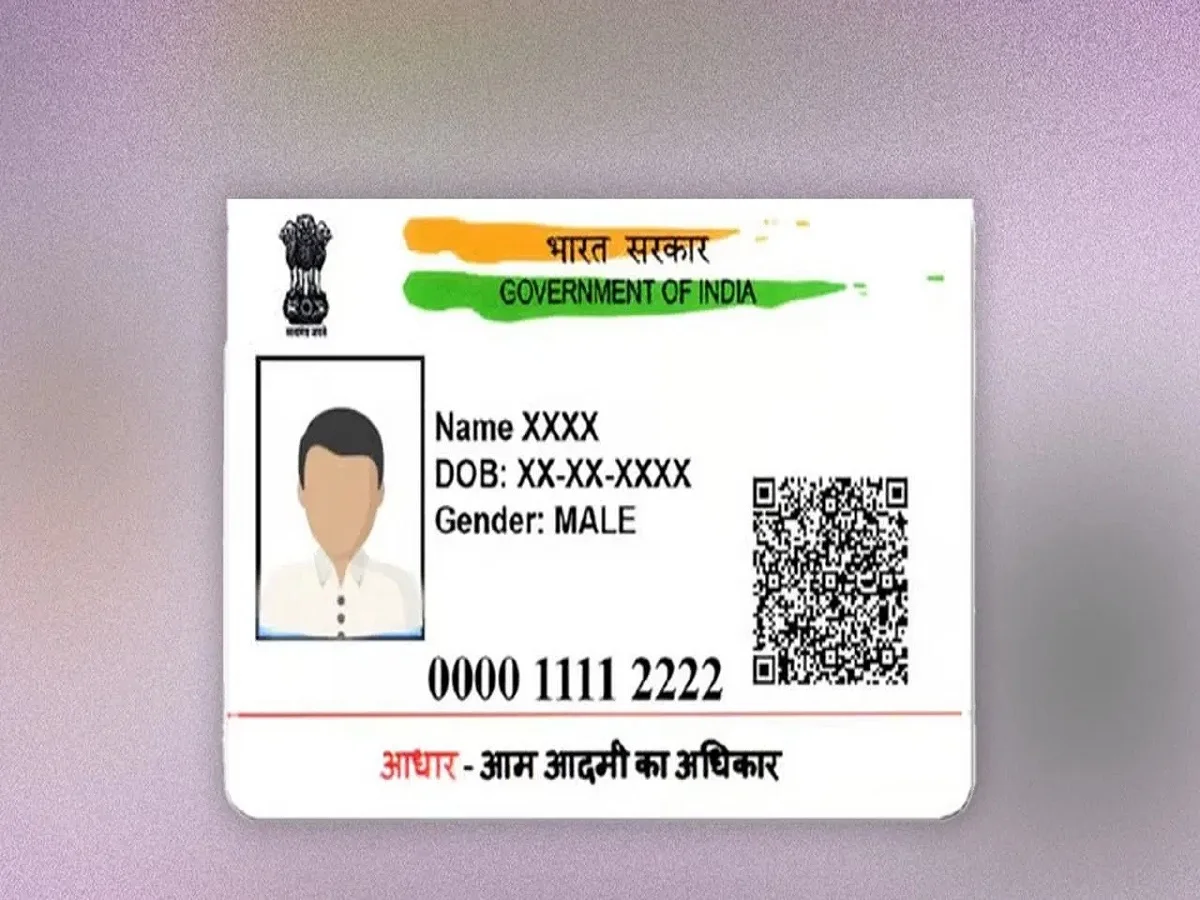
The Unique Identification Authority of India has made Aadhaar services much more user-friendly in recent years. Today, you no longer need to visit an enrolment center for every small correction. Many updates can now be done online from home using the portal or the mAadhaar app.
If your Aadhaar details are outdated or incorrect, here’s a clear guide on what you can update yourself and how.
Why Keeping Aadhaar Updated Is Important
An updated Aadhaar ensures smooth access to:
- Banking and KYC services
- Mobile SIM activation
- Government schemes and subsidies
- School/college admissions
Even small errors can cause delays or rejections, so regular updates are essential.
1. Address Update (Fully Online)
You can easily change your address without visiting a center.
Steps:
- Log in to the UIDAI portal using Aadhaar and OTP
- Upload a valid Proof of Address (POA)
- Fill in the correct address details carefully
- Pay a small fee (around ₹50–₹75 depending on service)
- Submit and track your request
Once verified, your updated address will reflect in Aadhaar.
2. Mobile Number Update (Partially Online)
Updating your mobile number depends on your current number status.
- If your existing number is active, OTP-based verification helps initiate requests
- For full update or if the old number is inactive, you may need a biometric visit
However, basic request initiation and tracking can be done online.
3. Document Update Facility (Free for Limited Time)
UIDAI often allows users to update identity and address documents online to keep records accurate—especially for Aadhaar older than 10 years.
- Upload POI (Proof of Identity) and POA
- No major field change—just document refresh
- Free till notified deadline (check latest UIDAI updates)
4. What You Can Easily Update Online
From home, you can generally:
- Address
- Supporting documents (POI/POA refresh)
- Some profile corrections (depending on verification)
5. What Requires Centre Visit
Certain sensitive updates still require biometric verification:
- Name correction (major changes)
- Date of birth correction
- Gender update
- Mobile number (if old number is inactive)
Important Tips Before Updating
- Ensure your Aadhaar is linked to an active mobile number
- Keep scanned documents ready (PDF/JPEG under size limit)
- Double-check spelling and details before submission
- Save your Service Request Number (SRN) for tracking
Final Takeaway
Updating Aadhaar has become much simpler thanks to digital services by Unique Identification Authority of India. While minor changes like address updates can be done online, major corrections still require verification at a center.
Keeping your Aadhaar accurate ensures hassle-free access to essential services—so it’s always a smart move to review and update your details on time.