NEWS
Will your iPhone permanently shut down once its battery reaches zero? Users' claims have caused a stir. Find out the truth.
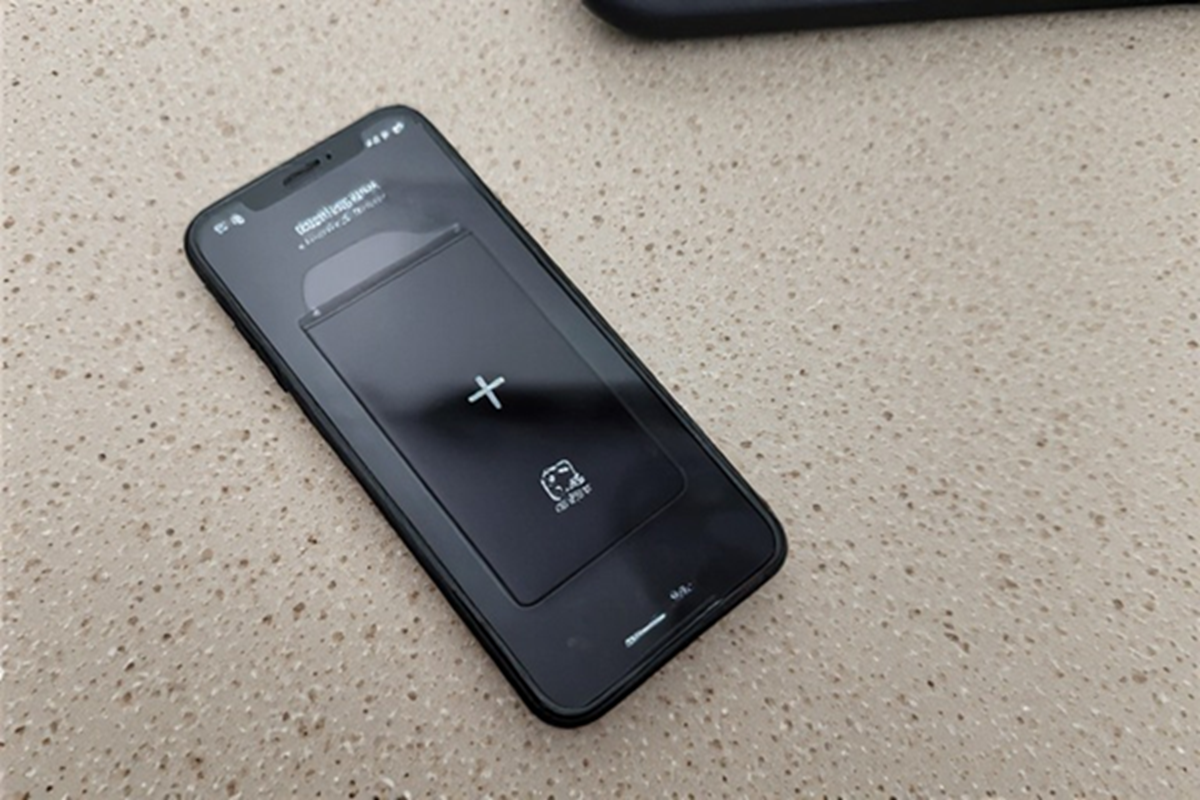
iPhone Battery: When the phone is plugged into a charger after the battery is completely drained, the screen remains completely black. Not even the charging icon is visible.
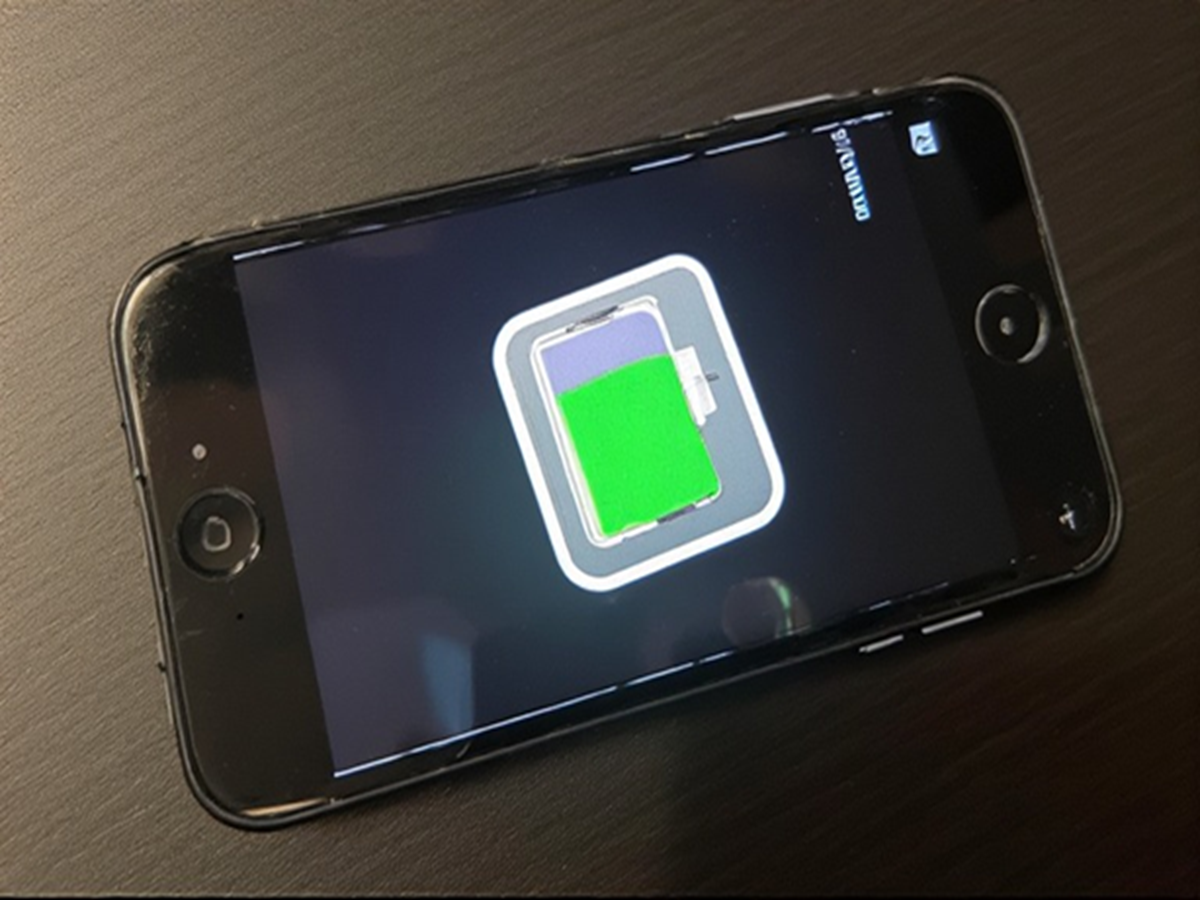
iPhone Battery: Recently, many iPhone 17 and iPhone Air users have reported a strange issue. They say that when the phone's battery is completely drained and reaches 0%, the device won't power on immediately even after charging. This has caused both confusion and concern among users.
Why is there no signal even after charging?
According to some reports, when the phone is plugged into a charger after the battery is completely drained, the screen remains completely black. Even the charging icon is not visible, making it appear as if the phone has completely shut down. Interestingly, this issue isn't limited to just one or two users; many people have reported similar experiences in various locations. However, this issue isn't occurring every time or for every user, which clearly indicates that the situation isn't completely consistent.
What could be the reason after all?
Technically, every smartphone requires a minimum voltage level in its battery to restart. When the battery drops below this level, the phone becomes unresponsive. In such a situation, the device takes some time to regain the necessary charge. This is why the phone may appear "dead" for a few minutes even after charging.
Can wireless charging help?
Some users have found that placing the phone on a wireless charger, such as the MagSafe charger, can quickly resolve this issue. This is because wireless charging gradually drains the battery to the minimum level, where the phone can be restarted.
Is this a big problem or normal behavior?
This issue isn't currently visible on every device, nor does it occur consistently, so it's considered a limited or temporary issue. However, it can become a problem if you need to use your phone immediately and it suddenly becomes unresponsive.
What precautions should users take?
The best way to avoid this situation is to prevent your phone's battery from draining to 0%. It's best to charge it periodically. If your phone ever shuts down completely and doesn't turn on immediately, don't panic. Leave it charging for a while, especially with wireless charging, and then try again.