NEWS
WhatsApp Privacy Alert: Without This Setting, Your Chats May Not Be Fully Safe—Here’s How to Fix It
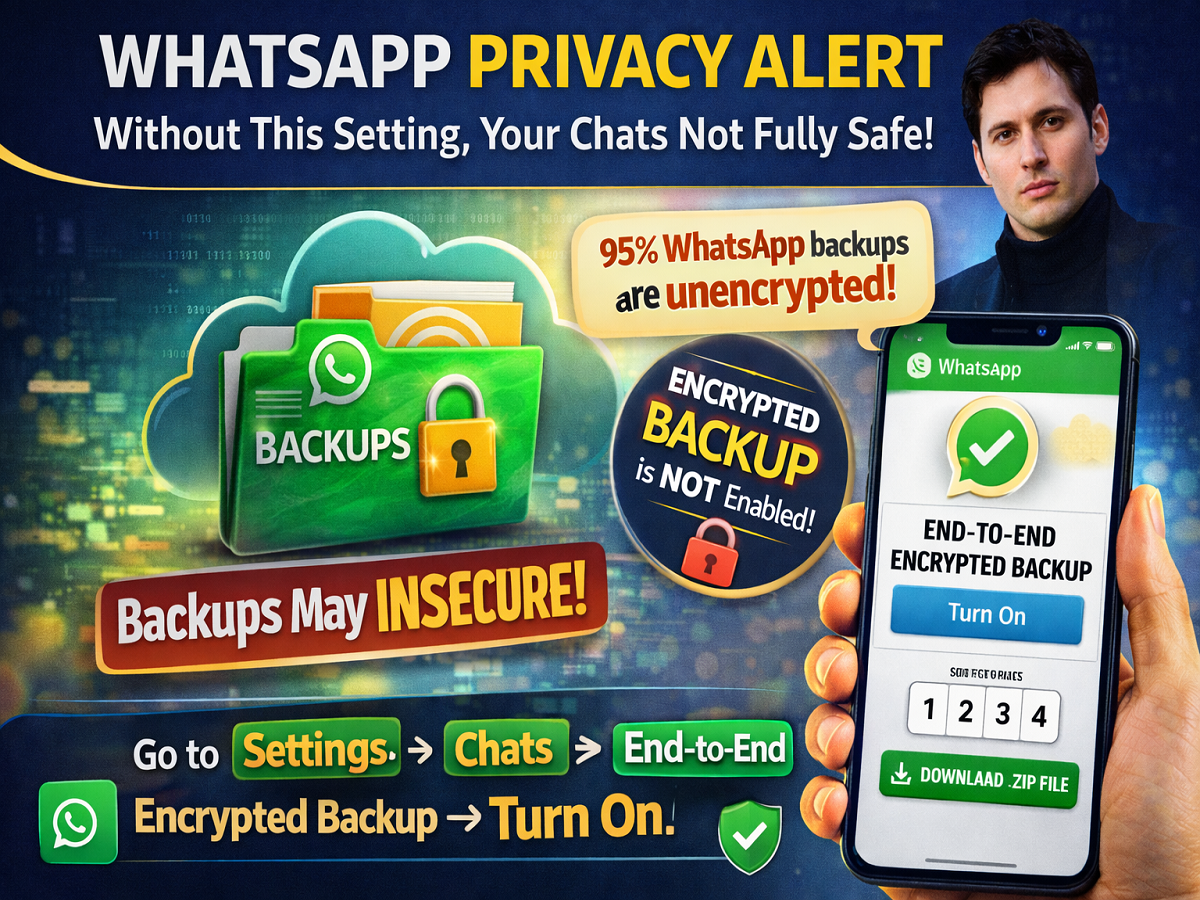
Are your WhatsApp chats truly private? While WhatsApp promotes end-to-end encryption, fresh concerns suggest that your conversations may still be vulnerable—especially if a crucial setting is not enabled.
Pavel Durov, founder of Telegram, has raised questions about WhatsApp’s privacy, claiming that most users overlook one key feature—encrypted chat backups.
The Hidden Privacy Risk You Might Be Ignoring
WhatsApp messages are protected with end-to-end encryption, meaning only the sender and receiver can read them. However, the issue lies in chat backups.
According to Pavel Durov:
- Around 95% of WhatsApp backups are stored on cloud services
- These backups may not be encrypted by default
- If leaked, your chats can be accessed in readable format
This means your private conversations could be exposed even if your chats are encrypted within the app.
Why Backup Encryption Is Crucial
Even if you secure your own account, your chats can still be at risk if:
- The other person hasn’t enabled encrypted backup
- Backup files stored on cloud services are compromised
To ensure complete privacy, both users must enable encrypted backups.
How to Enable Encrypted Chat Backup on WhatsApp
Follow these steps to secure your chats on WhatsApp:
- Open WhatsApp
- Go to Settings
- Tap on Chats
- Select Chat Backup
- Tap on End-to-End Encrypted Backup
- Choose Use Passkey or set a password
- Create and confirm your passkey/password
Once activated, your chat backups will be fully encrypted.
Passkey vs Password: What Should You Choose?
You have two options to secure your backup:
- Passkey:
- Uses biometric authentication (fingerprint/Face ID)
- Faster and more secure
- Password:
- Custom password set by you
- Useful if you prefer manual control
Both options significantly improve your data security.
One Important Step Most People Miss
Enabling encryption on your own device is not enough.
👉 Make sure the people you chat with also enable encrypted backups
Otherwise, your conversation may still be exposed through their backup files.
Additional Privacy Concerns
Apart from backups, Pavel Durov also pointed out that:
- Metadata (like time, sender, receiver) may still be stored
- This data can sometimes be shared or accessed
While not as sensitive as message content, metadata can still reveal communication patterns.
Final Takeaway
End-to-end encryption alone does not guarantee complete privacy on WhatsApp. Without enabling encrypted backups, your chats may remain vulnerable.
By turning on this simple setting—and encouraging your contacts to do the same—you can ensure your conversations stay truly private.
In today’s digital world, one small setting can make a big difference in protecting your personal data.