NEWS
WhatsApp Passkey Feature: Ditch OTP for Safer Login—Enable This Setting to Protect Your Account
With cyber fraud cases on the rise, securing your messaging apps has become more important than ever. If you still rely only on OTP (One-Time Password) for logging into WhatsApp, your account may be more vulnerable than you think.
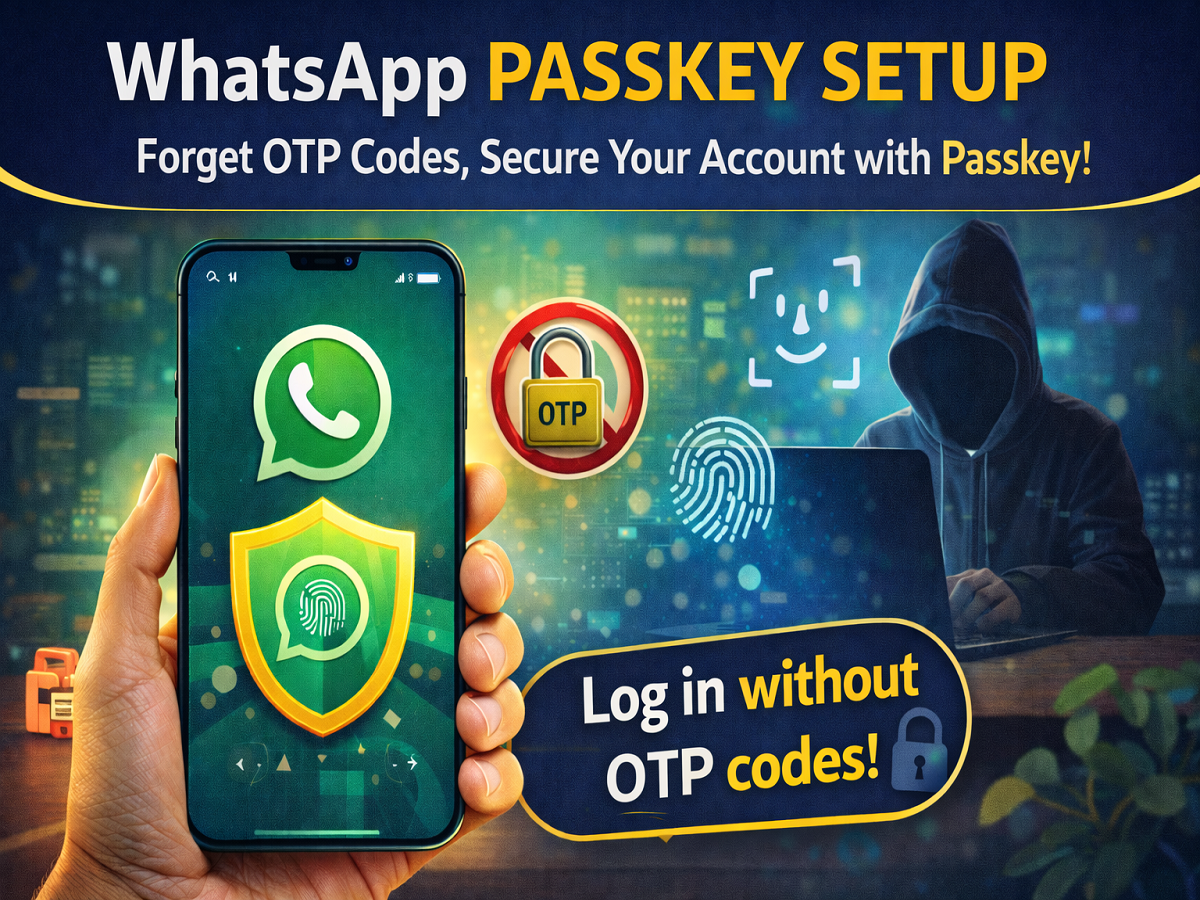
To strengthen security, WhatsApp has introduced the Passkey feature—a modern authentication method that allows users to log in without OTP while offering significantly stronger protection against hacking.
What Is WhatsApp Passkey?
The Passkey feature is an advanced security system that replaces OTP-based login with biometric authentication, such as:
- Fingerprint
- Face ID
- Device PIN
Once enabled, your phone itself becomes the key to your account, making unauthorized access nearly impossible.
How Passkey Works
Passkey technology is based on a dual-key encryption system:
- One key is securely stored on WhatsApp’s server
- The other key is saved on your device
When you try to log in:
- Your biometric data (fingerprint/face) is verified
- Both digital keys are matched
- Access is granted only if verification is successful
This means no OTP is required, and your account remains protected even if your SIM is compromised.
Why You Should Enable Passkey
Here are the biggest advantages of using Passkey on WhatsApp:
- No OTP dependency: Skip waiting for SMS codes
- Enhanced security: Protects against SIM swap and phishing attacks
- Instant login: Access your account in seconds
- Biometric protection: Only you can unlock your account
- Works without SIM: Login possible even if your number is inactive
This makes Passkey one of the most secure login methods currently available.
How to Enable Passkey on WhatsApp
Follow these simple steps to activate the feature:
- Open WhatsApp
- Tap on the three-dot menu (⋮) in the top-right corner
- Go to Settings > Account
- Select Passkeys
- Tap on Create a Passkey
- Click Continue on the pop-up
- Verify using your phone’s fingerprint, Face ID, or PIN
Once done, your Passkey will be created and linked to your device.
How Is It Better Than OTP?
| Feature | OTP Login | Passkey Login |
|---|---|---|
| Security Level | Medium | High |
| SIM Dependency | Yes | No |
| Risk of Hacking | Higher | Very Low |
| Login Speed | Slower | Instant |
Passkey eliminates common risks like SIM cloning, phishing, and OTP interception.
Final Takeaway
The new Passkey feature is a game-changer for user security on WhatsApp. By removing dependency on OTP and introducing biometric authentication, it ensures your account stays protected even in advanced cyber threat scenarios.
If the feature is available on your device, enabling it immediately is a smart move. In today’s digital world, stronger security isn’t optional—it’s essential.
Tip: Always keep your phone’s screen lock enabled, as Passkey relies on your device’s built-in security system.