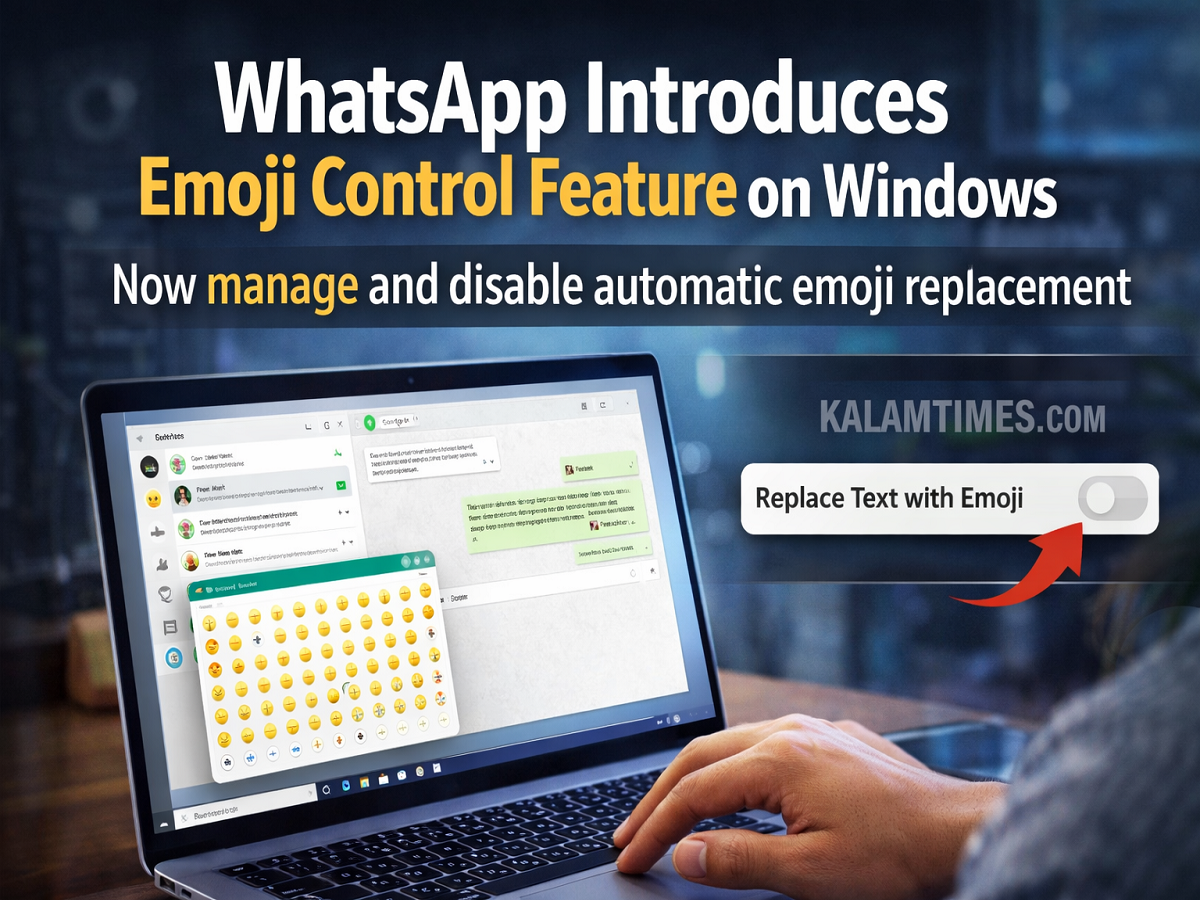
WhatsApp continues to introduce new features aimed at improving user experience across different platforms. The Meta-owned messaging service has now introduced a new emoji management feature for Windows desktop users, allowing them to control how emojis appear in their chats.
According to reports from WABetaInfo, the feature is currently available to beta testers using the WhatsApp Windows desktop application. This update introduces an option that lets users disable automatic text-to-emoji replacement, giving them more flexibility when composing messages.
The new capability is part of the Windows beta update version 2.2350.3.0, which users can download through the Microsoft Store.
What Is the Emoji Replacement Feature?
In many messaging platforms, certain text combinations automatically convert into emojis. For example, typing symbols such as :) or <3 may instantly change into smiley or heart emojis.
While some users appreciate this feature, others prefer to keep their messages exactly as they type them. The new WhatsApp update addresses this concern by introducing a setting that allows users to turn off automatic emoji replacement.
With this option enabled, the text entered by users will remain unchanged instead of being automatically converted into emoji symbols.
Where to Find the New Emoji Setting
Users who install the latest WhatsApp beta update on Windows can check whether the feature is available in their account.
To access the setting:
- Open WhatsApp Desktop on Windows.
- Go to the Settings menu.
- Select the General tab.
- Look for the text-to-emoji replacement toggle option.
Once users disable this option, WhatsApp will stop converting typed text into emojis automatically.
Why This Feature Matters
The introduction of this feature highlights WhatsApp’s focus on improving user control and customization.
Automated emoji replacements may sometimes change the meaning or tone of a message. For example, a user might intentionally type certain characters that get converted into emojis automatically, which can alter the intended message.
By allowing users to disable automatic emoji conversion, WhatsApp ensures that users can maintain the exact tone and formatting of their messages.
This feature is especially useful for users who prefer more precise communication or who frequently use text-based symbols in professional or technical conversations.
Feature Currently Limited to Windows Beta Testers
At present, the emoji replacement management feature is available only to Windows desktop beta testers. This means that users participating in the beta program can try the feature before it becomes widely available.
WhatsApp often releases features to beta testers first to gather feedback and identify potential issues. Once testing is complete and the feature performs well, it may eventually be rolled out to all Windows users and possibly other platforms.
WhatsApp Also Tests New Channel Alert Feature
Along with the emoji control feature, WhatsApp has also introduced another update related to its Channels feature.
According to WABetaInfo, the platform has started testing Channel Alerts, a feature designed for channel administrators. This feature provides notifications about potential policy violations or issues affecting their channel.
The Channel Alerts feature is currently available to Android beta testers using update version 2.23.26.6.
With this addition, administrators can receive alerts if their channel faces suspension or moderation issues. They can also request a review directly from the alert screen.
WhatsApp Continues to Improve User Experience
WhatsApp regularly releases updates that enhance messaging features and provide users with greater control over their conversations.
The introduction of emoji replacement management for Windows users shows the company’s effort to provide customization options that suit different communication styles.
As WhatsApp continues to evolve, such features are expected to make messaging more flexible, user-friendly, and adaptable to individual preferences.