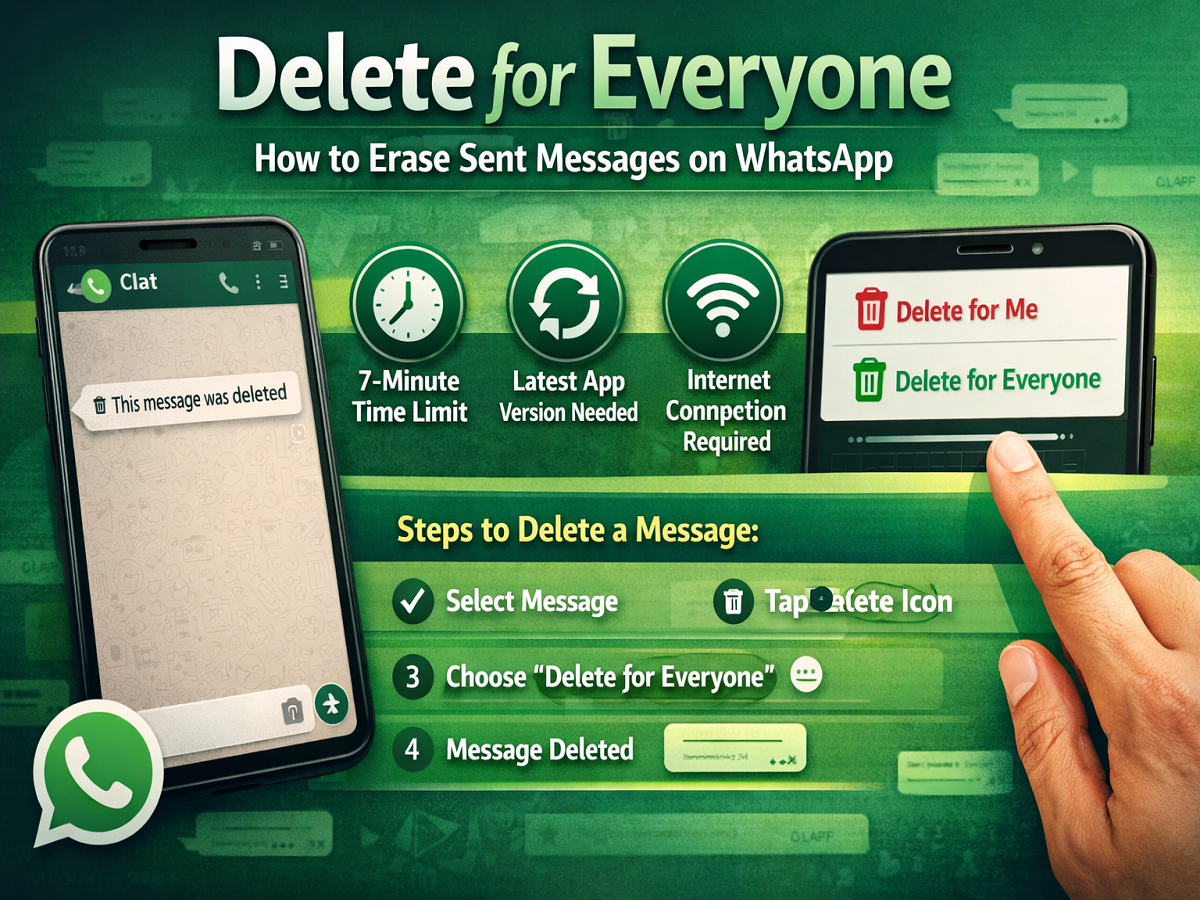
Messaging mistakes happen to everyone—whether it’s sending a message to the wrong person or typing something you didn’t mean. To solve this common problem, WhatsApp introduced the “Delete for Everyone” feature, allowing users to remove messages not just from their own chat but also from the recipient’s device.
If you use WhatsApp regularly, understanding how this feature works can help you avoid awkward situations and maintain better control over your conversations.
What Is “Delete for Everyone” on WhatsApp?
The Delete for Everyone feature allows users to erase a sent message from both sides of a chat. Once deleted, the message is replaced with a notification that says:
“This message was deleted.”
Alongside this, WhatsApp also provides another option called “Delete for Me”, which removes the message only from your device while keeping it visible to the other person.
Important Conditions You Should Know
Before using this feature, keep the following points in mind:
- Both you and the recipient must have the latest version of WhatsApp installed
- You can delete messages only within a limited time window (initially around 7 minutes)
- After the time limit expires, the message cannot be deleted for everyone
- An internet connection is required for the deletion to reflect on both devices
Step-by-Step Guide to Delete a Sent Message
Follow these simple steps to remove a message:
Step 1: Open the Chat
Go to the conversation where you sent the message.
Step 2: Select the Message
Tap and hold the message you want to delete.
Step 3: Tap the Delete Icon
Click on the delete (trash/bin) icon at the top of the screen.
Step 4: Choose “Delete for Everyone”
From the pop-up options, select “Delete for Everyone”.
Once done, the message will disappear from both your chat and the recipient’s chat.
Can You Delete Multiple Messages at Once?
Yes, WhatsApp allows you to select and delete multiple messages together. This can be useful if you want to remove several messages in one go.
What Type of Messages Can Be Deleted?
The Delete for Everyone feature works across almost all types of content, including:
- Text messages
- Photos and videos
- GIFs
- Voice messages
- Documents and files
- Contacts and locations
- Status replies
This makes it a versatile tool for managing your chats.
Why This Feature Is Useful
This feature is especially helpful in situations like:
- Sending a message to the wrong contact
- Sharing incorrect information
- Fixing typing errors or accidental messages
- Maintaining privacy in sensitive conversations
Final Takeaway
The Delete for Everyone feature on WhatsApp is a simple yet powerful tool that gives users more control over their messages. By acting quickly within the allowed time frame, you can easily undo mistakes and manage your chats more effectively.
Make sure your app is updated and use this feature wisely to keep your conversations clean and error-free.