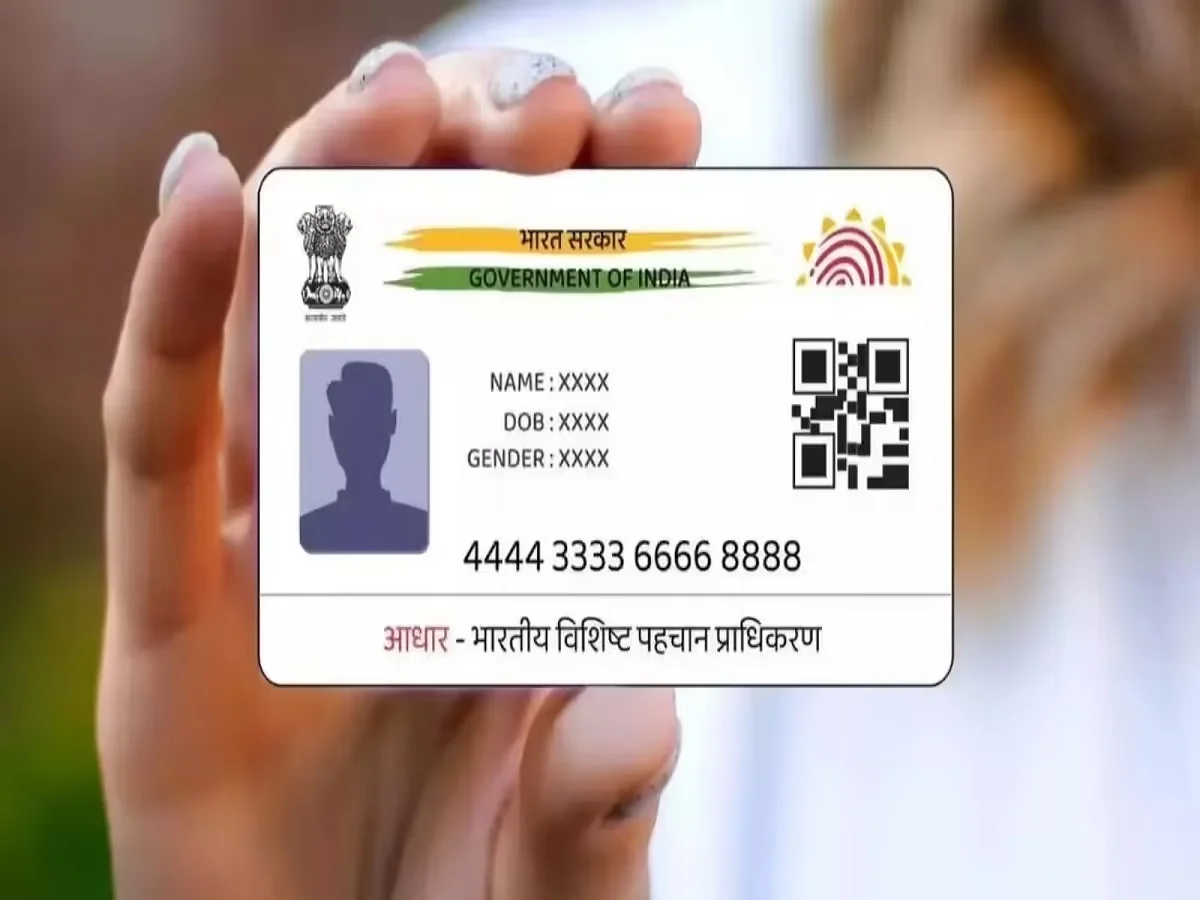
Aadhaar has become one of the most important identity documents for Indian residents, used for everything from banking and SIM card verification to government benefits and admissions. However, one crucial aspect that often goes unnoticed is what happens to an Aadhaar card after the cardholder passes away.
According to the Unique Identification Authority of India (UIDAI), it is important to deactivate the Aadhaar of a deceased individual to prevent misuse. Leaving it active can expose sensitive personal data to fraud and unauthorized activities. Here’s everything you need to know about why and how to deactivate Aadhaar after death.
Why Deactivating Aadhaar Is Important
If an Aadhaar number remains active after a person’s death, it can potentially be misused in several ways, including:
- Fraudulent claims for government subsidies
- Unauthorized withdrawal of pension benefits
- Identity theft and banking-related fraud
Deactivating the Aadhaar ensures that the deceased person’s identity is protected and prevents any illegal use of their personal information.
How to Deactivate Aadhaar of a Deceased Person
UIDAI offers a simple digital service through its MyAadhaar portal called “Reporting Death of a Family Member.” This service is linked with the Civil Registration System (CRS), making the process streamlined and secure.
Follow these steps:
1. Obtain the Death Certificate
Make sure you have the official death certificate along with the Death Registration Number, which is required for the process.
2. Visit the MyAadhaar Portal
Go to the official UIDAI website and log in using your Aadhaar number.
3. Complete OTP Verification
Authenticate your login using the OTP sent to your registered mobile number.
4. Select the Relevant Service
Navigate to the “Services” section and click on “Report Death of a Family Member.”
5. Enter Required Details
Fill in the necessary information, including:
- Aadhaar number of the deceased
- Full name
- Death Registration Number
6. Verify Your Identity
Complete the verification process using OTP or biometric authentication.
7. Submit the Request
After submitting the request, UIDAI will initiate the deactivation process.
How to Check Aadhaar Deactivation Status
Once you’ve submitted the request, you can track its status through both online and offline methods:
Online Method:
- Visit the MyAadhaar portal
- Use the option “Check Deceased Aadhaar Deactivation Status”
Offline Method:
- Visit your nearest Aadhaar Seva Kendra for assistance
Key Things to Keep in Mind
- Always act promptly to avoid misuse of Aadhaar details
- Ensure all details entered are accurate to prevent delays
- Keep copies of relevant documents for future reference
Final Thoughts
Handling official documents after the loss of a loved one can be difficult, but taking necessary steps like deactivating Aadhaar is essential for protecting their identity. UIDAI’s online services have made this process simple and accessible, allowing families to complete it with ease.
By staying informed and acting responsibly, you can help prevent fraud and ensure that sensitive personal information remains secure even after a person’s passing.