NEWS
Tech Tips: Now the quality of photos on WhatsApp will not deteriorate, share them in HD like this

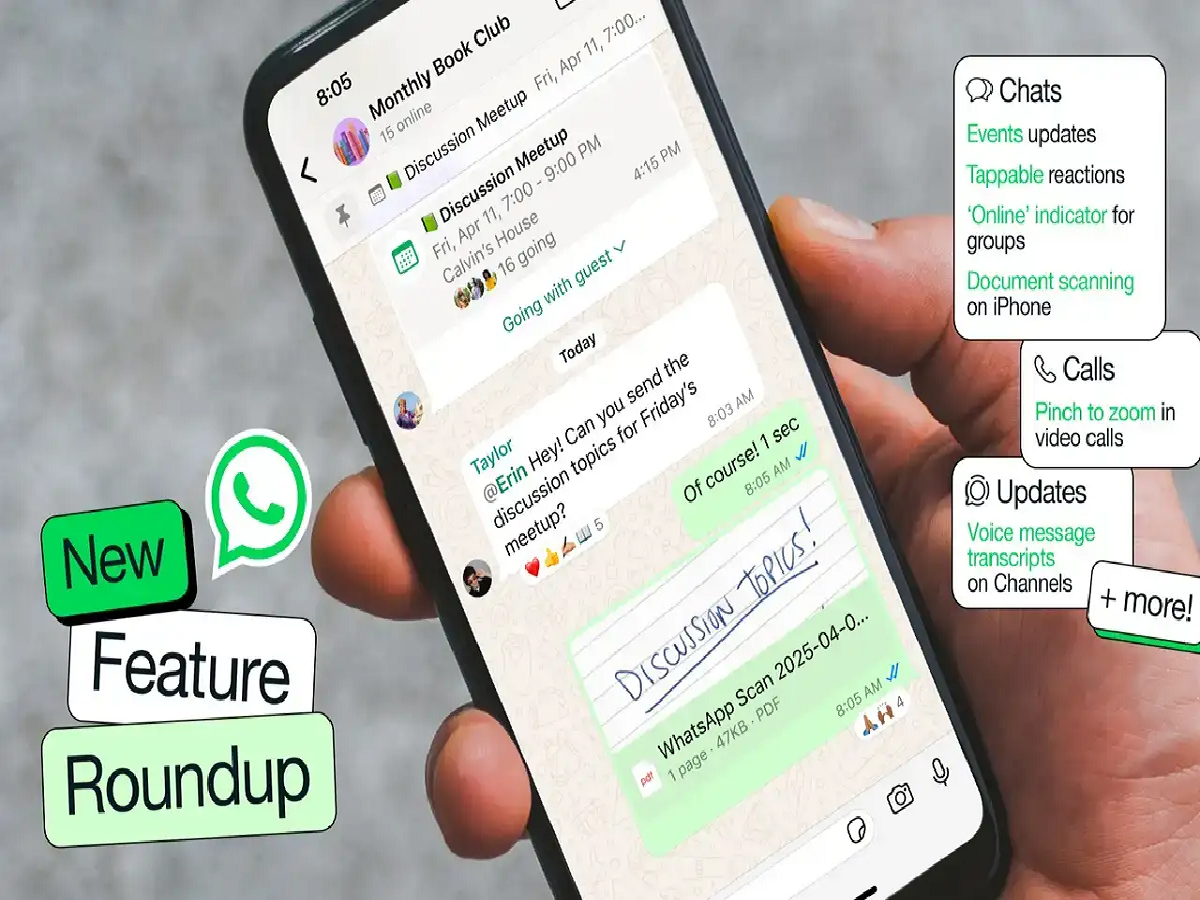
WhatsApp is constantly rolling out new features for its users. The app now supports sending photos and videos in HD (High Definition) quality. This feature allows users to share media files in better quality than before, making the details of photos and videos more visible.
What is HD Media feature?
Previously, when sending photos and videos on WhatsApp, their quality was automatically reduced to keep the file size smaller and send faster. However, users can now send media in higher resolution by selecting the HD option. However, slight compression is still applied to the file, so it may not be the same as the original quality.
How to send HD photos on WhatsApp
First, open WhatsApp and go to the chat where you want to send the photo.
Select your photo from the Attachment or Gallery option.
Tap the HD icon at the top of the screen.
Select the HD Quality option.
Then, press the Send button to send the photo.
How to send HD video
Open the relevant chat in WhatsApp.
Select the video from Gallery.
Tap the HD option at the top of the video preview screen.
Select HD quality and send the video.
What is required to receive HD media?
To send and receive HD photos and videos, both the sender and recipient must have the latest version of WhatsApp. If a user's app doesn't support this feature, they are advised to update the app.
PC: Indiatv