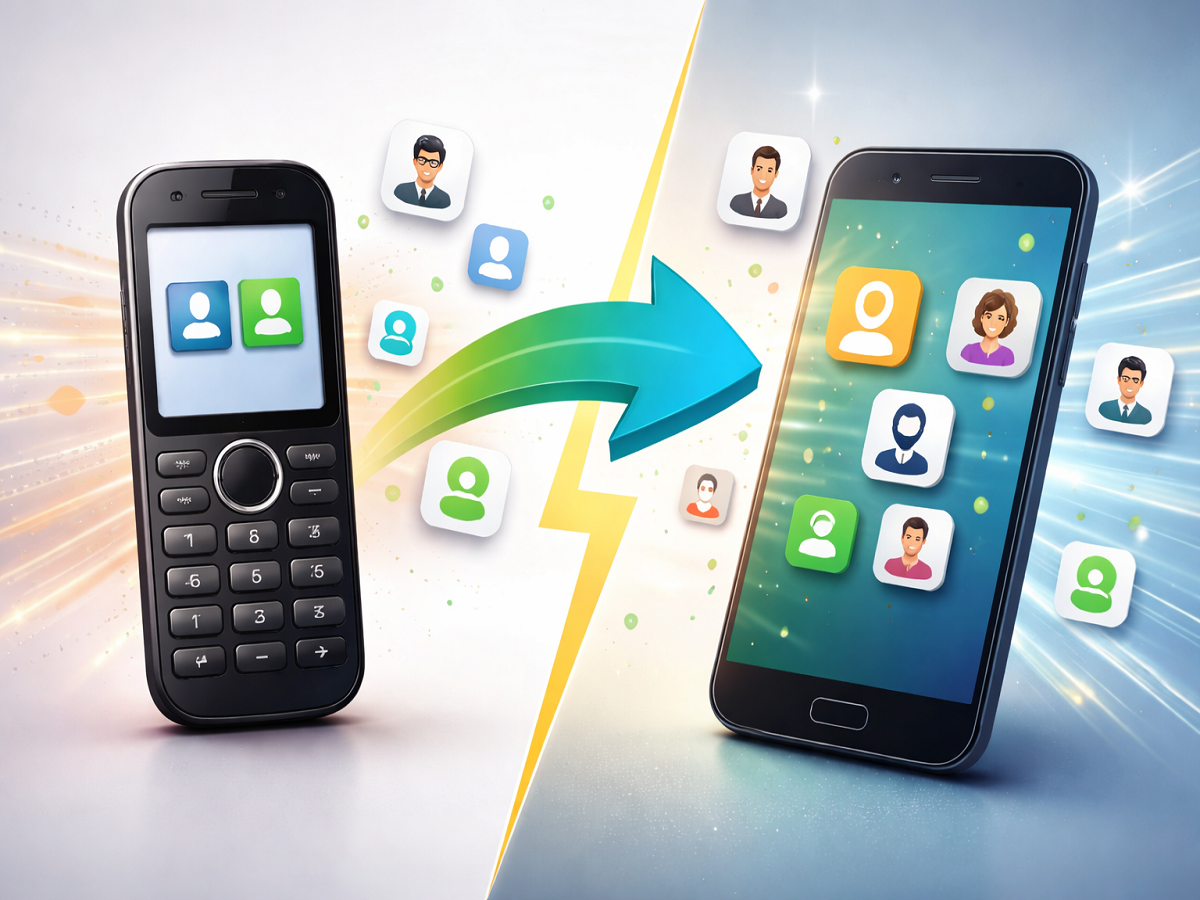
Contact Transfer Guide: Even in today’s digital era, many people still use keypad phones—especially in smaller towns and rural areas. However, when switching to a smartphone, one of the biggest challenges users face is transferring contacts.
Unlike smartphones, keypad phones lack advanced features like cloud backup or sync options. But the good news is—you don’t need to manually type each number. There are simple and effective ways to move all your contacts smoothly.
Here’s a step-by-step guide to help you transfer contacts from a keypad phone to your smartphone without any hassle.
Method 1: Transfer Contacts Using SIM Card (Best & Easiest)
This is the most common and reliable method.
Steps to follow:
- Open contacts on your keypad phone
- Copy contacts to your SIM card (usually 100–150 contacts at a time)
- Remove the SIM and insert it into your smartphone
- Go to contacts settings and import contacts from SIM
- Repeat the process if you have more contacts
Why this method works:
- Simple and doesn’t require internet
- Works on almost all devices
- Ideal for transferring bulk contacts
Method 2: Send Contacts via Bluetooth
If your keypad phone supports Bluetooth, this is another easy option.
Steps:
- Turn on Bluetooth on both devices
- Open contacts on the keypad phone
- Select the contact you want to send
- Choose Send via Bluetooth
- Accept the file on your smartphone
Best for:
- Transferring a few contacts quickly
- Wireless and convenient
⚠️ Note: This method can be time-consuming for large contact lists.
Method 3: Use Computer or Laptop
For users comfortable with computers, this method is also effective.
Steps:
- Connect your keypad phone to a computer using a USB cable
- Copy contact files (if supported)
- Transfer them to your smartphone
- Import contacts into your phone
Benefits:
- Useful for backup
- Can handle large data transfers
Which Method Should You Choose?
- SIM Card: Best for bulk transfer
- Bluetooth: Best for a few contacts
- Computer: Best for backup and advanced users
Important Tips Before Transferring
- Backup your contacts before starting
- Ensure your SIM has enough space
- Check contact format compatibility
- Keep both devices charged
Why This Matters
Switching from a keypad phone to a smartphone is a big upgrade, but losing contacts can be frustrating. With these methods, you can safely transfer all your important numbers without stress.
Conclusion
You don’t need technical expertise to move your contacts from a keypad phone to a smartphone. Whether you use a SIM card, Bluetooth, or a computer, the process is simple and effective.
Follow these steps today and enjoy your new smartphone without worrying about losing important contacts.