Getting a passport in India has become much easier than it was a few years ago. What once involved lengthy paperwork, multiple visits, and hefty fees paid to agents can now be completed online from the comfort of your home. Thanks to the government's digital initiatives and the MPassport Seva app, citizens can apply for a new passport or renew an existing one directly through their smartphones in just a few simple steps.
For many years, people relied on passport agents to navigate the application process. These intermediaries often charged thousands of rupees for services such as filling out forms, scheduling appointments, and guiding applicants through documentation requirements. However, with the introduction of user-friendly digital services, applicants can now handle the entire process independently and save both time and money.
Why People Earlier Chose Passport Agents
In the past, several challenges pushed applicants toward agents and brokers. Common concerns included:
- Difficulty in securing passport appointments
- Fear of making mistakes while filling out forms
- Lack of information about the nearest Passport Seva Kendra (PSK)
- Busy schedules and limited time to visit offices
Many agents took advantage of these concerns and charged service fees ranging from ₹2,000 to ₹10,000 or even more. Today, these additional expenses can largely be avoided by using official government platforms.
How to Apply for a Passport Through the MPassport Seva App
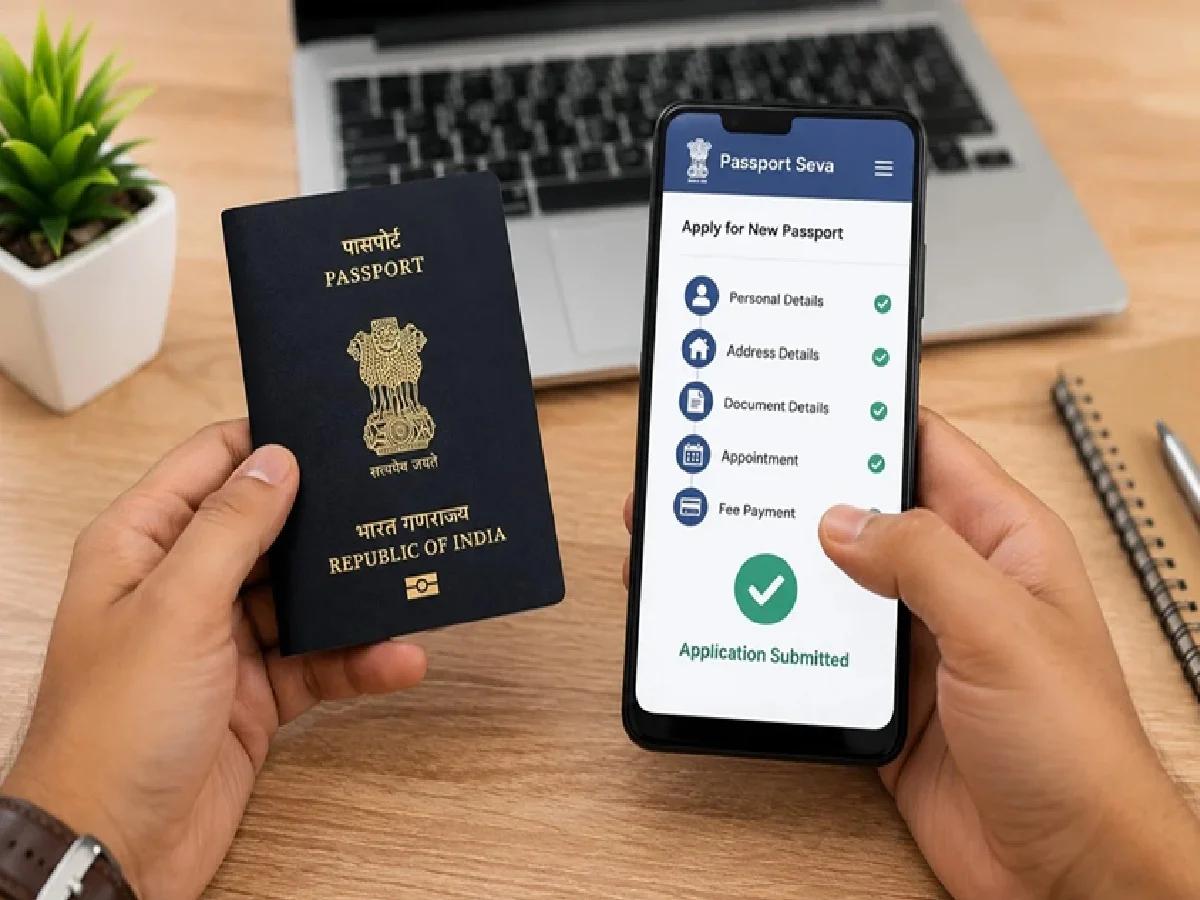
The government has simplified the passport application process through the MPassport Seva mobile application. Here is a step-by-step guide:
Step 1: Download the Official App
Visit the Google Play Store or Apple App Store and search for "MPassport Seva" or "Passport Seva." Download the official application developed for passport-related services.
Step 2: Create Your Account
Register using your mobile number, email address, and other basic details. Once your account is verified, you can access passport-related services directly from the app.
Step 3: Fill Out the Application Form
Select the service you need, such as a fresh passport or passport renewal. Carefully enter all required information, including personal details, address information, and supporting document details. The app provides a guided process to help users complete the form accurately.
Step 4: Pay the Required Fee Online
Application fees can be paid digitally through multiple payment options, including:
- UPI
- Debit and credit cards
- Internet banking
Online payment confirmation is generated instantly, making the process quick and convenient.
Step 5: Schedule an Appointment
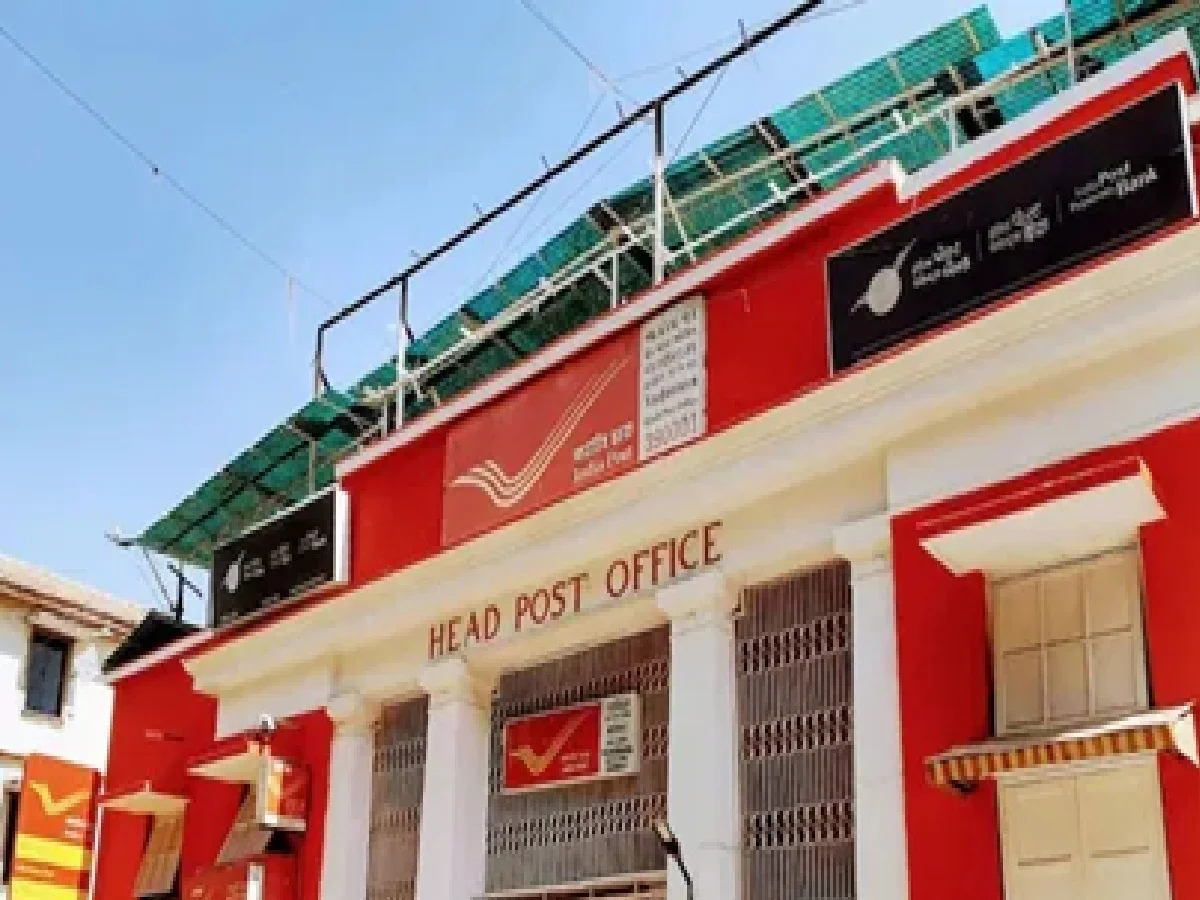
After payment, choose your preferred Passport Seva Kendra (PSK) or Post Office Passport Seva Kendra (POPSK). The app displays available dates and time slots, allowing you to book an appointment according to your convenience.
Additional Features Available on the App
Apart from passport applications and appointment bookings, the app also offers several useful services:
- Passport application status tracking
- Location of nearby passport centers
- Important guidelines and updates
- Service-related notifications
- Application history and records
These features help applicants stay informed throughout the process without needing outside assistance.
Key Benefits of Applying Online
The digital passport system offers several advantages:
Complete Convenience
Most of the application process can be completed from home using a smartphone or computer.
Cost Savings
Since there is no need to hire an agent, applicants can save a significant amount of money.
Secure and Transparent Process
Applications are submitted directly through official government channels, reducing the risk of fraud and misinformation.
Real-Time Updates
Users receive updates regarding appointments, verification, and application status without delays.
Faster Access to Appointments
The online system allows applicants to view available slots and select suitable appointment dates quickly.
Important Tips Before Applying
To avoid delays or rejection, applicants should keep the following points in mind:
- Keep scanned copies of important documents ready, including Aadhaar Card, PAN Card, photographs, and address proof.
- Ensure that all details entered in the application match official records.
- Double-check spellings, dates of birth, and address information before submission.
- Carry original documents when visiting the Passport Seva Kendra for verification.
- Review all instructions carefully before finalizing the application.
Applicants can also access passport-related services through the official passport portal if they prefer using a web browser instead of the mobile application.
Digital Services Are Making Passport Access Easier
The government's goal is to make passport services accessible, affordable, and transparent for every citizen. With digital platforms simplifying documentation, payments, and appointment scheduling, obtaining a passport no longer requires the assistance of middlemen.
Thousands of applicants are successfully using the MPassport Seva app to complete the process independently. If you are planning to apply for a passport, using the official app can help you avoid unnecessary expenses and complete the application process efficiently from your home.