Mobile Data vs. Wi-Fi Battery Consumption: Mobile data is a bigger drain on your phone's battery than Wi-Fi. Mobile data requires the phone to work harder to search for a signal.
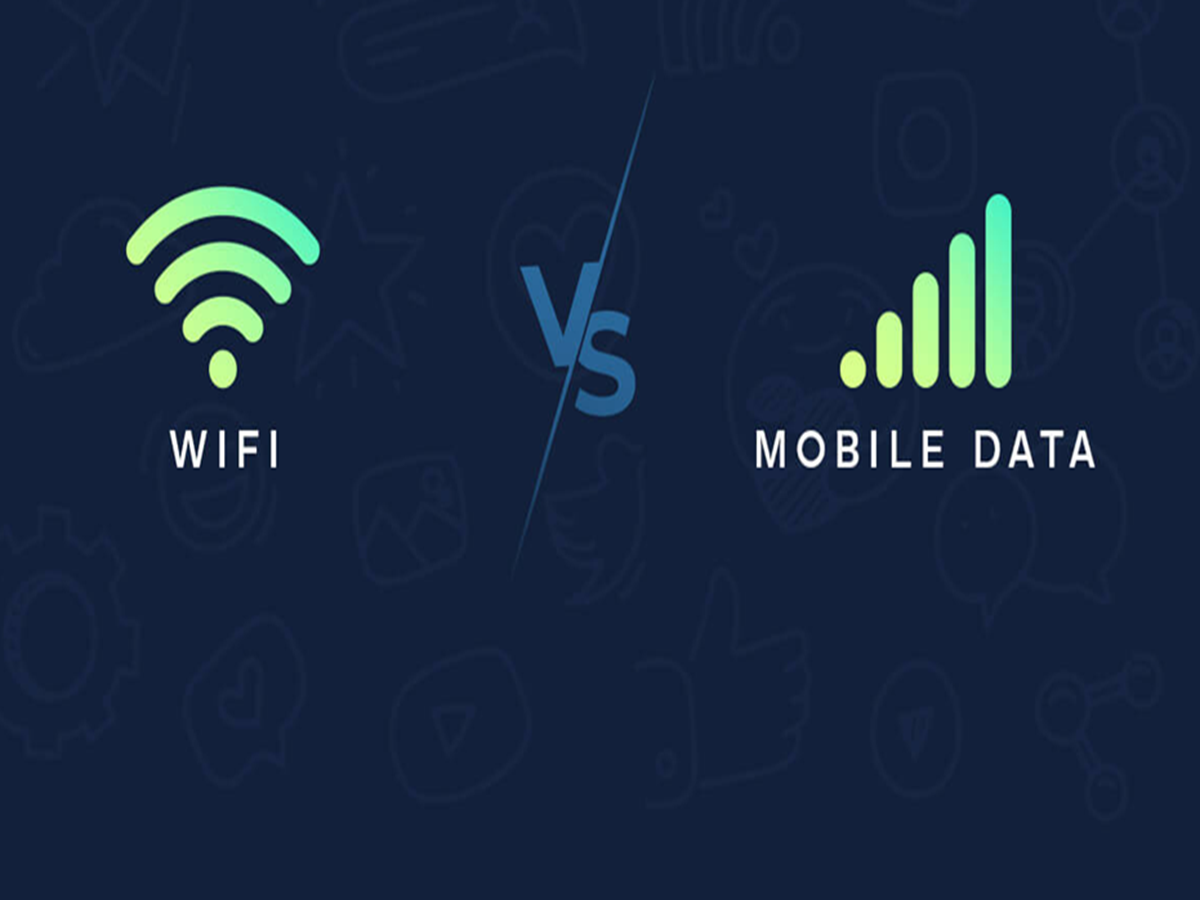
Mobile Data vs Wi-Fi: Which is the real enemy of phone battery?
Mobile Data vs Wi-Fi Battery Consumption: These days, phones aren't just used for calling and messaging. They're used all day long for social media scrolling and for various other tasks like online payments, gaming, video calls, and online meetings. For these purposes, it's crucial for the phone to remain connected to the internet. When it comes to internet, people often choose mobile data or Wi-Fi for convenience. Choosing between mobile data and Wi-Fi directly impacts your phone's battery. Today, we'll explore which of these two consumes more battery.
Mobile data is the real enemy of the battery.
When it comes to mobile data and WiFi , mobile data is a major threat to your phone's battery. Using a 4G or 5G network can impact battery life by 50-120 percent compared to a strong WiFi network. This means that using mobile data is more demanding on your battery. This is why your phone's battery lasts longer when connected to WiFi.
Why does mobile data consume more battery?
There are two reasons behind this. The first is signal distance. When you're using mobile data, your phone needs more power to connect to the tower. This tower could be 100 meters away or even 2-3 kilometers away. The further the phone is from the tower, the more work it has to do to get the network. This consumes more battery. The second reason is a weak network. With mobile data on, the phone constantly searches for a strong network. It continues scanning until it finds a strong and stable network. This puts a lot of strain on the battery. Secondly, this doesn't happen with WiFi. The WiFi router is just a few steps away from the phone, which is why it doesn't put much strain on the battery.
These tips will help you save battery.
- Use WiFi instead of mobile data if available.
- If the network is weak, turn off mobile data.
- Keep mobile data off when not needed while travelling.
- Always keep the phone's software and apps updated.