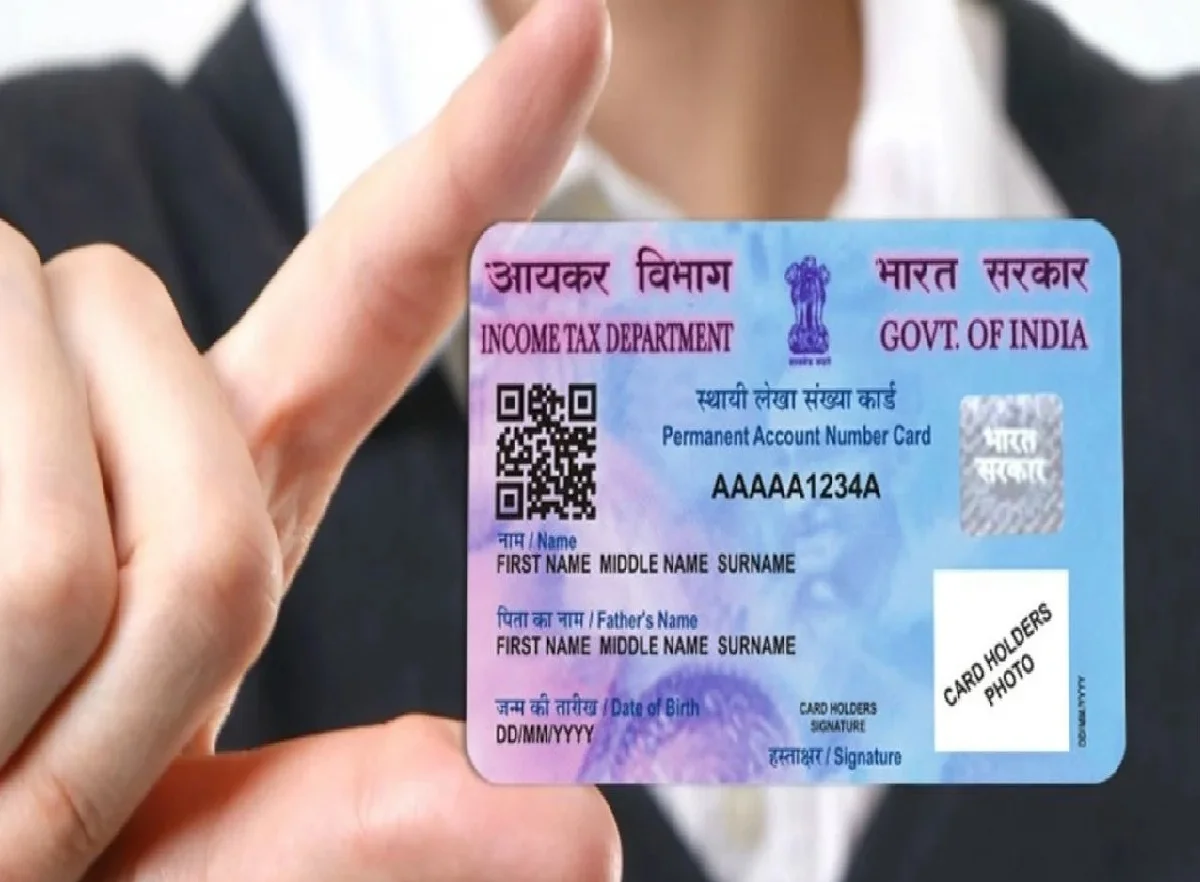
A PAN card has become an important financial document in India. It is commonly required for various banking, tax-related and financial activities, including certain high-value transactions. For people who need a PAN for the first time, the process may seem complicated, but eligible applicants can use the Income Tax Department's Instant e-PAN facility to apply online.
The service allows eligible individuals to request an electronic PAN using their Aadhaar details and an Aadhaar-linked mobile number. The process is designed to be paperless, meaning applicants do not have to visit an office or submit physical documents for the instant e-PAN application.
However, applicants should note that the facility is available only to people who meet the prescribed conditions. It should not be confused with applying for a duplicate PAN or obtaining another PAN when one already exists.
What Is Instant e-PAN?
Instant e-PAN is an online facility provided through the Income Tax Department's official portal. It allows eligible individuals to obtain an electronic PAN without going through a traditional paper-based application process.
The service uses Aadhaar-based authentication, so the applicant needs an Aadhaar number and access to the mobile number registered with Aadhaar.
Once the verification process is successfully completed, the applicant can access the electronic PAN rather than waiting for a physical card to arrive by post.
The e-PAN is digitally issued and can be downloaded as a PDF from the official Income Tax portal.
Do You Need to Pay an Agent?
One of the advantages of using the official online facility is that eligible users can apply themselves instead of depending on an agent or cybercafe.
People sometimes pay third parties to complete PAN-related applications, but an applicant who meets the requirements can use the government's online system directly.
Because PAN applications involve personal and financial information, applicants should be particularly cautious about sharing Aadhaar details, OTPs or other sensitive information with unknown individuals.
Always use the official Income Tax Department website when accessing the service.
Who Can Use the Instant e-PAN Facility?
The instant service is subject to specific eligibility requirements. Before beginning the application, users should confirm that they satisfy the conditions laid down by the Income Tax Department.
Generally, the applicant needs a valid Aadhaar number and an Aadhaar-linked mobile number for OTP-based authentication. The facility is intended for individuals who do not already have a PAN.
Applicants should also check the age and Aadhaar-related requirements applicable to the instant e-PAN service. In particular, cases involving incomplete date-of-birth information on Aadhaar may not qualify for the instant process.
It is important not to apply for a new PAN if you already have one. A person should not possess multiple PANs, and holding more than one PAN can attract a penalty under the applicable tax rules.
How to Apply for an Instant e-PAN Online
Eligible applicants can start the process from their smartphone, provided they have an internet connection.
Step 1: Visit the Official Income Tax Website
Open the official Income Tax Department website, incometax.gov.in, using your mobile browser.
Look for the Quick Links section on the homepage and select the Instant e-PAN option.
Step 2: Select 'Get New e-PAN'
After opening the Instant e-PAN service, select the option to Get New e-PAN.
You will then be asked to provide your Aadhaar number as part of the authentication process.
Step 3: Enter Your Aadhaar Number
Enter your 12-digit Aadhaar number carefully. Read the declaration displayed on the screen and provide the required confirmation before continuing.
Make sure the Aadhaar number belongs to you and that the details associated with it are accurate.
Step 4: Complete OTP Verification
An OTP will be sent to the mobile number registered with your Aadhaar.
Enter the OTP in the appropriate field to complete the identity verification process. Never share this OTP with an agent, caller or unknown person.
Step 5: Check Your Details
After successful authentication, relevant information available through Aadhaar may be used to populate the application.
Review the displayed details carefully. If everything is correct, proceed according to the instructions shown on the portal.
Step 6: Download Your e-PAN
Once the request has been successfully processed, an acknowledgement or confirmation number may be provided. The applicant can then use the relevant option on the official portal to check the status and access the electronic PAN when it becomes available.
The exact processing time can depend on successful Aadhaar authentication and system processing, so applicants should not assume that every application will be completed within exactly 10 minutes.
Keep Your Information Secure
Although the online process is convenient, applicants should take basic precautions. Use only the official Income Tax Department website and avoid entering Aadhaar or OTP information on links received through unsolicited messages.
Do not share your OTP with anyone claiming to be an Income Tax Department representative or an agent.
Applicants should also carefully check their personal details before completing the process.
No Office Visit for Eligible Applicants
The Instant e-PAN facility has made obtaining an electronic PAN considerably more convenient for eligible individuals. Instead of dealing with physical paperwork or visiting an office, applicants can complete the Aadhaar-based process online from a smartphone.
However, the service is not available to everyone, and applicants must satisfy the applicable conditions. Anyone who already has a PAN should not use the facility to obtain another one.
For the latest eligibility conditions, application instructions and PAN-related services, applicants should rely on the official Income Tax Department portal rather than information circulating on social media or through third-party agents.