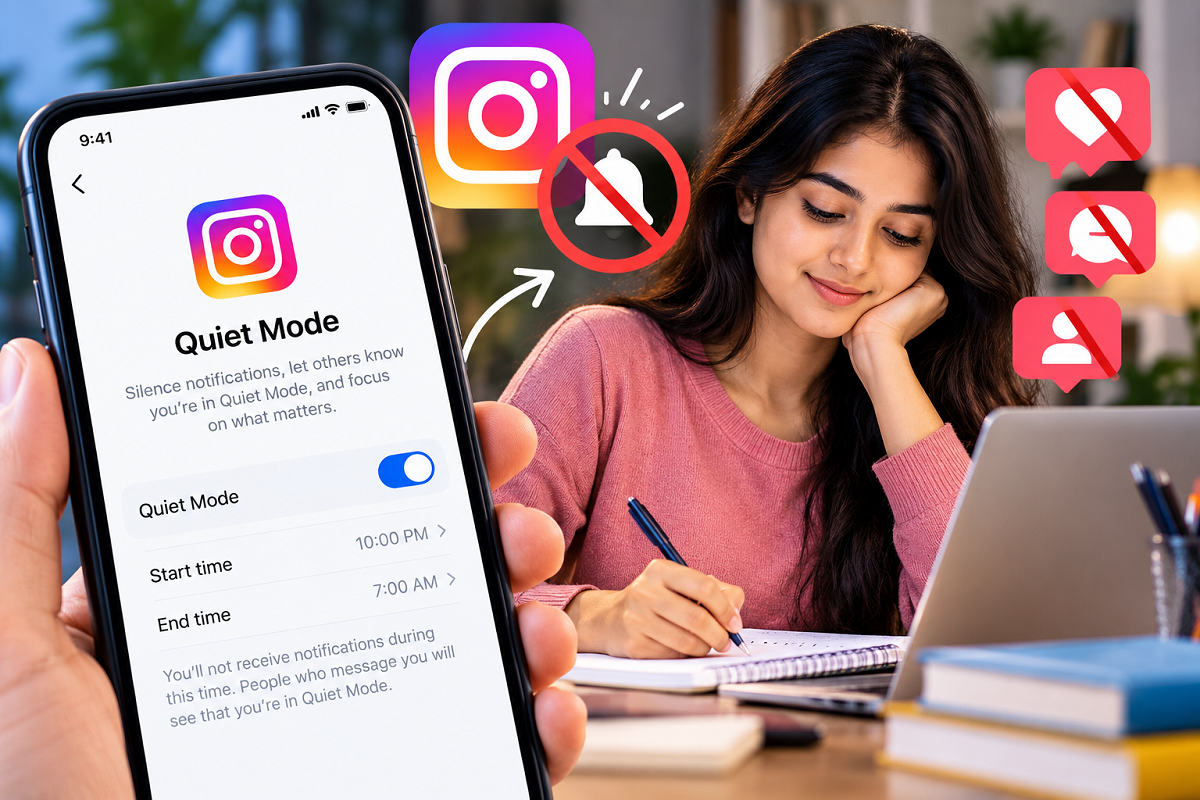
Constant Instagram notifications can easily interrupt your concentration while you are studying, working, attending meetings or simply trying to take some time away from social media. Some users even temporarily uninstall Instagram or switch off their phone's internet connection to avoid these distractions.
However, Instagram offers a built-in feature designed specifically to help users take a break from notifications without deleting the app. The feature, called Quiet Mode, can temporarily silence Instagram notifications and let other users know that you may not be available to respond immediately.
If Instagram notifications frequently distract you during work, study sessions or bedtime, Quiet Mode can be a useful way to manage your time while keeping your account accessible.
What Is Instagram Quiet Mode?
Quiet Mode is a feature that allows Instagram users to temporarily reduce interruptions from the app.
When Quiet Mode is activated, Instagram mutes notifications during the selected period. This means users can focus on other activities without repeatedly checking their phones whenever a new notification appears.
The feature can be particularly useful for students, professionals and anyone who wants to establish specific hours when Instagram should not interrupt them.
Instead of manually changing notification settings every day, users can choose a suitable Quiet Mode schedule based on their routine.
What Happens When You Turn On Quiet Mode?
Activating Quiet Mode does more than simply silence incoming alerts.
During the selected period, Instagram changes your activity status to indicate that you are in Quiet Mode. If someone sends you a direct message while the feature is active, Instagram may automatically indicate that you are currently unavailable or in Quiet Mode.
This helps manage expectations because friends and followers can understand why they may not receive an immediate response.
The feature is especially useful when you want to concentrate without completely disconnecting from Instagram.
How to Turn On Quiet Mode on Instagram
Enabling Quiet Mode takes only a few steps. The exact wording or placement of individual settings can vary depending on the Instagram app version and device.
First, open the Instagram app on your smartphone and tap your profile picture at the bottom-right corner to access your profile.
Next, tap the three-line menu located near the top-right corner of the profile page. From the available options, open the section containing Instagram's settings and activity controls.
Look for the Notifications option. This section allows you to manage how and when Instagram sends alerts to your device.
Inside the notification settings, find Quiet Mode and open it.
Turn on the Quiet Mode toggle. Instagram should then allow you to choose the hours during which you want notifications to remain silenced.
Set Quiet Mode According to Your Daily Routine
One of the biggest advantages of Quiet Mode is the ability to customize it around your schedule.
For example, someone who does not want Instagram notifications at night could configure Quiet Mode around their sleeping hours. A student could use it during study sessions, while professionals may prefer to activate it during working hours or important meetings.
A schedule such as 10 PM to 7 AM could be useful for users who want uninterrupted sleep, while different hours can be selected depending on individual requirements.
Instead of remembering to silence Instagram manually every day, a scheduled Quiet Mode can make notification management much easier.
Why Quiet Mode Can Be Better Than Deleting Instagram
Temporarily uninstalling Instagram may stop notifications, but it is not always practical. You may still need access to messages, saved posts or other information available through your account.
Quiet Mode offers a middle ground.
You can keep Instagram installed while reducing interruptions during the hours that matter most. Once the Quiet Mode period ends, you can return to the app without reinstalling it or signing into your account again.
It can also be useful for people trying to build healthier social media habits without completely abandoning the platform.
Quiet Mode Can Help Reduce Social Media Distractions
Notifications are designed to bring users back into an app, but frequent alerts can become distracting when concentration is important. Muting unnecessary interruptions for a predetermined period can make it easier to focus on work, studies, sleep or personal time.
Instagram's Quiet Mode provides a simple way to control those interruptions while keeping the app available whenever you actually need it.
Users who frequently find themselves reaching for their phones after every Instagram alert can consider setting Quiet Mode around their most productive or distraction-free hours.
If the option does not appear on your account, make sure the Instagram app is updated to the latest available version. Feature availability and menu placement can also vary by account, device, region and app version.
Overall, Instagram Quiet Mode offers a convenient way to silence notifications, communicate your temporary unavailability and create distraction-free time without uninstalling the app.