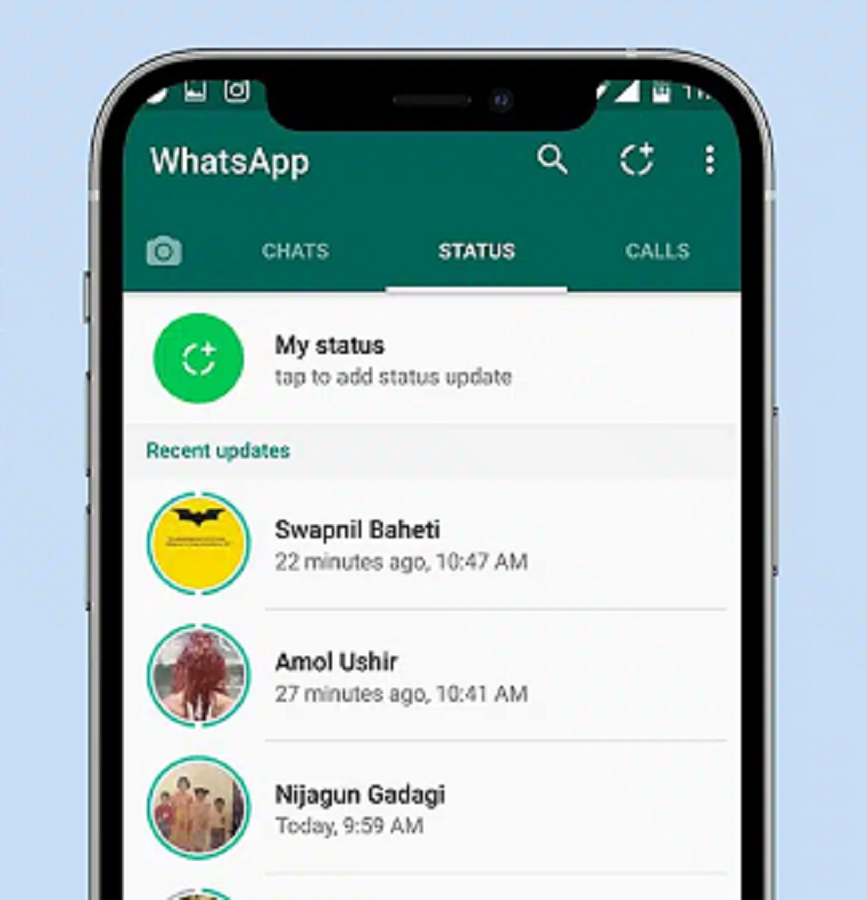
Nowadays, WhatsApp Status is no longer just a medium for sharing photos or videos. People also want to add music to their status to make it more engaging. If you're interested in learning how to add music to your WhatsApp Status, this article is for you.
Can I add music directly to WhatsApp Status?
Yes. Many users have already received the Status Music feature after the latest WhatsApp update. This feature allows you to add songs directly to your photos or videos. If you don't see this option in your app, first update WhatsApp to the latest version.
If the Music feature is available in your WhatsApp, follow these steps:
Open WhatsApp.
Go to the Updates tab.
Tap Add Status.
Select a photo or video.
Tap the Music (🎵) icon at the top.
Search for a song you like.
Select the part of the song you want.
Tap Done and post the status.
Method 2: Add Music Using a Video Editing App
If the Music feature is not available in your WhatsApp, then you can use any video editing app.
Popular apps:
CapCut
InShot
VN Video Editor
Canva
Steps
Add your photo or video to any video editor.
Select Music or Audio.
Add a song of your choice.
Save the video.
Now upload this video to WhatsApp Status.
PC: Rochak Khabre