LIFESTYLE
ICR Service Explained: Government Activates Emergency Mobile Roaming in Rain-Hit Areas to Keep Networks Running
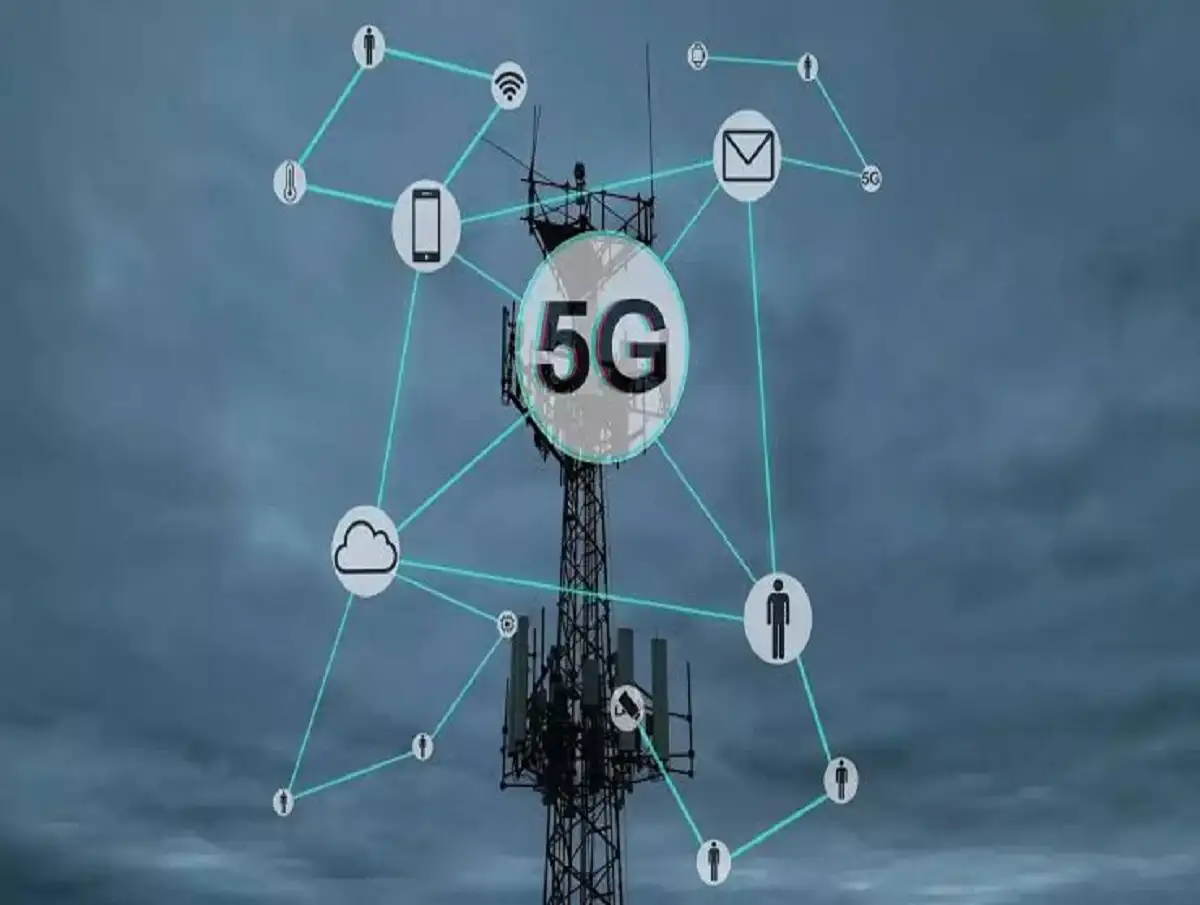
The Department of Telecommunications has enabled Intra-Circle Roaming (ICR) in affected regions, allowing users to connect to another operator's network during outages
ICR Service Update: As heavy monsoon rains continue to disrupt telecom infrastructure across several parts of India, the Department of Telecommunications (DoT) has activated Intra-Circle Roaming (ICR) in affected areas. The emergency measure is intended to help mobile users stay connected when their primary telecom network becomes unavailable due to floods, landslides, or other weather-related damage.
Under this arrangement, eligible mobile devices can temporarily connect to another available telecom operator's network, ensuring that essential communication services remain accessible during emergencies.
Why Has DoT Introduced ICR?
Continuous rainfall and flooding have damaged telecom infrastructure in several states, resulting in disruptions to mobile and internet services.
To minimize communication outages, the DoT has implemented Intra-Circle Roaming (ICR) under the provisions of the Standard Operating Procedure (SOP) 2020 and the Unified Licence Guidelines.
According to the announcement, the emergency ICR facility will remain operational until 11:59 PM on July 27, 2026, or until further government orders.
Areas Affected by Telecom Disruptions
The DoT has identified several regions where telecom services have been impacted due to adverse weather conditions.
Nagaland
- Mobile and internet services have been disrupted in Mon and Longleng districts after damage to optical fibre cables.
Gujarat
- Flooding has affected key telecom infrastructure in Valsad, impacting network availability.
Dadra and Nagar Haveli and Daman and Diu
- Telecom network nodes in Silvassa and Daman have been affected, disrupting services for multiple operators.
Jammu and Kashmir
- Heavy rainfall and landslides have damaged fibre infrastructure, leading to interruptions in voice and internet connectivity.
What Is Intra-Circle Roaming (ICR)?
Intra-Circle Roaming (ICR) is an emergency telecom arrangement that allows a mobile phone to temporarily use another telecom operator's network if its own provider's network is unavailable.
The service is designed to improve communication during natural disasters and other emergency situations.
Key Benefits of ICR
The emergency roaming facility offers several advantages, including:
- Maintains mobile connectivity during network outages.
- Automatically connects users to another available operator when supported.
- Helps people stay in touch with family members during emergencies.
- Supports disaster response teams, including emergency medical services, police, and rescue agencies.
- Reduces communication disruptions in flood- and landslide-affected regions.
How Does ICR Work?
When your primary telecom operator's network becomes unavailable, your smartphone searches for another compatible network.
If Automatic Network Selection is enabled, the device may connect to an available partner network where emergency roaming has been activated.
This enables users to continue making calls and, where supported, access essential mobile services until the primary network is restored.
What to Do If Your Phone Shows No Network
If you lose network connectivity during severe weather, try the following steps:
- Check whether Automatic Network Selection is enabled.
- Restart your smartphone.
- Move to an open area where signal strength may be better.
- If automatic selection does not work, manually search for available mobile networks.
- Select one of the available networks if permitted under the ICR arrangement.
These steps may help restore connectivity in areas where emergency roaming has been activated.
How to Enable Automatic Network Selection
Most smartphones allow users to manage network selection through the device settings.
General steps include:
- Open Settings.
- Tap Mobile Network or Connections.
- Select Network Operators.
- Turn on Automatic Network Selection.
If no network is detected automatically:
- Turn off automatic selection.
- Choose Manual Network Selection.
- Select any available network displayed on your phone.
The exact menu names may vary depending on your smartphone model and operating system.
Important Points to Remember
- ICR is an emergency connectivity measure activated only in notified areas.
- Availability depends on government directives and technical feasibility.
- Not all telecom services or features may function identically while roaming on another operator's network.
- Users should follow official advisories issued by the DoT and their telecom service provider for the latest updates.
Disclaimer: This article is based on information released by the Department of Telecommunications regarding emergency Intra-Circle Roaming (ICR). The availability and duration of the service may vary by location and are subject to government notifications and telecom operator implementation.