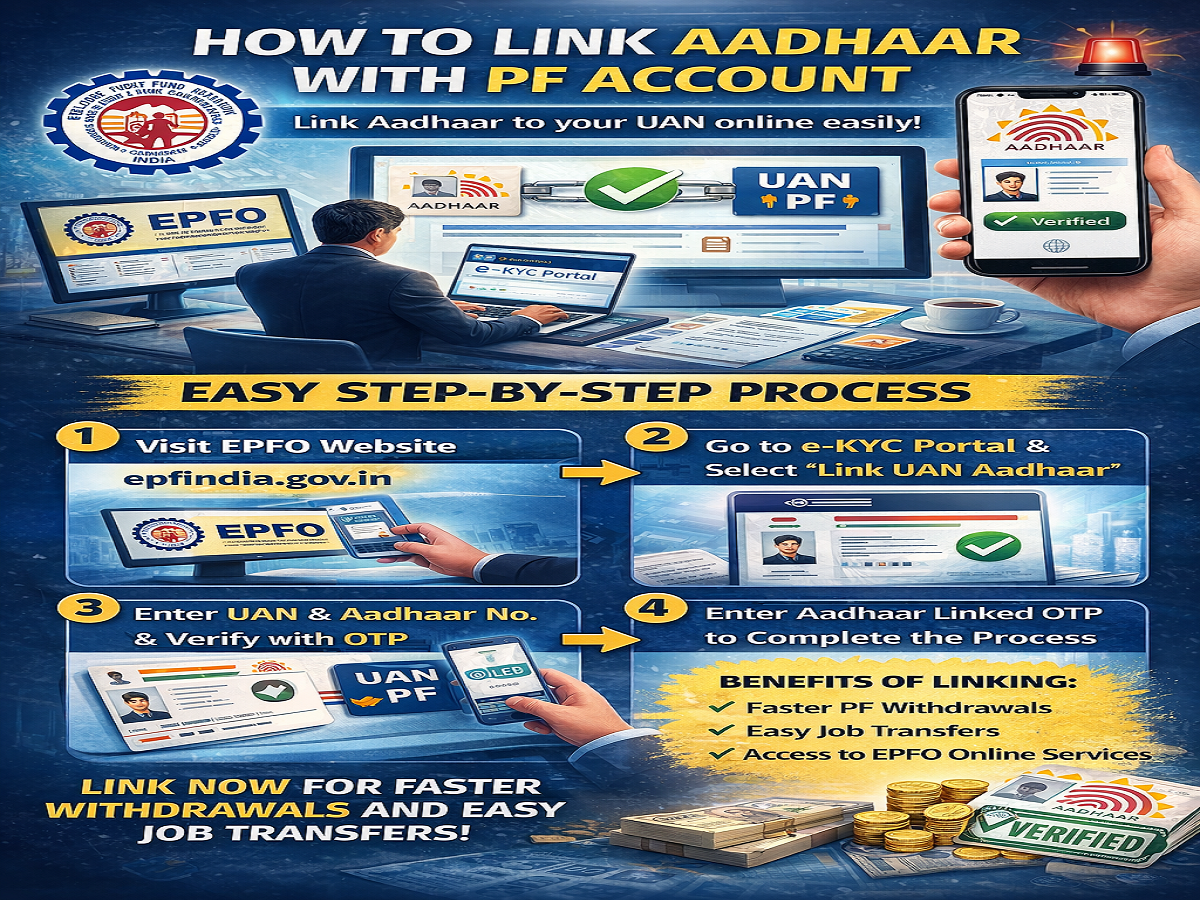
Linking your Aadhaar number with your Provident Fund (PF) account has become essential for seamless access to EPF services in India. The Employees’ Provident Fund Organisation (EPFO) has made the process simple by enabling an online system that allows employees to link their Aadhaar with their Universal Account Number (UAN) in just a few steps.
If you are a salaried employee and want faster PF transfers, smooth withdrawals, and hassle-free verification, linking Aadhaar with your EPF account is highly recommended.
Why Linking Aadhaar with PF Is Important
Your Aadhaar number plays a crucial role in accessing various financial and government services. When linked with your PF account, it offers multiple benefits:
- Faster PF withdrawal processing
- Easy transfer of PF balance when changing jobs
- Reduced paperwork and quicker verification
- Access to online EPFO services without delays
Without Aadhaar linking, you may face difficulties in processing claims or updating your PF details.
What You Need Before Starting
Before beginning the linking process, make sure you have:
- Your UAN (Universal Account Number)
- A mobile number registered with UAN
- Your Aadhaar number linked to your mobile number
These are necessary for OTP-based verification during the process.
Step-by-Step Process to Link Aadhaar with PF Account
Follow these simple steps to link your Aadhaar with your UAN online:
Step 1: Visit the EPFO Website
Go to the official EPFO portal: epfindia.gov.in
Step 2: Navigate to Online Services
On the homepage, find the “Online Services” section.
Step 3: Click on e-KYC Portal
Under Online Services, select the “e-KYC Portal” option.
Step 4: Choose ‘Link UAN Aadhaar’
A new page will open. Click on “Link UAN Aadhaar” to proceed.
Step 5: Enter UAN and Mobile Number
Fill in your UAN number and the mobile number registered with it.
Step 6: Verify with OTP
You will receive an OTP on your registered mobile number. Enter it to verify your identity.
Step 7: Enter Aadhaar Details
After verification, enter your Aadhaar number.
Step 8: Final OTP Verification
Another OTP will be sent to the mobile number linked with your Aadhaar. Enter this OTP to complete the process.
What Happens After Linking?
Once your Aadhaar is successfully linked:
- Your UAN will be verified
- You can access EPFO services smoothly
- PF withdrawals and transfers will become faster
- KYC details will be updated automatically
Important Tips to Keep in Mind
- Ensure your name and date of birth match in both Aadhaar and PF records
- Use the same mobile number linked with Aadhaar and UAN
- If details mismatch, update them before linking
Final Takeaway
Linking your Aadhaar with your PF account is a simple yet crucial step to make your financial management smoother. With EPFO’s online system, the entire process can be completed within minutes.
If you haven’t linked your Aadhaar yet, it’s best to do it now to avoid delays in PF withdrawals and ensure uninterrupted access to all EPF services.