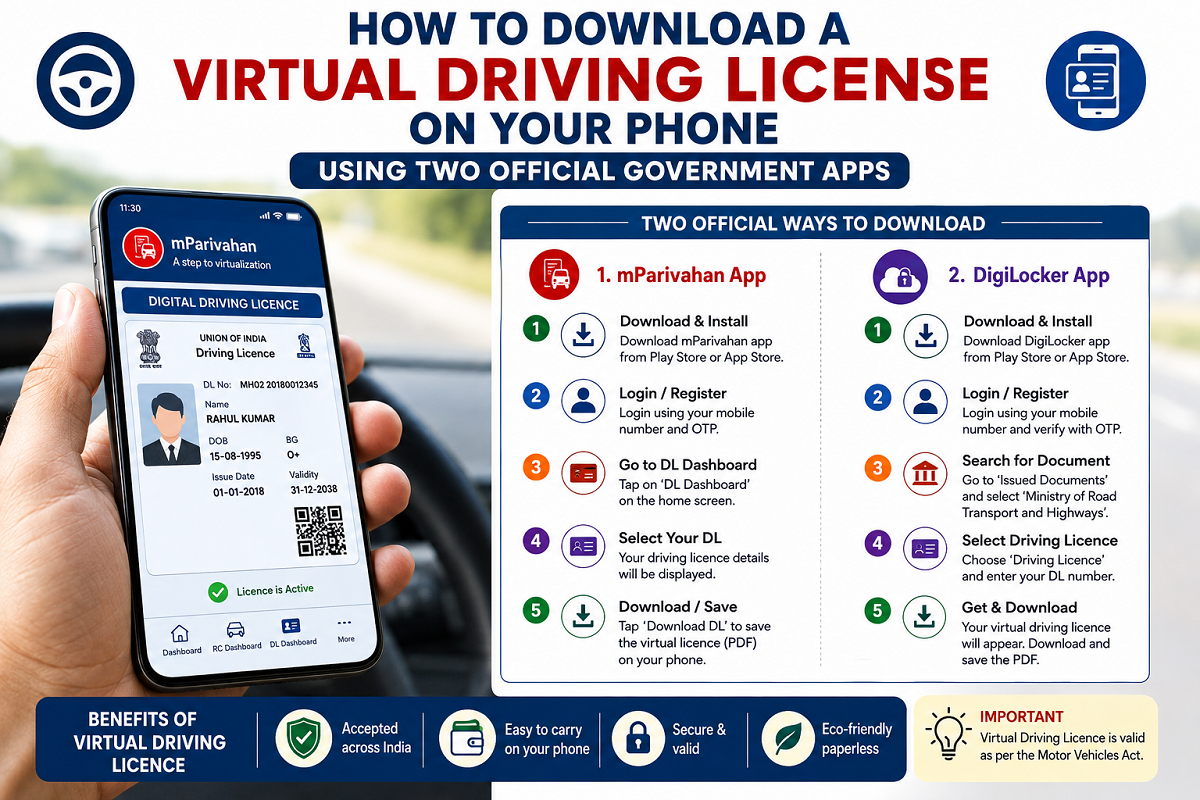
Forgetting to carry your driving license is a common problem, especially as many people now rely on digital payments and no longer carry a wallet everywhere. Fortunately, motorists in India can store a Virtual Driving License (Virtual DL) on their smartphones using official government platforms. The digital version is legally valid and can be presented during traffic inspections just like the physical card.
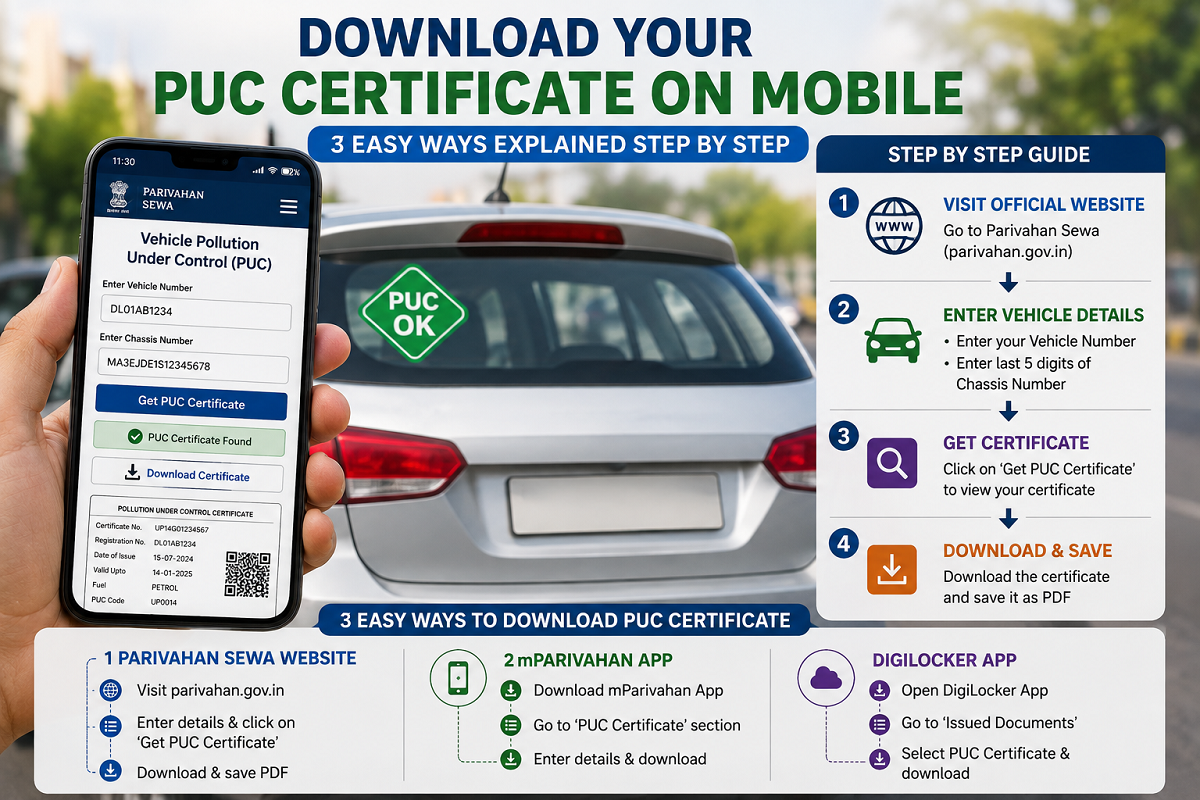
The Government of India allows vehicle owners to access their digital driving license through the NextGen mParivahan app and DigiLocker. These platforms securely store official documents, making them easily accessible whenever required.
What Is a Virtual Driving License?
A Virtual Driving License is the official digital version of your physical driving license. It contains the same information as the original document and is issued from government records.
Unlike the plastic or laminated card that needs to be carried in a wallet, the virtual version remains safely stored on your smartphone. This reduces the chances of losing, damaging, or forgetting your driving license.
Another advantage is that the digital license includes a QR code, allowing traffic officials to verify its authenticity instantly during inspections.
Is a Virtual Driving License Legally Valid?
Yes. A Virtual Driving License available through government-authorized platforms such as mParivahan and DigiLocker is recognized under applicable digital document regulations and transport rules.
Traffic police and other authorities can verify the document directly from these official apps. As long as the digital license is issued through an authorized government platform, it is accepted as a valid driving license during routine checks.
Benefits of Using a Virtual DL
Keeping your driving license on your smartphone offers several practical benefits:
- No need to carry the physical card every day
- Reduced risk of losing or damaging the original document
- Quick access during traffic checks
- Secure storage on official government apps
- QR code-based verification for faster authentication
- Available even when the physical wallet is left at home
How to Create a Virtual Driving License Using NextGen mParivahan
The NextGen mParivahan app allows users to generate and store a digital driving license in a few simple steps.
Step 1: Install the App
Download and install the NextGen mParivahan application on your smartphone.
Step 2: Register Your Account
Create an account using your mobile number and complete OTP verification to log in.
Step 3: Select Driving License
From the home screen, choose the Driving License option.
Step 4: Enter Your Details
Provide:
- Driving License Number
- Date of Birth
Then tap Search.
Step 5: Create Virtual DL
Once your license details appear, select Add to Dashboard or Create Virtual DL.
Step 6: Verify via OTP
Complete the security verification using the OTP sent to your registered mobile number.
After successful verification, your Virtual Driving License will be generated and saved in the app dashboard.
You can later access the stored document and its QR code whenever required.
How to Save Your Driving License in DigiLocker
DigiLocker also allows users to fetch and securely store their official driving license.
Step 1: Download DigiLocker
Install the DigiLocker app from your device's app store and sign in using your registered mobile number or Aadhaar-linked account.
Step 2: Search for MoRTH
Use the search bar to find Ministry of Road Transport and Highways (MoRTH).
Step 3: Select Driving License
Choose the Driving License service from the available list.
Step 4: Enter Required Information
Provide:
- Driving License Number
- Date of Birth
Ensure the details match your official records.
Step 5: Retrieve the Document
Tap Get Document.
Within a few moments, your digital driving license will appear in the Issued Documents section of your DigiLocker account.
You can open the document whenever required and present it during official verification.
Why Digital Documents Are Becoming More Popular
Government-backed digital document platforms have made it easier for citizens to carry essential records without worrying about physical copies. Whether it is a driving license, vehicle registration certificate, insurance, or other official documents, secure digital storage offers greater convenience and accessibility.
For motorists, this means fewer concerns about misplaced documents while ensuring that important records remain available at all times.
A Smart Way to Carry Your Driving License
Using a Virtual Driving License is a practical and secure alternative to carrying a physical card. Whether you choose NextGen mParivahan or DigiLocker, both official platforms allow you to store a legally recognized digital copy of your driving license on your smartphone.
With easy access, secure storage, and official validity, keeping a Virtual DL on your phone ensures you're always prepared, even if you accidentally leave your wallet behind.